

Best Keynote alternatives: top 9 in 2026
![Keynote alternatives: the top 9 [updated for 2026]](https://cdn.prod.website-files.com/59e16042ec229e00016d3a66/69863c502b1e66b8fab47565_beautiful%20ai%20vs%20Keynote.avif)

Best Keynote alternatives: top 9 in 2026
Professionals who rely on Apple devices for presentation work often find themselves weighing Keynote against other presentation tools. Apple Keynote has long been a favorite among Mac and iOS users, but the broader market offers a wide range of alternatives worth considering. With the presentation software market projected to reach USD 22.22 billion by 2033, the category continues to expand with new options. This article provides an analytical overview of Keynote and highlights the best keynote alternatives available, summarizing their features, strengths, and relevance for different professional needs.
What is Keynote?
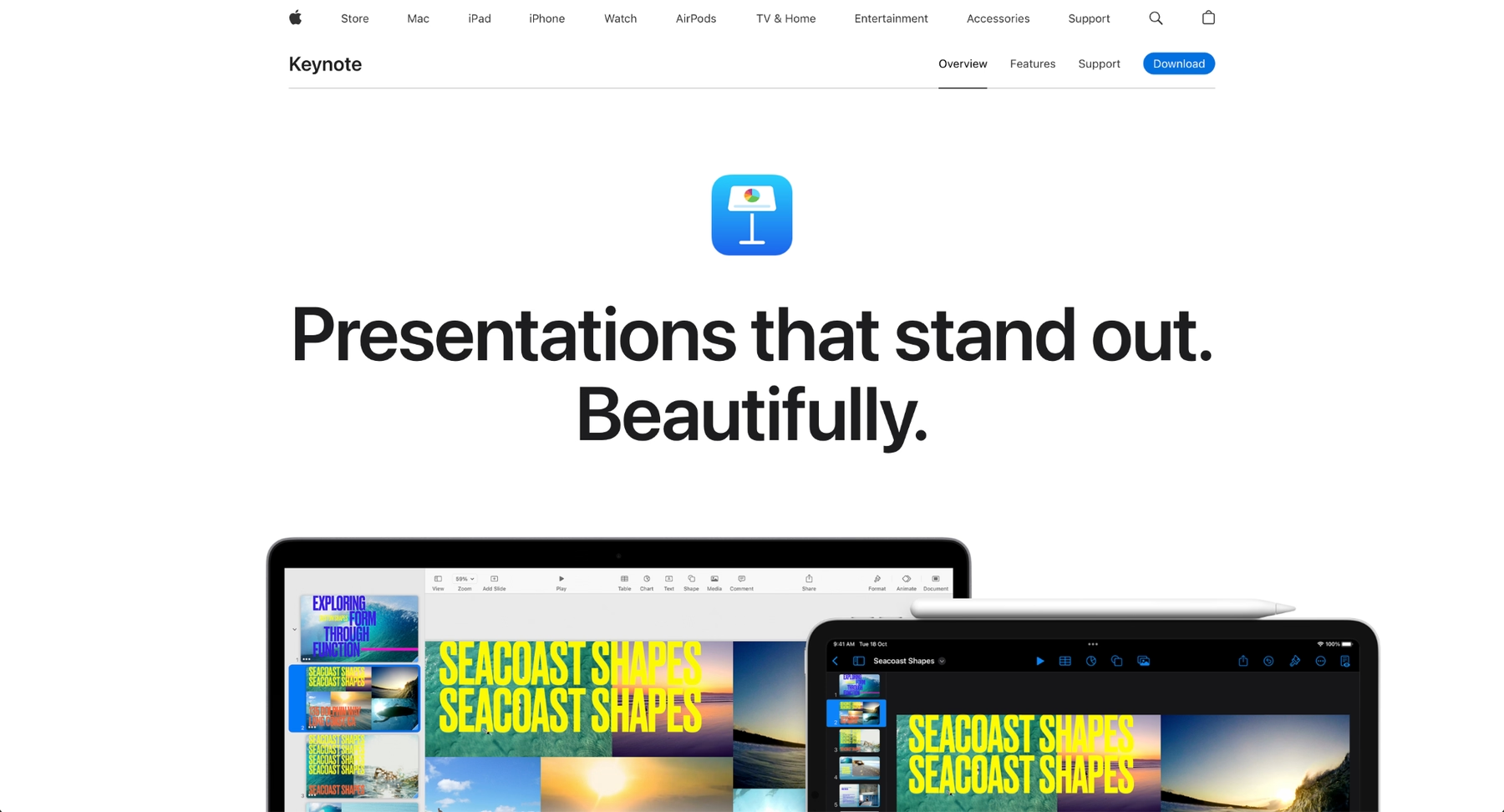
Keynote is Apple's native presentation software, designed specifically for macOS, iOS, iPad, and iPhone users. It comes free with Apple devices and integrates seamlessly with iCloud, making it easy to create, edit, and share slideshows across the Apple ecosystem.
The platform is known for its polished animations, smooth transitions, and cinematic visual effects. Users can build presentations using a library of templates, and the drag-and-drop interface makes adding multimedia content straightforward. Keynote supports real-time collaboration through iCloud sharing, and presentations can be exported as PDF files, PowerPoint (.ppt), or video formats.
Keynote fits well within Apple's broader office suite, alongside Pages and Numbers. It appeals to users who value design quality and tight integration with their Mac workflow. That said, teams that operate across mixed platforms or need advanced features often compare Keynote to other presentation platforms to find the best fit.
Why look for Keynote alternatives?
While Keynote offers a refined experience for Apple users, several factors lead professionals to explore other options.
Platform compatibility is a common concern. Keynote works best within the Apple ecosystem, which can create friction for teams that use Windows, Android, or Linux. Sharing files with non-Apple users sometimes results in formatting issues or limited functionality.
Pricing models also matter. Although Keynote itself is free for Apple users, teams without Apple hardware must consider the cost of devices. Alternatives with cross-platform access and competitive pricing may offer better value for mixed environments.
Feature limitations can be another factor. Keynote excels at visual polish but lacks some of the advanced data visualization, generative AI, and automation features found in newer presentation tools. Teams that want to automate design or generate content quickly may find other platforms more capable.
Integration requirements also drive the search. Organizations that rely on Google Workspace, Microsoft PowerPoint, or third-party analytics tools may prefer platforms with deeper connectivity across their tech stack.
Finally, template variety and customization depth vary across tools. Some users want more layouts, fonts, and design options than Keynote provides out of the box.
Top 9 Keynote alternatives
The following tools represent a range of approaches to presentation design, from automation-first platforms to collaborative workspace solutions. Each offers distinct strengths that may align better with specific team workflows.
1. Beautiful.ai
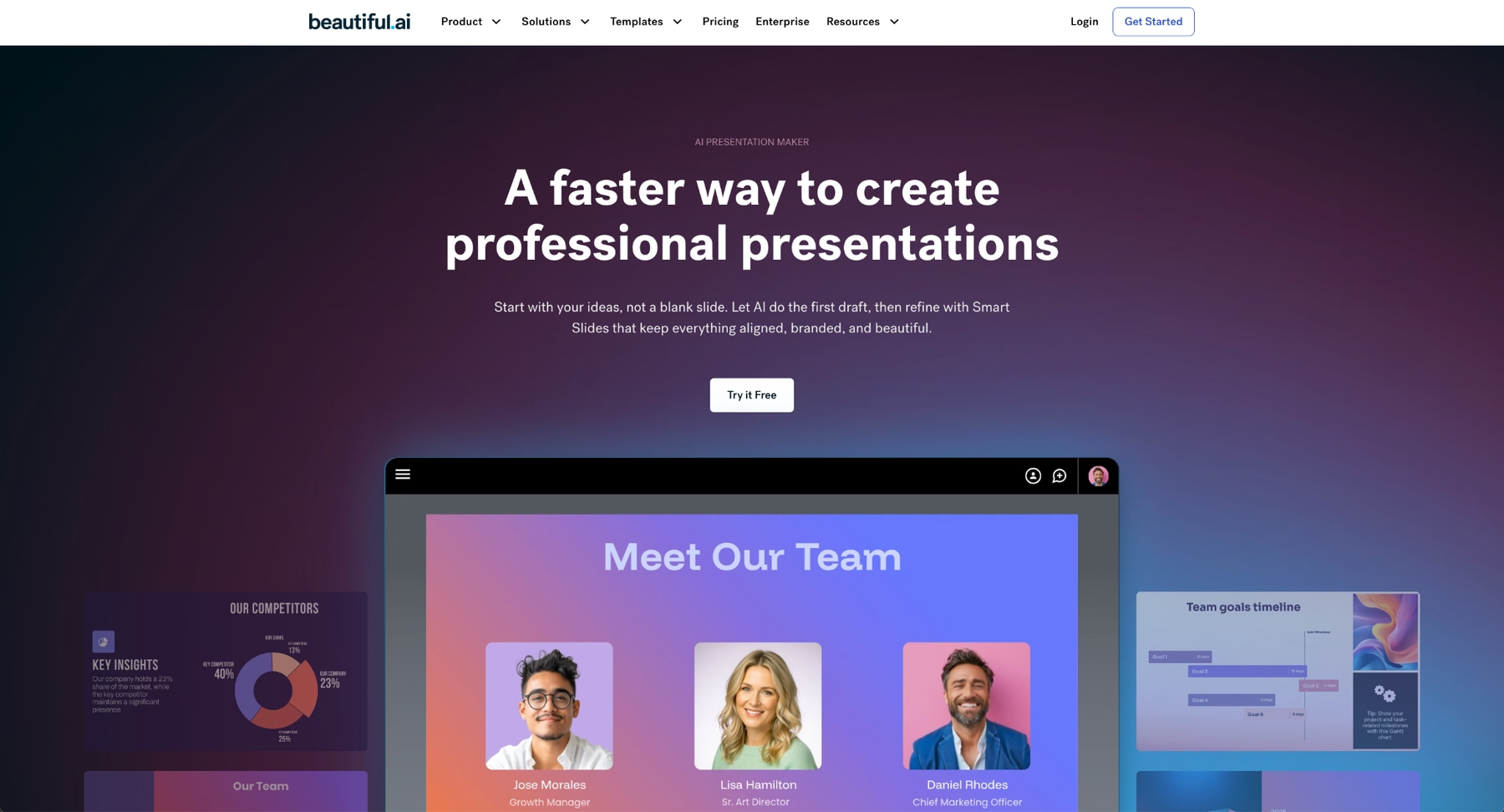
Beautiful.ai combines AI-powered content generation with Smart Slides, a design automation system that works independently from AI. The platform's AI helps users skip the blank page by generating entire presentations, individual slides, images, and text from a simple prompt. Every AI-generated deck is built with Smart Slides, so users can move immediately to refining and editing.
Smart Slides use built-in design logic to auto-align, resize, and animate content as users edit. This automation is baked directly into the software and does not rely on AI—it keeps fonts, colors, and spacing consistent without requiring manual formatting. The result is professional polish at speed.
Teams creating business presentations, pitch decks, and internal reports benefit from both capabilities: AI to kickstart content and ideas, and Smart Slides to maintain visual consistency throughout the editing process. Collaboration tools and presentation analytics are built in, making the platform suitable for teams that value efficiency and design quality.
2. Microsoft PowerPoint
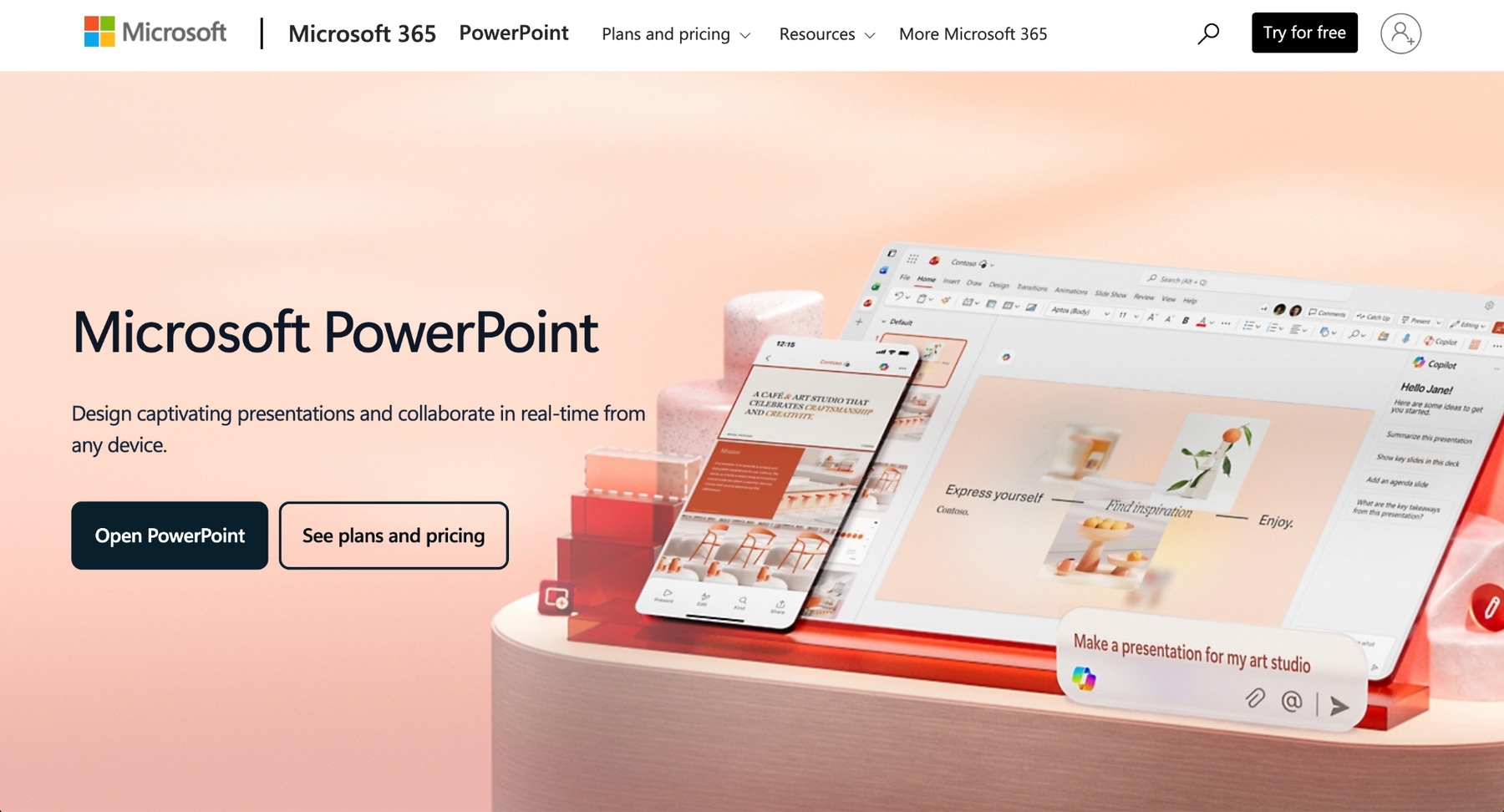
Microsoft PowerPoint remains the dominant presentation software in enterprise environments. It offers deep functionality, including advanced animations, data visualization, and Excel integration for charts and graphs.
PowerPoint's compatibility with Windows, macOS, iOS, and Android makes it accessible across platforms. The addition of Copilot brings generative AI into the workflow, helping users create slides, summarize content, and improve clarity.
Compared to Keynote, PowerPoint provides broader cross-platform support and richer integration with the Microsoft Office suite. Teams that rely on docs, spreadsheets, and enterprise tools often find that it fits their workflow better.
3. Google Slides
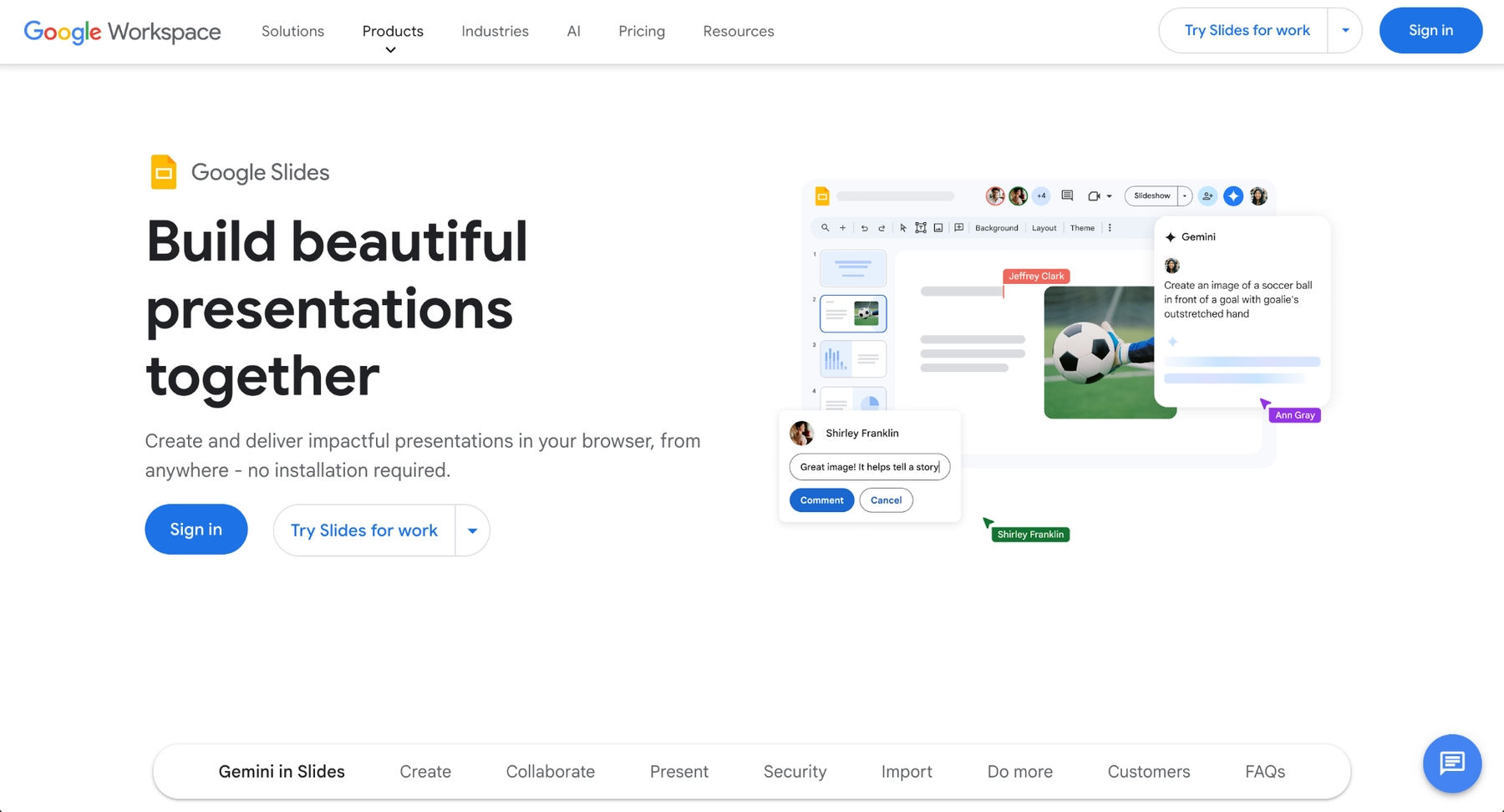
Google Slides is a cloud-based presentation tool within Google Workspace. It supports real-time collaboration, automatic saving, and easy sharing through permissions controls.
The platform integrates with Google Docs, Sheets, and other workspace tools, making it a natural choice for teams already using Google's ecosystem. While its template library is more limited than Keynote's, Google Slides compensates with accessibility and zero pricing for basic use.
Google Slides works on any device with a browser, eliminating the platform restrictions that affect Keynote users on Windows or Linux.
4. Gamma
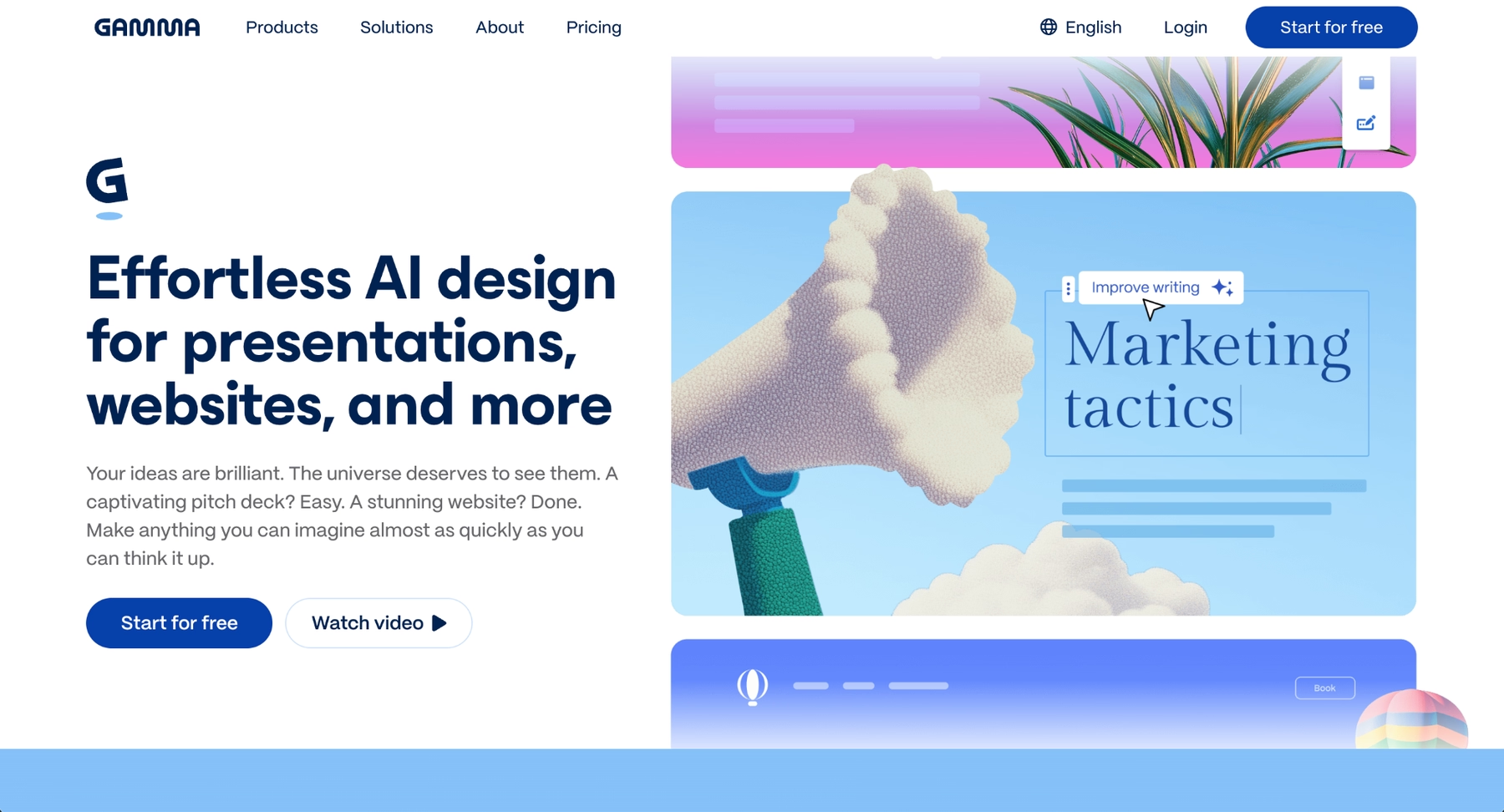
Gamma is an AI-powered platform for creating presentations, documents, and webpages. Users input text prompts or existing content, and Gamma's AI structures the narrative, suggests layouts, and applies design themes automatically.
The platform uses a card-based interface that allows flexible content arrangement and dynamic presentation delivery. Key features include AI-driven content formatting, responsive templates, and real-time collaboration. Gamma appeals to users seeking speed and clarity in their presentation workflow.
Where Keynote emphasizes cinematic transitions and manual design control, Gamma prioritizes rapid AI-assisted content creation. Teams that want to generate polished decks quickly from prompts will find Gamma's approach efficient.
5. Prezi
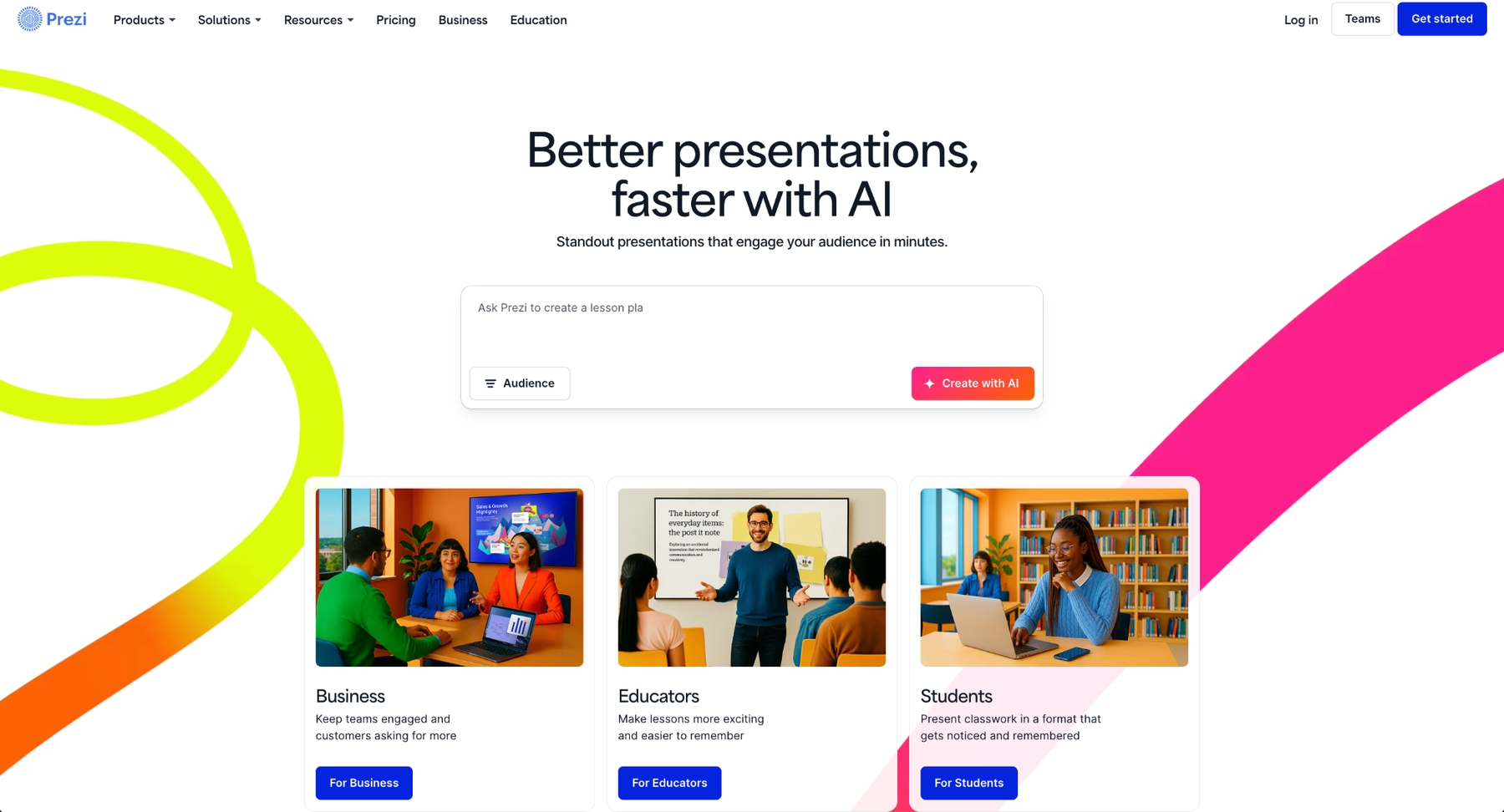
Prezi takes a non-linear approach to presentations. Instead of traditional slides, content is arranged on a zoomable canvas that allows presenters to move spatially through topics.
This format works well for storytelling and conceptual presentations where visual flow matters. Prezi supports online presentation delivery and includes analytics for tracking viewer engagement.
While Keynote emphasizes polished slide-by-slide transitions, Prezi offers a different presentation design philosophy that suits creative or educational contexts.
6. Pitch
Pitch is a modern presentation platform designed for collaborative team workflows. It offers a clean interface with emphasis on customizable templates, real-time collaboration, and integrated video meetings for distributed teams.
The platform includes AI-powered slide creation, presentation analytics for tracking viewer engagement, and strong brand consistency tools. Pitch integrates with analytics platforms and other workspace software, making it practical for teams that value structured workflows.
Compared to Keynote, Pitch offers stronger collaboration features and cross-platform accessibility. Teams that prioritize real-time editing and viewer analytics will find Pitch more capable for business presentations.
7. Visme
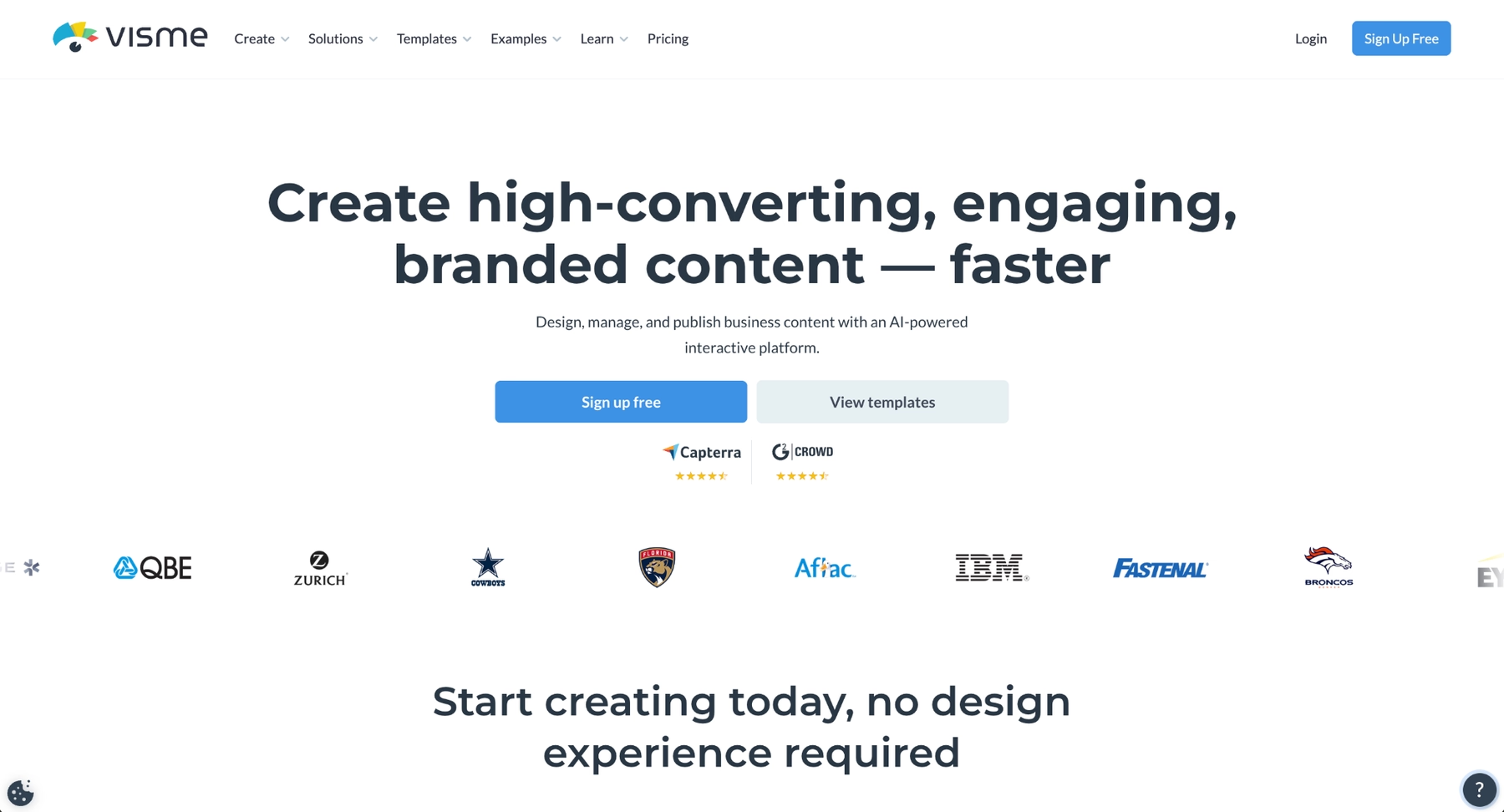
Visme is a visual content platform supporting presentations, infographics, and data visualization. It includes a large template library and tools for creating branded materials.
The platform excels at turning data into visual formats, which makes it useful for reports, pitch decks, and analytics-heavy presentations. Visme supports multiple export formats and integrations with third-party tools.
Compared to Keynote, Visme offers stronger data visualization capabilities and broader content format support.
8. Slidebean
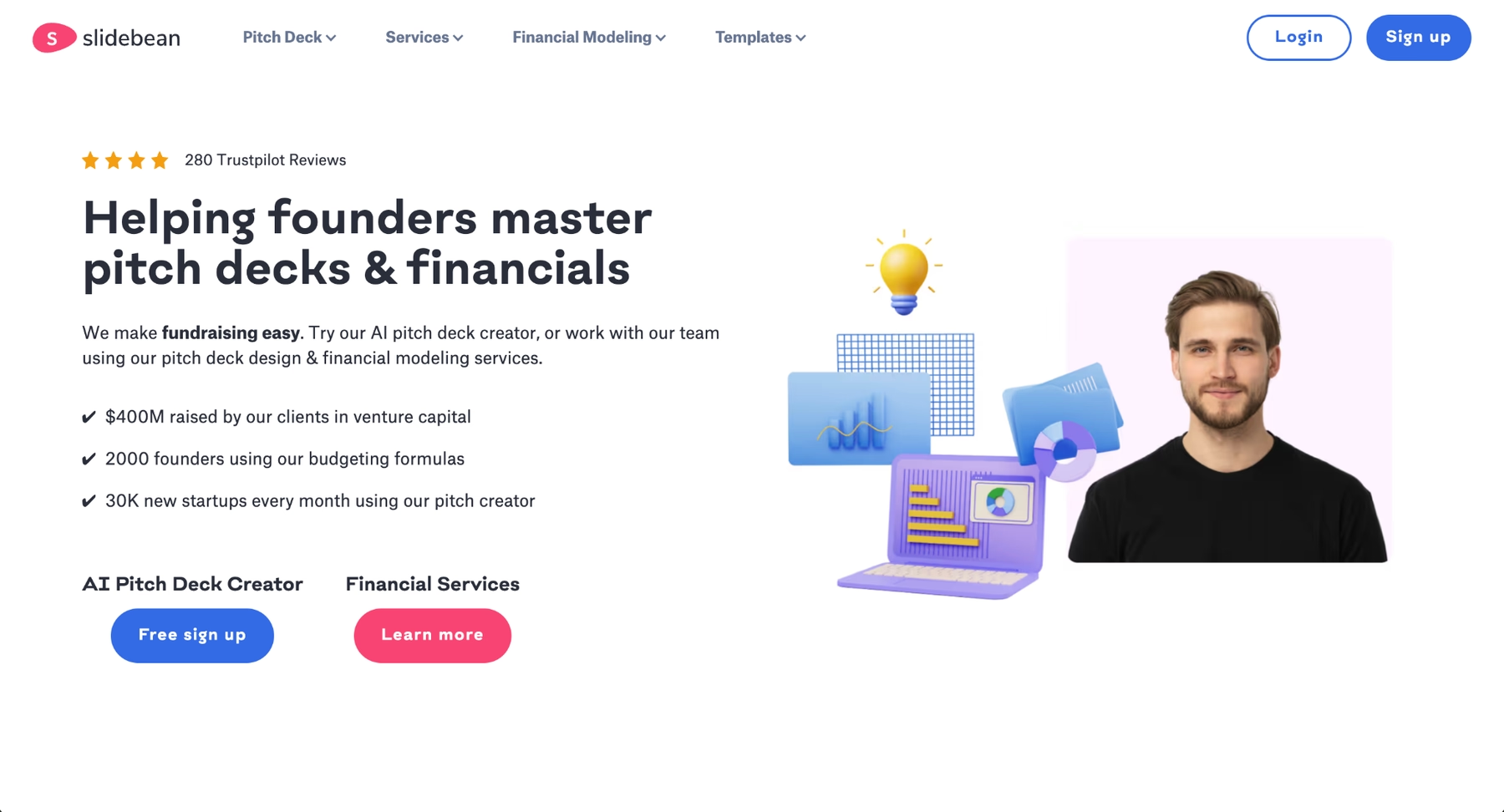
Slidebean is an AI-powered presentation tool built specifically for startups and pitch decks. Teams enter their content, and Slidebean automatically structures slides using clean layouts and consistent branding.
The platform focuses on speed and professional output for fundraising presentations. It includes templates designed for investor pitches, financial projections, and startup storytelling. Slidebean also offers pitch deck consulting services alongside its software.
Where Keynote requires manual design decisions, Slidebean automates layout and formatting. Startups and founders who need polished pitch decks quickly will find Slidebean's focused approach valuable.
9. Plus AI
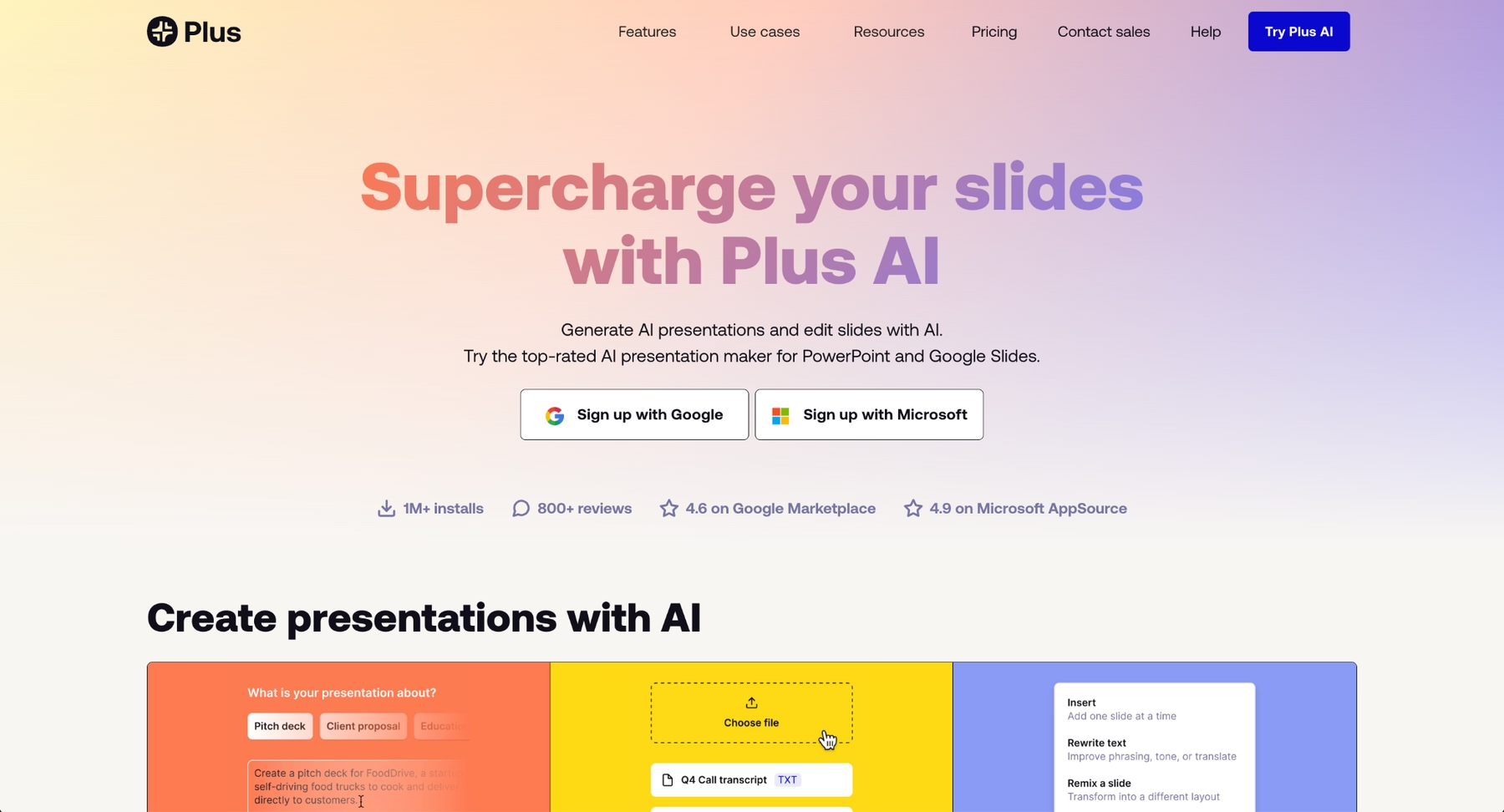
Plus AI is an add-on that brings AI presentation capabilities directly into Google Slides and Microsoft PowerPoint. Rather than requiring users to learn a new platform, it enhances the tools they already use.
The platform generates presentations from prompts or uploaded documents, offers AI-powered slide editing and remixing, and supports multi-language content creation. Plus AI integrates natively with Google Workspace, making it practical for teams embedded in that ecosystem.
Compared to Keynote, Plus AI offers generative AI features within familiar software. Teams that prefer Google Slides or PowerPoint but want AI assistance will find Plus AI a practical enhancement.
Key comparison criteria
When evaluating keynote alternatives, the following criteria help teams determine which platform fits their specific needs.
AI features
AI capabilities vary significantly across platforms, and research shows that early AI adopters report significant productivity gains. Beautiful.ai and Microsoft PowerPoint with Copilot lead in automated design and content generation. Canva offers generative AI for layouts and visuals. Keynote currently lacks comparable AI features, which may matter for teams seeking to automate their workflow.
Ease of use
Keynote's interface is polished and user-friendly for Apple users. Gamma and Google Slides offer similarly accessible experiences for beginners. Plus AI reduces the learning curve by working within familiar tools. Understanding how to design better presentation slides matters regardless of which platform you choose. PowerPoint and Visme have steeper learning curves but provide deeper functionality.
Design quality and templates
Keynote provides refined templates and smooth animations. Canva and Visme offer larger template libraries. Beautiful.ai automates design quality without requiring manual template selection, following principles of better presentation design.
Collaboration
Real-time collaboration is strong in Google Slides, Beautiful.ai, Zoho Show, and Microsoft PowerPoint. Keynote supports collaboration through iCloud but is limited to users within the Apple ecosystem.
Export and integrations
Most platforms support PDF, ppt, and web exports. Google Slides and Microsoft PowerPoint offer the deepest workspace integrations. Keynote's integration is strongest within Apple's ecosystem.
Pricing
Keynote is free for Apple users. Google Slides, LibreOffice Impress, and Canva offer free tiers. Beautiful.ai, Visme, and Zoho Show provide tiered pricing with expanded features at higher levels.
Quick comparison snapshots
These head-to-head summaries highlight practical differences between Keynote and select alternatives.
Beautiful.ai vs Keynote
Beautiful.ai prioritizes automated design consistency, while Keynote emphasizes manual control over animations and visual effects. Teams that want polished presentations without formatting effort will prefer Beautiful.ai. Those who value cinematic transitions and Apple ecosystem integration may stay with Keynote.
PowerPoint vs Keynote
PowerPoint offers broader platform compatibility and deeper enterprise integrations. Keynote provides a more refined experience for Mac and iOS users. Teams operating in mixed-platform environments typically find PowerPoint more practical.
Google Slides vs Keynote
Google Slides excels in accessibility and real-time collaboration across any device. Keynote offers superior design polish and animations. Teams prioritizing universal access and collaborative workflows often choose Google Slides.
Conclusion
The best keynote alternatives depend on your team's workflow, platform requirements, and design priorities. Beautiful.ai offers automation-first efficiency. PowerPoint and Google Slides provide cross-platform flexibility. Canva and Visme expand creative options. Zoho Show and LibreOffice Impress deliver cost-effective solutions.
Align your priorities with the platform that best supports your presentation needs, whether that means speed, design control, collaboration, or pricing.
Why customers are switching to Beautiful.ai
Beautiful.ai is an AI-powered presentation platform that helps teams create polished, on-brand slides in a fraction of the time, without design skills or manual formatting.
- Design automation built in. Whether you're building pitch decks, reports, or internal presentations, Beautiful.ai’s Smart Slides automatically format content so you never worry about spacing, alignment, or layout again. Add your content, and the design adjusts instantly.
- ️No design experience required. Create professional decks without touching text boxes or manually arranging elements. Choose from Smart Templates and let the AI handle layout decisions, visual hierarchy, and consistency across the entire deck.
- Branding? Already handled. Keep every slide on-brand with your fonts, colors, and logos applied automatically. Beautiful.ai ensures every team member creates presentations that look like they came from a dedicated design team—without extra work.
- Real-time collaboration & team controls. Collaborate directly on the same deck, leave comments, manage permissions, and maintain consistency across team presentations. Perfect for growing teams and cross-functional workflows.
- Faster workflows, fewer revisions. Jump from rough outline to polished presentation in minutes, not hours. Beautiful.ai reduces back-and-forth edits by enforcing on-brand design rules and helping you iterate faster with AI-assisted slide creation.
