A faster way to create professional presentations
From sales to strategy, Beautiful.ai helps teams create polished presentations that reflect your brand everywhere they’re shared. Build faster with AI, professional templates, and auto-aligning Smart Slides that get you to work-ready decks 10x faster.
Create slides you’re proud to share

See how Beautiful.ai works

“We reduced presentation time by 75%, our teams now focus on core message, story, and content—not the design.”


“Better quality, stories, and speed all come together—we can't do what Beautiful.ai does in any other way.”


“It frees up time for our creative team to do more creative work where we actually need it.”

HOW TO GET STARTED
Three ways to build faster with Beautiful.ai

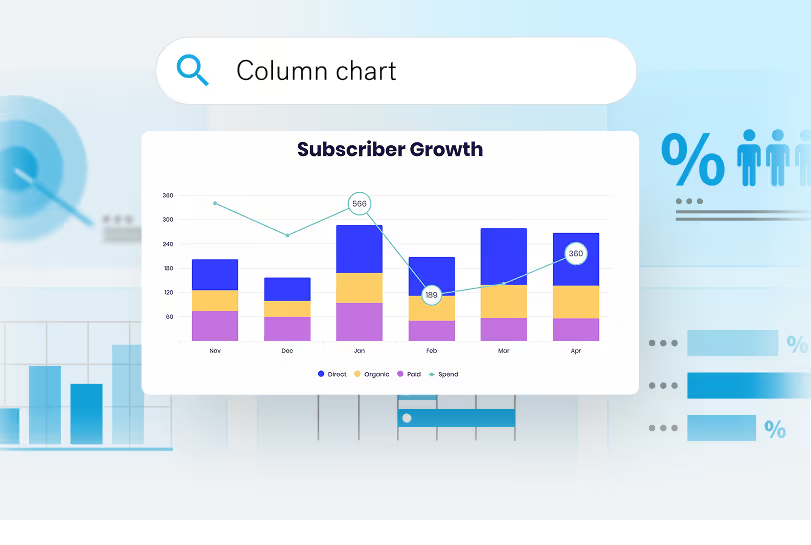
Create with AI
Discover a thoughtful AI workflow that keeps you in the driver’s seat. Edit and refine an outline before generating.
Slide by slide
Get specific and select from hundreds of polished Smart Slide layouts for every need. Smart Slides align your content for you.
Designer templates
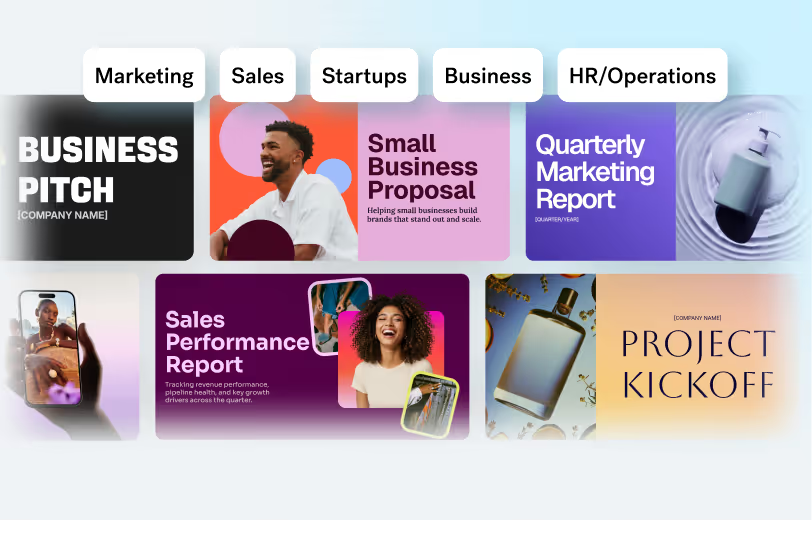
Complete multi-slide narratives. Discover our professionally designed, customizable template decks.
Our building block
Smart Slides are your built-in designer
Never start from a blank slide again. Smart Slides are intelligent layouts that realign, resize, and animate your content automatically.
Our Smart Slides adjust layouts in real time so spacing, alignment, and hierarchy stay perfect.
Beautiful.ai gives you a complete library of data slides; charts, graphs, timelines, diagrams, and more, to structure your story.
Add polish with smooth, professional animations between slides. Hold your audience’s attention from start to finish.
Choose from over 300 Smart Slide layouts for any purpose: data, comparisons, quotes, timelines, image grids, and more.
Locked themes, shared template libraries, and brand controls keep every deck looking like one company — across every team.
Get direct access to an expansive library of free, real-life stock images and videos, no need to leave your slide.
Auto-aligning slide layouts
Our Smart Slides adjust layouts in real time so spacing, alignment, and hierarchy stay perfect.
Data-linked charts & graphs
Beautiful.ai gives you a complete library of data slides; charts, graphs, timelines, diagrams, and more, to structure your story.
Built-in slide animations
Add polish with smooth, professional animations between slides. Hold your audience’s attention from start to finish.
300+ Smart Slide layouts
Choose from over 300 Smart Slide layouts for any purpose: data, comparisons, quotes, timelines, image grids, and more.
Customizable Themes
Locked themes, shared template libraries, and brand controls keep every deck looking like one company — across every team.
Images, icons, & videos
Get direct access to an expansive library of free, real-life stock images and videos, no need to leave your slide.
Captivate prospects with polished decks
Teams can present live with cinematic slide animations, send a recorded walkthrough to people who couldn't make the call, or export to PDF and PPT with ease.
Captivating animations
Impress with stunning slide animations that bring your content to life, so you can engage and communicate ideas clearly.
Voice-overs win the room
Record or upload voice-overs in your deck. Add context, storytelling, or presenter notes that bring slides to life—even when you’re not in the room.
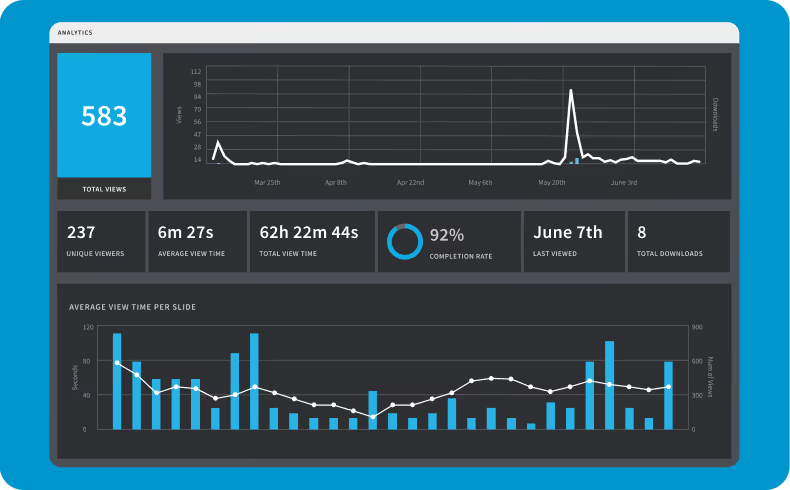
Share safely and track views
Share presentations securely with flexible permissions and protected links. Track views, slide engagement, and follow up at the right moment.

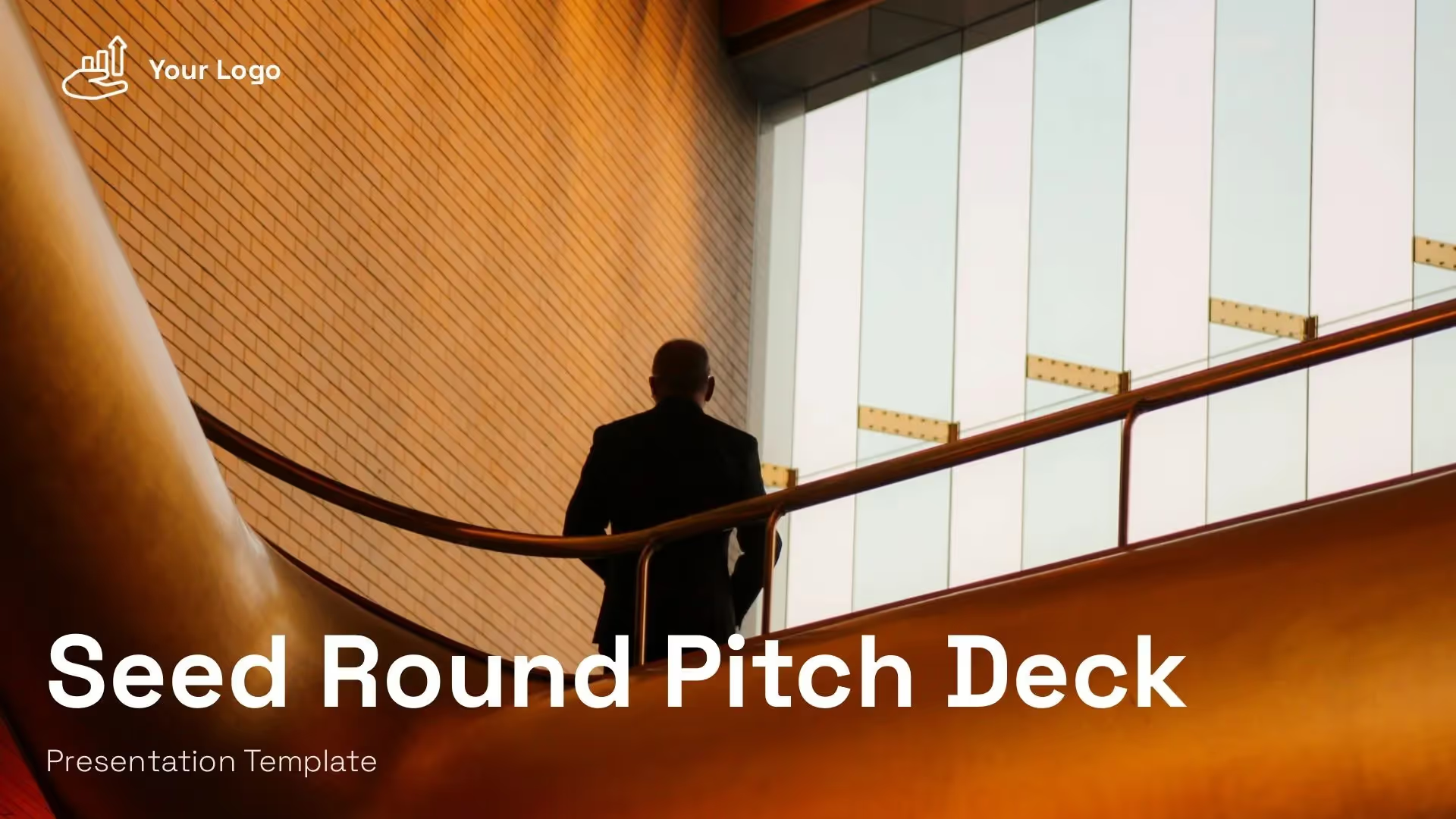
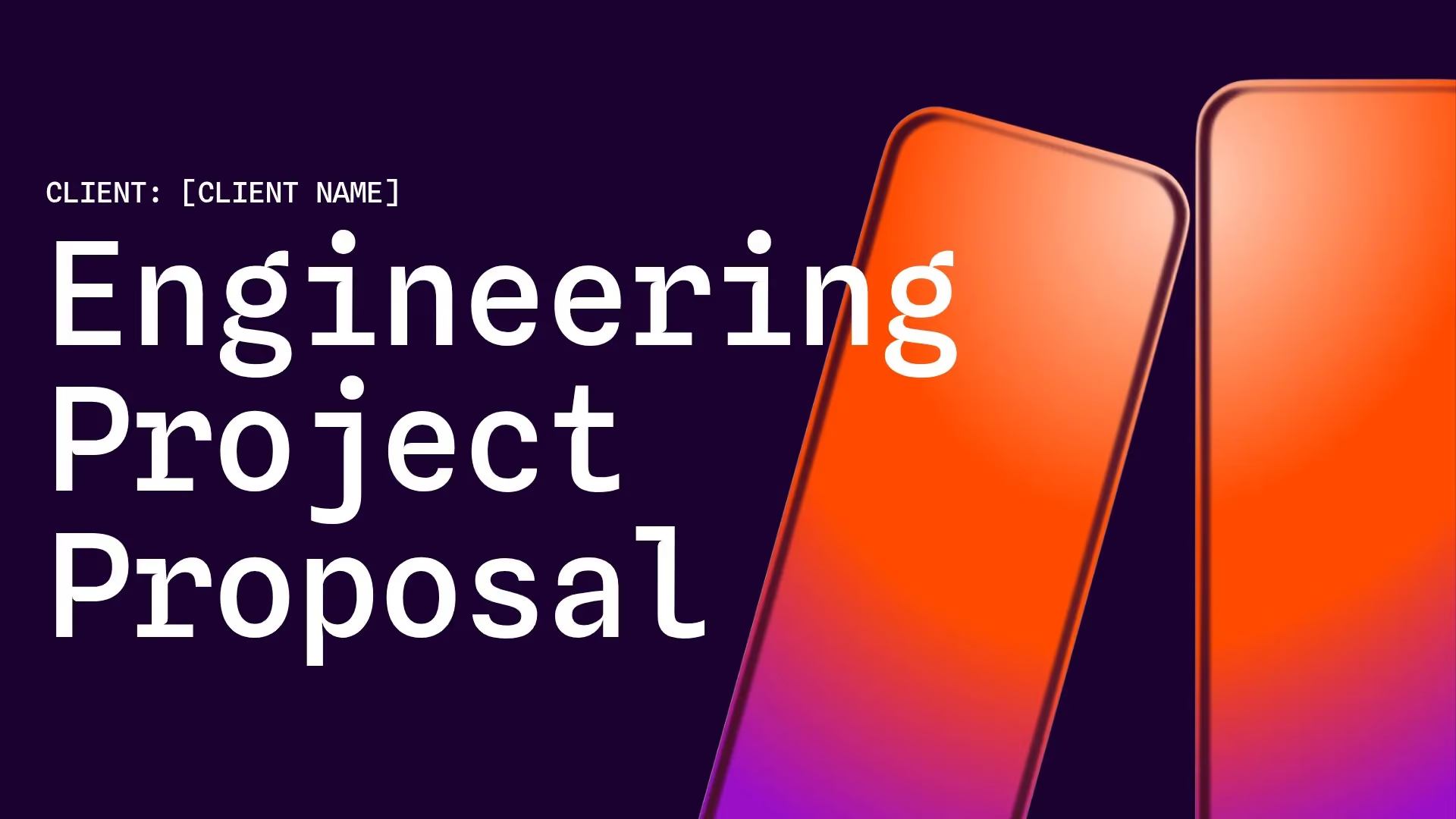
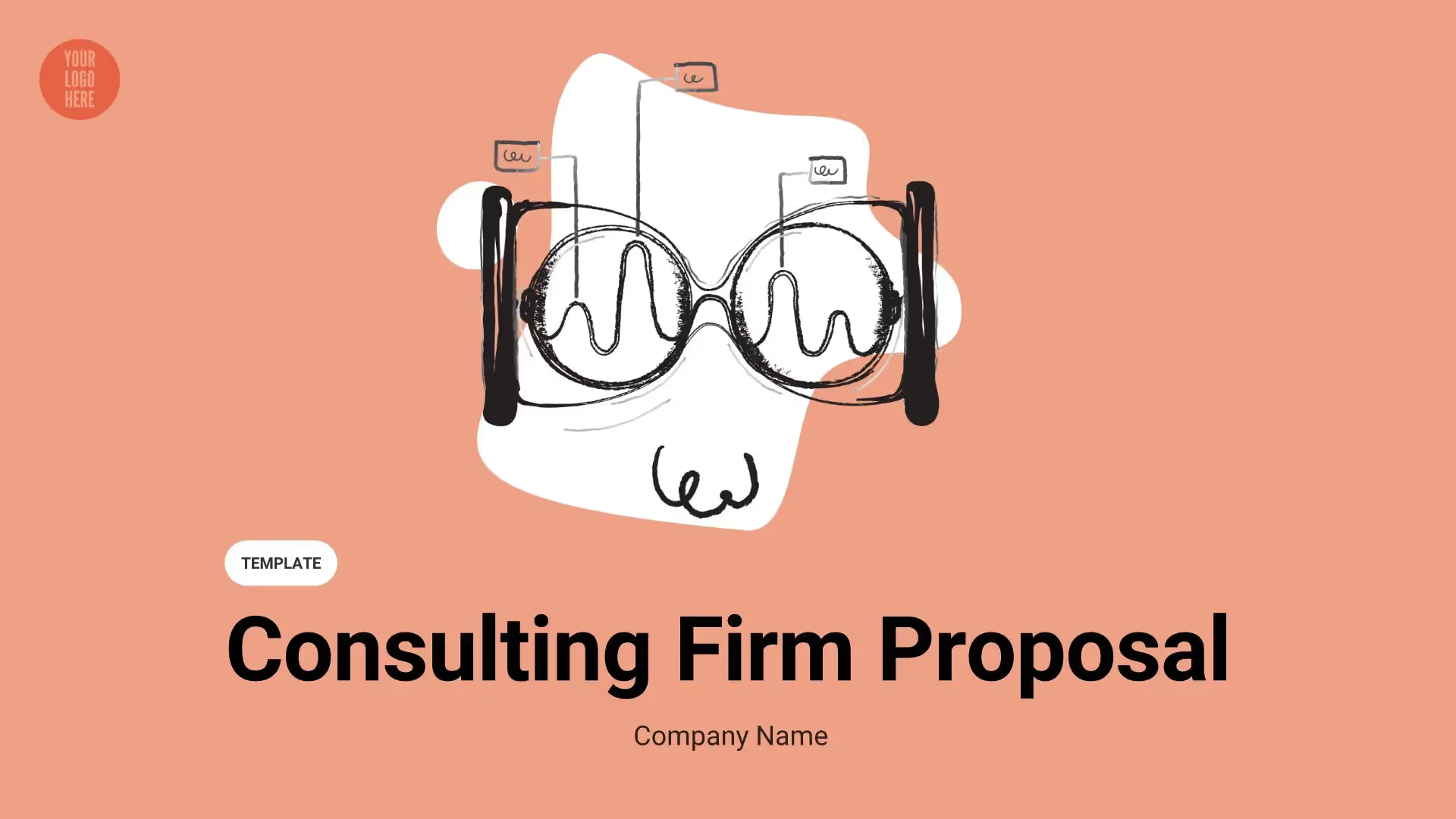
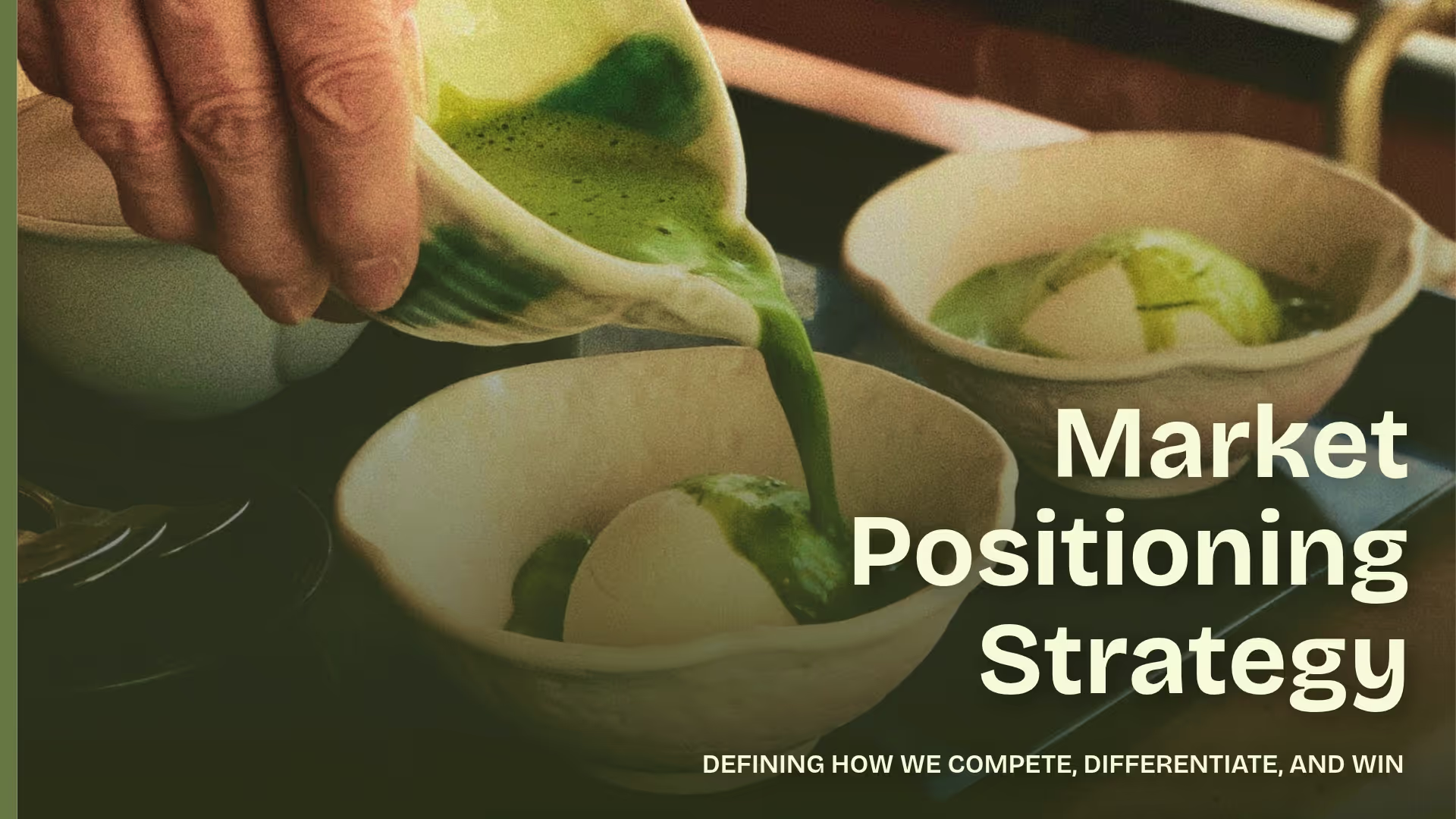
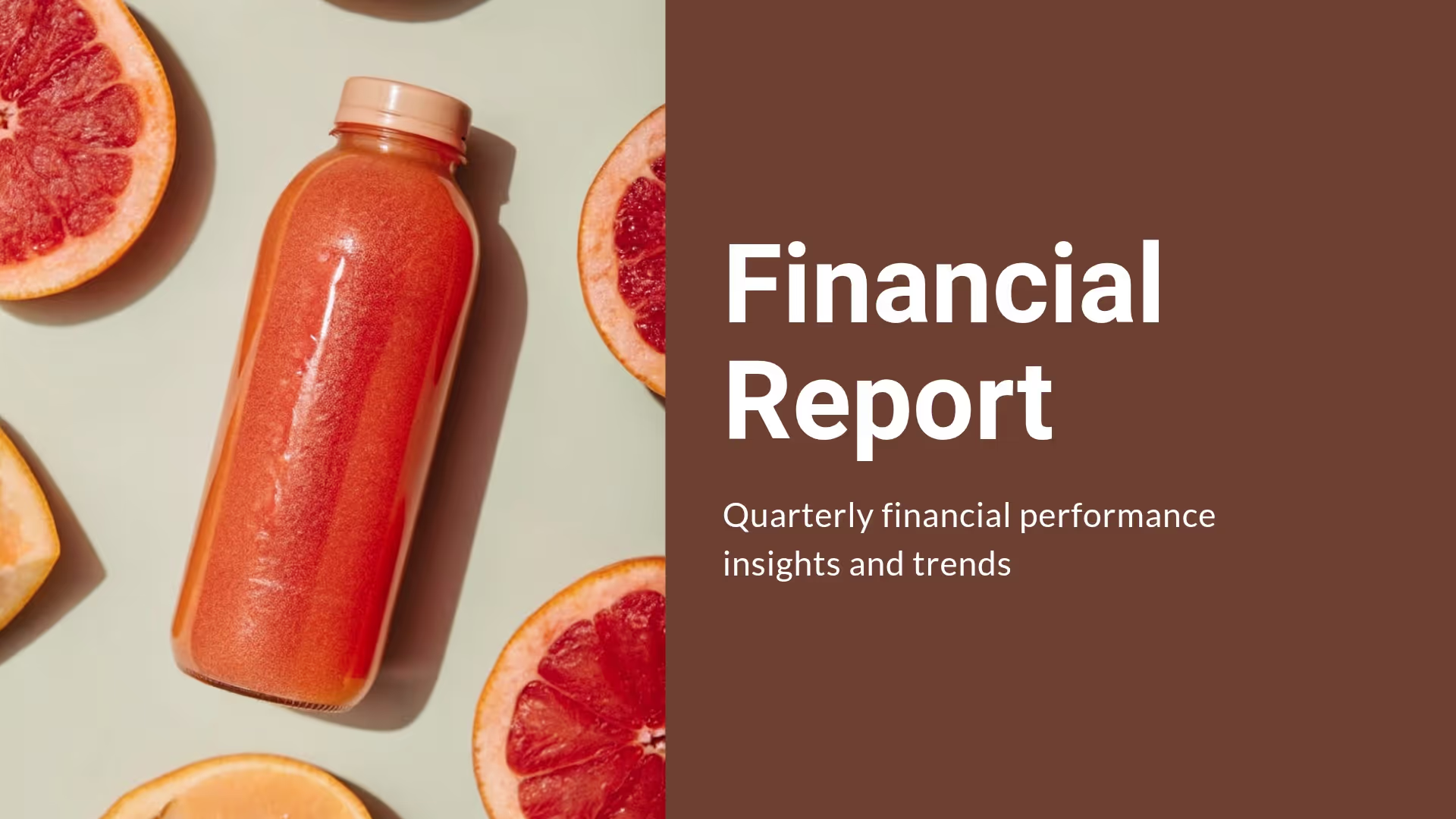
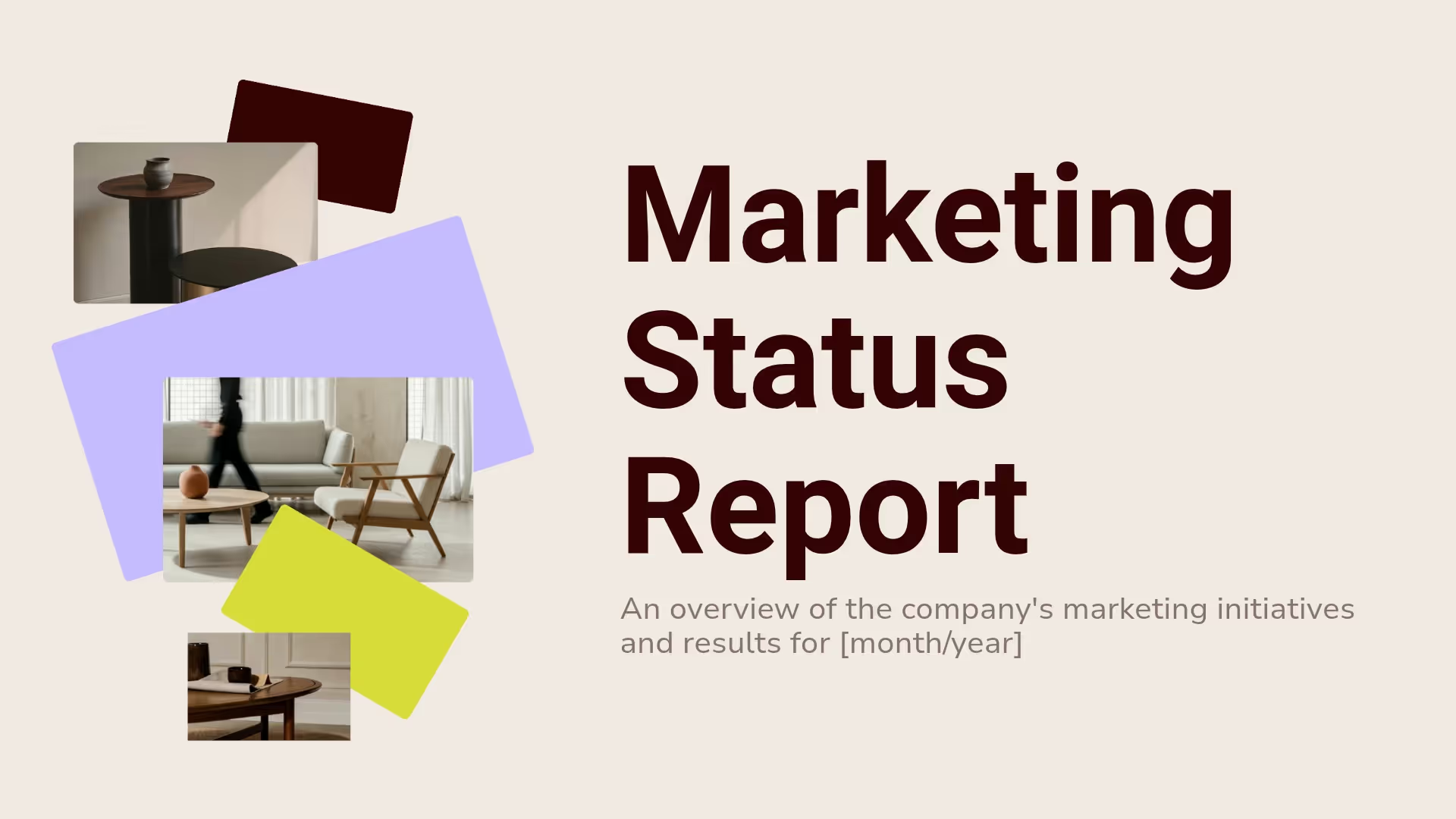
Designer templates for every team.
Kick off your proposal, report, or strategy deck with a customizable presentation template. Each template is built with Smart Slides so you can apply theme styling and deliver work fast.
























.avif)

Beautiful.ai is a complete presentation platform
Features to ideate, edit, collaborate, and present.




Smart Slides
Smart Slides auto-align, resize, and animate your content as you edit, so you focus on the message, not formatting.
Create with AI
Create presentations with AI in a guided workflow that stays true to what you ask for. Iterate quickly with more control.
Themes & brand control
Define colors, fonts, logos, icons, and footers once. Save and reuse brand themes across decks and teams.
Data visualization
Instantly create animated charts and graphs. Link any spreadsheet for fast edits and live updates.
Image libraries
Get direct access to an expansive library of free, real-life stock images and videos, no need to leave your slide.
Presentation templates
Discover our gallery of professionally designed presentation templates, multi–slide decks built to give you a head start.
Presentation workflows
Shared slide libraries, real-time collaboration, user permissions, locked themes, and more.
Viewer analytics
Control access, and track engagement so you know what resonates, and when to follow up.
Animation & narration
Add embedded voice or video context to any slide - so your message lands clearly even when async.
Real teams. Hours saved.
Beautiful, on-brand presentations.
Learn more about how organizations save hundreds of hours and thousands on design resources with Beautiful.ai.


Paciolan uses Beautiful.ai for the slide "wow" factor
Paciolan cut presentation design time by 75% after switching to Beautiful.ai. The easy-to-use system that leveled up their presentation game, transforming slides.


The presentation fix that helps IDC stay on-brand
Beautiful.ai empowered IDC analysts to focus on storytelling over design, drastically reducing production time and surfacing new data insights in their presentations.


Cvent's product team saved 75% on build time
By adopting Beautiful.ai, Cvent cut presentation design time by 75%, allowing teams to focus on storytelling and strategy rather than formatting.
.avif)
Consultant, Hobsons
.avif)
.avif)
.avif)
.avif)
.avif)
Consultant, Hobsons
Streamlining presentations for solo creators to global teams
From freelancers to Fortune 500s, we offer plans and features to help every professional create, collaborate, and present beautifully.
For individuals
Create beautiful work-ready presentations in minutes not hours. Create slides you’re proud to present, and impress your audience.
For freelancers & agencies
Show your clients you mean business. Make every pitch deck, update, and report stand out, without the heavy lifting. Streamline work with saved themes and templates.
For teams and collaboration
Presentation workflows that help organizations scale. Streamline deck creation, collaboration, and brand-control across teams and departments. Discover a shared workspace, presentations, and asset libraries.
For larger enterprises
Compliance and control for presentation workflows. Maintain brand integrity with guardrails, manage access with advanced permissions and SSO, and stay protected with enterprise-grade security.

Discover a faster way to create stunning presentations.
Work smart, work simple, work beautiful.
Frequently asked questions
Check out the full pricing page and our plan details here. You can start a 14-day free trial with unlimited access to all of Beautiful.ai’s features. Create, edit, and share presentations for free during your trial. Beautiful.ai offers a variety of plans oriented towards individual users, small teams and startups, enterprise implementations, and even one-time slideshow creation. To learn more about our pricing plans/custom options, please email sales@beautiful.ai
Create with AI is Beautiful.ai’s new, context-aware workflow for building presentations from first draft to finished slides. Instead of treating AI like a one-time “generate me a deck” moment, it stays with you as you shape the story, adjust structure, and refine slide by slide—without losing momentum or starting over.
You begin the way you already work: pick a theme first so everything is on-brand from the start. Then start from whatever you have—a short prompt, a full slide outline (including one you wrote in ChatGPT), or a document. Beautiful.ai generates a low-fidelity, text-first outline so you can edit the structure early before committing to design. Once the outline is right, you generate polished slides and iterate locally: improve one slide, test different layouts, regenerate visuals, or preserve exact text without wiping the rest of the deck.
It’s a big deal because it removes the biggest pain of AI deck tools: the “first output lottery.” Create with AI makes iteration built-in, transparent, and controllable, while Smart Slides keep every change structured and work-ready.
You can start from:
- A topic or short prompt
- A detailed prompt with slide-by-slide instructions
- A pasted outline (including from other LLMs)
- A source document you want to turn into slides
You can also attach supporting files to ground the output in real content, and optionally enable web search when you need current information.
Before generating final slide designs, you can set the “rules of the road,” including:
- Theme selection (out-of-the-box, Team themes, or bespoke themes)
- Image preferences (AI-generated, web images, stock, or none)
- Presentation language (100+ options)
- Optional consistent AI image style (custom prompt or presets)
Free AI PowerPoint generators usually give you a rough first draft. Then you’re on your own—fixing layout issues, cleaning up design, and reworking slides when the output misses your intent.
Beautiful.ai is built for the part that actually takes time: getting to work-ready. Create with AI is a guided workflow that lets you shape the outline first, then generate polished slides inside Smart Slides so everything stays structured, aligned, and on-brand as you iterate.
What’s different about Beautiful.ai:
- Guided workflow, not a one-shot output. Move from prompt → outline → design → refine without restarting.
- Smart Slides prevent the “broken deck” problem. Slides automatically handle spacing, alignment, hierarchy, and chart layout as content changes.
- Brand control built in. Themes and design systems apply consistent styling across the entire deck in one click.
- Iteration is built into the experience. Make global edits, reorder slides, tweak copy, and refine fast without manual cleanup.
- Built for teams, not just individuals. Collaboration, shared libraries, locked themes, and permissions help teams stay consistent at scale.
- Compatible with how people work. Import/export with PowerPoint and share in common formats like PPTX and PDF.
Beautiful.ai uses AI where it’s most useful: helping you get from idea to finished deck faster, while keeping quality high and design consistent. Instead of treating AI as a single “generate” button, Create with AI embeds AI across an iterative workflow—so you can develop your story, then turn it into polished slides without losing control.
How AI shows up across the workflow:
- Create with AI (prompt + context → outline-first). Start with your idea, add context, then shape the outline before you generate full slide designs.
- AI assistance for refining content. Rewrite, tighten, expand, or summarize slide text as you iterate—without breaking slide structure.
- AI-supported visual creation. Generate visuals to support your narrative, then place them into Smart Slide layouts that keep the design clean.
- Design intelligence that automates polish. Smart Slides handle layout decisions—spacing, alignment, typography, and visual hierarchy—so every slide stays presentation-ready.
Yes. In addition to Beautiful.ai’s AI-generated image maker feature, you can add any custom images or choose from our rich library of stock photos, icons, and videos.
Powered by Anthrophic, our AI tools all work natively in Beautiful.ai, no app hopping required! Beautiful is the best AI presentation maker for professional deck creation all in a single platform.
