


Best Slidesgo alternatives: top 9 in 2026
![Slidesgo alternatives: the top 9 [updated for 2026]](https://cdn.prod.website-files.com/59e16042ec229e00016d3a66/6986674266cddfb60624bced_beautfiul%20ai%20vs%20monsha.avif)

Best Slidesgo alternatives: top 9 in 2026
Slidesgo has become a go-to resource for professionals and students searching for free presentation templates. Its extensive library of Google Slides themes and PowerPoint templates has helped millions create polished slide decks without starting from scratch. But Slidesgo is just one option in a crowded market, and the best fit depends on your specific needs, whether that's AI-powered automation, deeper customization, or stronger collaboration features.
This guide breaks down the top Slidesgo alternatives for 2026, comparing their strengths, limitations, and ideal use cases to help you find the right presentation tool for your workflow.
What is Slidesgo?
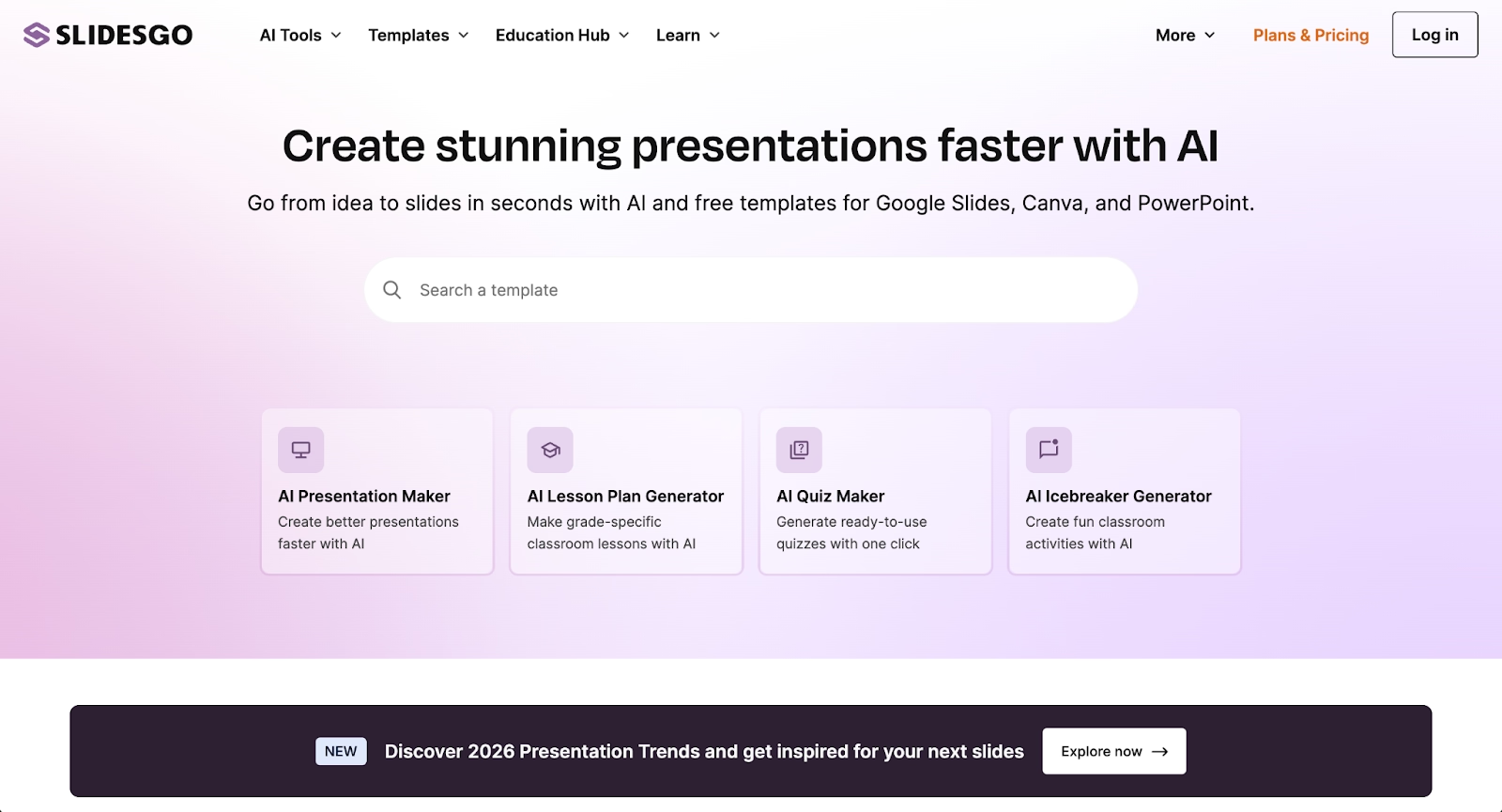
Slidesgo is a template library offering free and premium presentation templates for Google Slides and PowerPoint. Users browse themed collections organized by topic, style, and use case, then download editable files to customize with their own content. The platform covers a wide range of presentation styles, from minimalist business decks to colorful educational materials and creative pitch presentations.
The core appeal is straightforward: Slidesgo provides high-quality slide designs that save time on layout and formatting. Templates include pre-built infographics, timelines, icons, and consistent fonts, making it easier for non-designers to create professional-looking presentations. The service is particularly popular among teachers, students, marketers, and small businesses who need quick turnaround on presentation projects.
Slidesgo works well as a visual starting point rather than a blank canvas. The platform integrates directly with Google Slides and supports PPT and PPTX formats for PowerPoint users. While many templates are free with attribution, premium options unlock the full library and remove attribution requirements.
As presentation software evolves toward AI-powered automation and real-time collaboration, users increasingly compare traditional template libraries like Slidesgo against more advanced platforms that offer intelligent design assistance, content generation, and team workflows.
Why look for Slidesgo alternatives?
Slidesgo serves basic design needs effectively, but several limitations push users to explore other options:
Limited customization flexibility: Slidesgo templates are static starting points. While they're editable, adapting a design to match specific branding or unique content needs often requires significant manual effort. Users who want layouts that automatically adjust as content changes frequently hit formatting friction when text or images don't fit the predetermined structure.
No built-in AI features: Slidesgo is purely a template library, not an AI presentation maker. It doesn't generate content from prompts, suggest layouts based on your message, or assist with drafting copy. Teams looking for AI-powered content generation or automated slide structures need to look elsewhere.
Manual design work still required: Even with a template, users must handle all spacing, alignment, font sizing, and layout adjustments manually. Adding or removing content often breaks the original design, requiring time-consuming fixes that undermine the initial time savings.
Export and workflow constraints: While Slidesgo supports Google Slides templates and PowerPoint templates, users must download files, import them into their platform of choice, and manage version control manually. There's no native cloud editing, real-time updates, or seamless workflow integration.
Branding consistency challenges: Organizations that need locked themes, shared asset libraries, or brand guardrails across large teams will find Slidesgo lacks the controls required for consistent professional presentations. Each user can modify templates freely, leading to brand drift.
Collaboration gaps: Slidesgo doesn't include real-time collaboration, commenting, or version history. For teams that build presentations together, this creates workflow bottlenecks and forces reliance on whatever collaboration features exist in the destination platform.
Pricing and premium access: Many of the best Slidesgo templates sit behind a premium subscription. Users seeking more free templates or unlimited access at lower cost often compare pricing across platforms to find better value.
Understanding these limitations helps clarify which Slidesgo alternative fits your specific workflow needs and team structure.
Top 9 Slidesgo alternatives
The tools below range from AI-powered presentation makers to traditional template libraries and enterprise platforms. Some prioritize automation and speed through intelligent design; others emphasize customization flexibility or team collaboration. Each serves different professional workflows, from solo creators to global enterprises.
1. Beautiful.ai
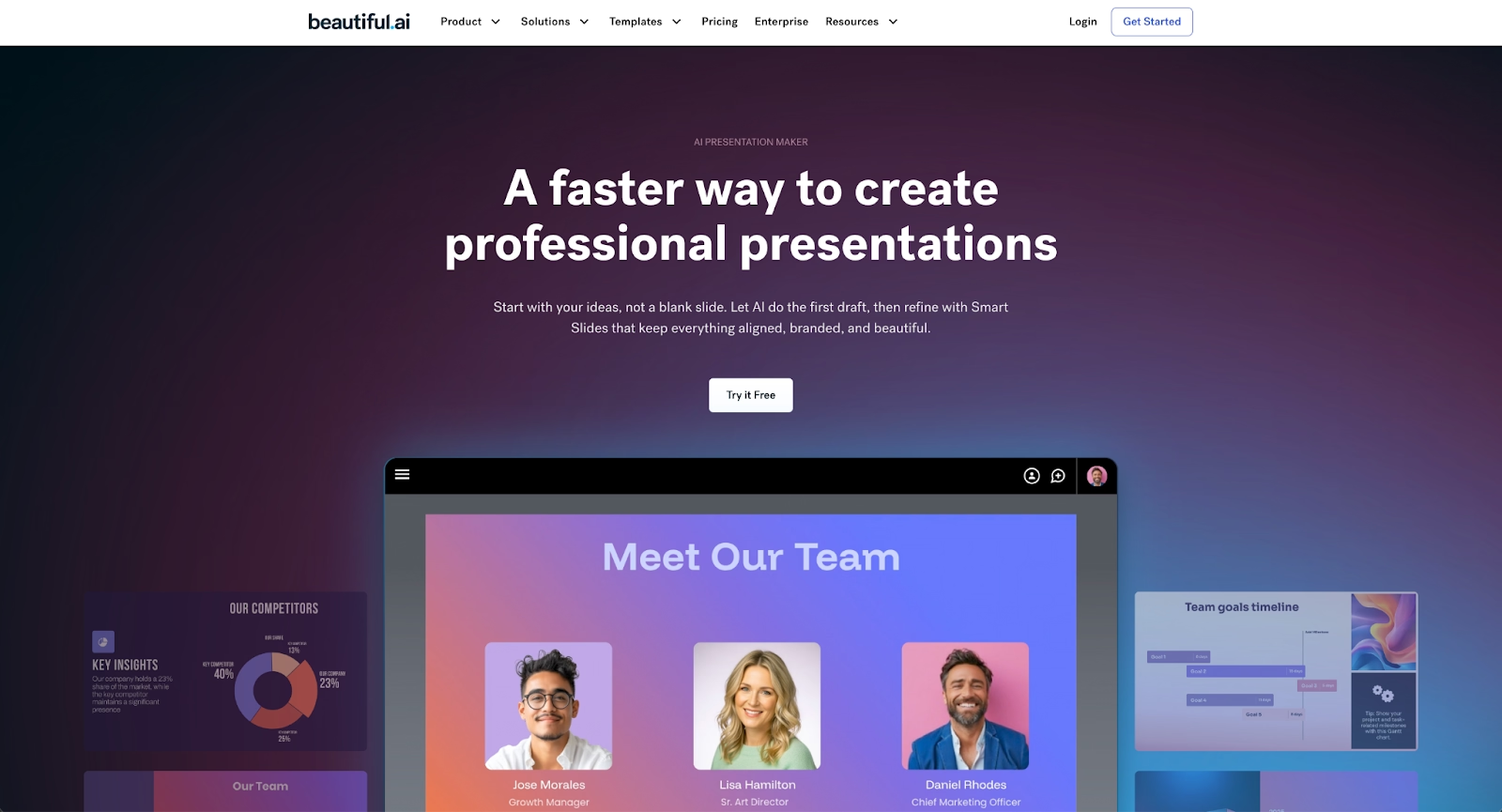
Beautiful.ai takes a fundamentally different approach than template libraries like Slidesgo. Instead of static templates that require manual adjustment, Beautiful.ai uses Smart Slides that automatically apply design rules as you add and edit content.
The platform acts as an AI presentation maker that handles layout, spacing, and alignment in real-time through built-in design logic. Users select from over 300 Smart Slide layouts covering everything from pitch decks to data visualizations, and the design adapts automatically. Add a bullet point, and the spacing adjusts. Insert an image, and the layout rebalances. Delete a section, and the surrounding elements redistribute perfectly. This automation eliminates the formatting friction that slows down template-based workflows.
Beautiful.ai also offers AI content generation from prompts, allowing users to kickstart presentations with AI-generated structure, copy, and even images. Enter your topic and key points, and the AI builds a complete first draft in seconds. Every AI-generated deck is built with Smart Slides, so you can move immediately to refining and editing at lightspeed.
Custom brand themes ensure every slide matches organizational guidelines without manual policing. Define your colors, fonts, logos, and styling once, then apply them across unlimited presentations with one click.
For teams, Beautiful.ai provides real-time collaboration, shared slide libraries, viewer analytics, locked slides for brand control, and presentation workflows that maintain consistency across departments. It exports to PPT, PPTX, PDF, and Google Slides formats, ensuring compatibility regardless of your audience's preferences.
Beautiful.ai is ideal for professionals who create presentations frequently and value speed, consistency, and professional polish without design expertise.
2. Canva
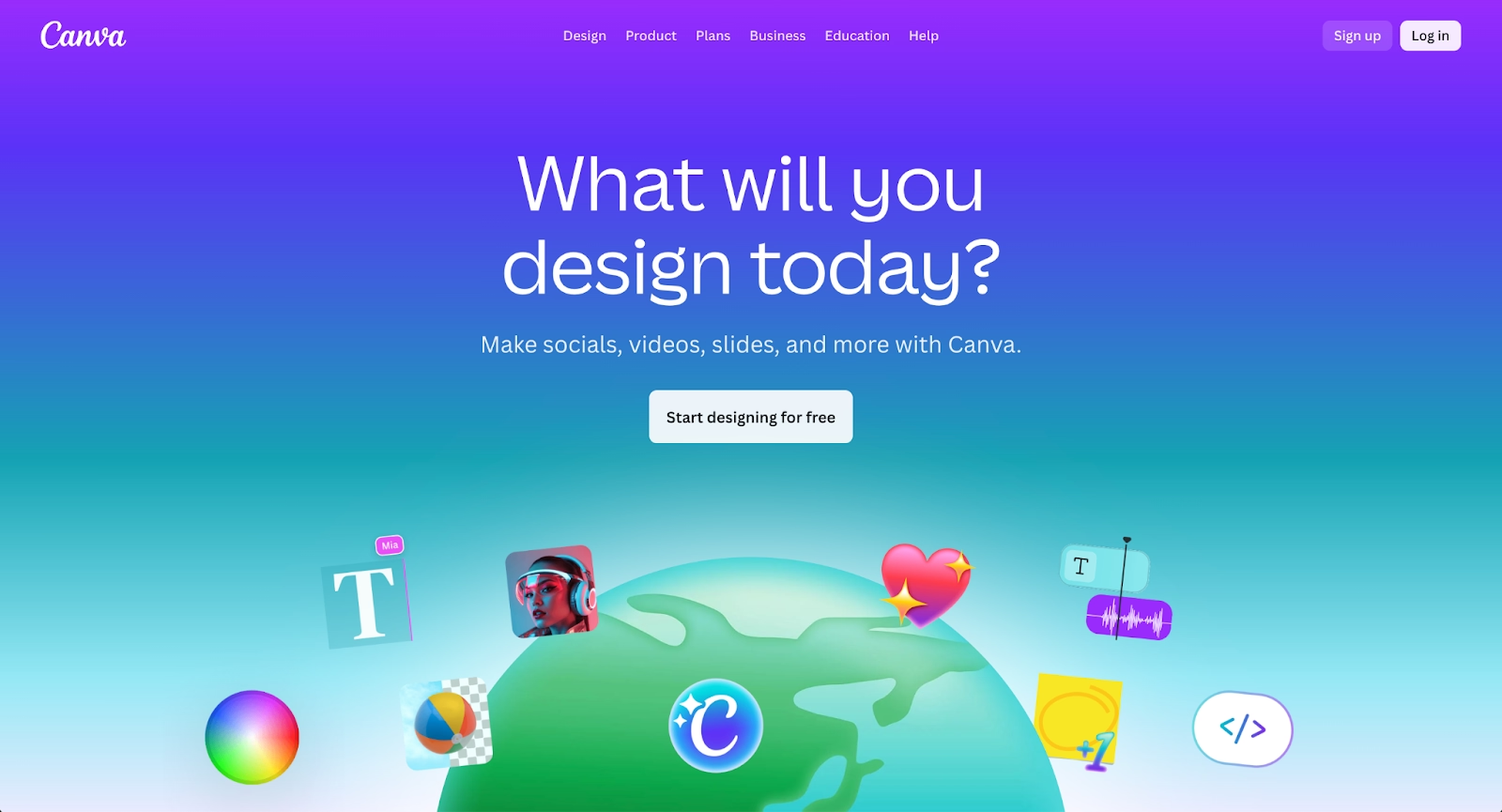
Canva is a versatile design platform that extends well beyond presentations. Its template library rivals Slidesgo's breadth, covering slide decks, social media graphics, infographics, posters, and more. The drag-and-drop interface makes professional design accessible to anyone, with millions of stock photos, icons, fonts, and graphics available within the editor.
Canva's "Magic Design" feature uses AI to generate presentation drafts from text prompts, though the results often require significant refinement compared to dedicated AI presentation tools. The platform's greatest strength is its asset library and flexibility across multiple content types. Teams already using Canva for marketing materials can add presentations to their existing workflow.
Brand Kit functionality helps teams maintain consistency across projects. Canva supports multiple export formats, including PDF, PPTX, and PNG. The collaboration features enable real-time editing with team members, though the presentation-specific features are less robust than platforms built exclusively for slide decks.
Canva works well for creative professionals and marketing teams who need one platform for diverse visual content, not just presentations.
3. Google Slides
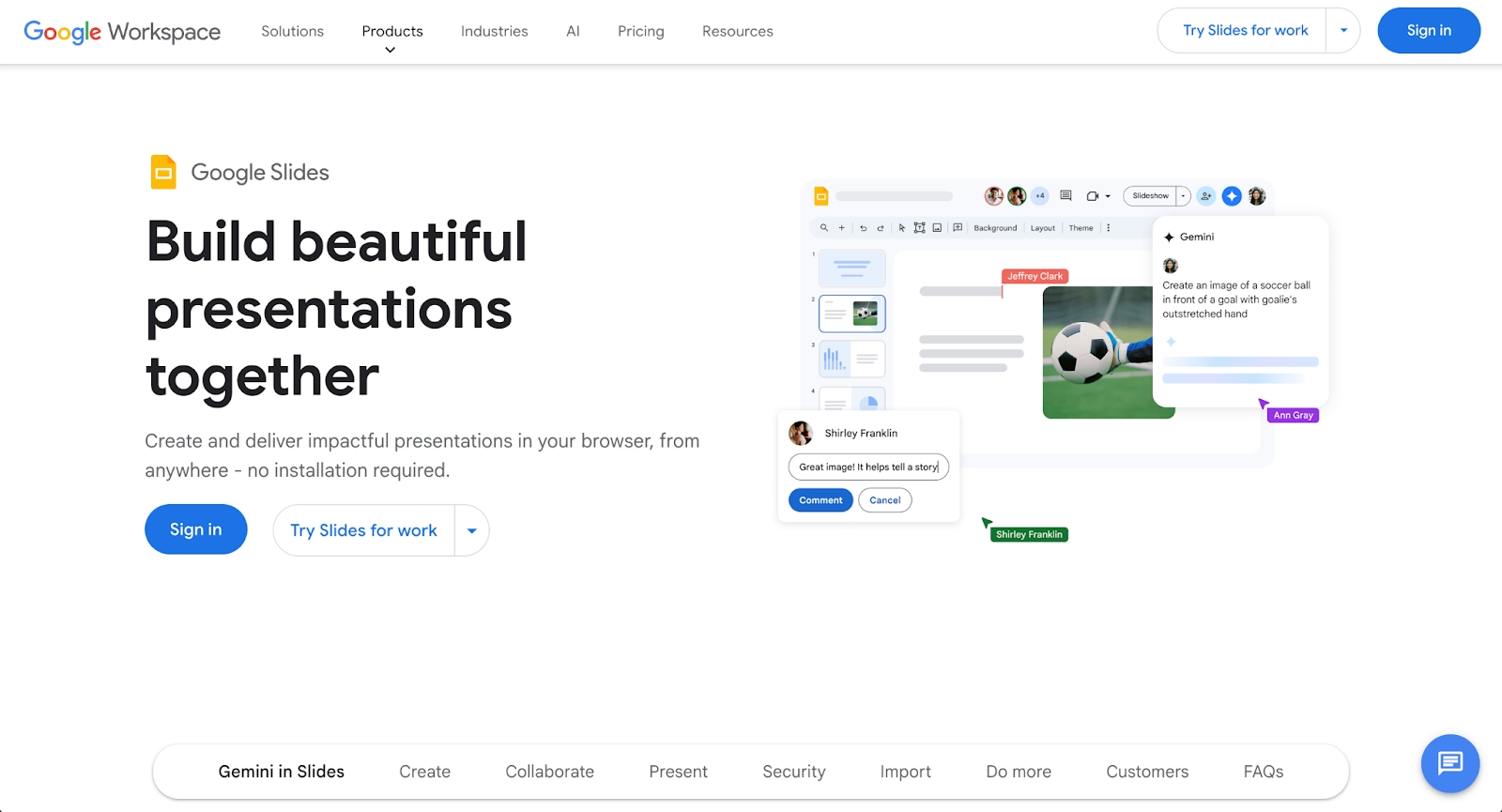
Google Slides is the cloud-based presentation tool integrated directly into Google Workspace. Its primary advantage is universal accessibility, anyone with a Google account can create, edit, and share presentations instantly through a web browser. Real-time collaboration is seamless, with multiple users editing simultaneously and changes appearing instantly.
The platform offers basic templates and straightforward formatting tools. While the design options are more limited than specialized tools, the zero learning curve and frictionless sharing make it popular for teams already embedded in Google Workspace. Integration with Google Drive ensures automatic version history and easy file management.
With the addition of Google Gemini AI, paid Workspace users gain AI-powered content generation, layout suggestions, and image creation directly within Google Slides. This bridges some of the gap between traditional template tools and modern AI presentation makers, though the AI features require a premium subscription.
Google Slides is ideal for teams prioritizing collaboration and accessibility over advanced design automation, particularly those already using Gmail, Google Docs, and other Workspace tools.
4. Gamma
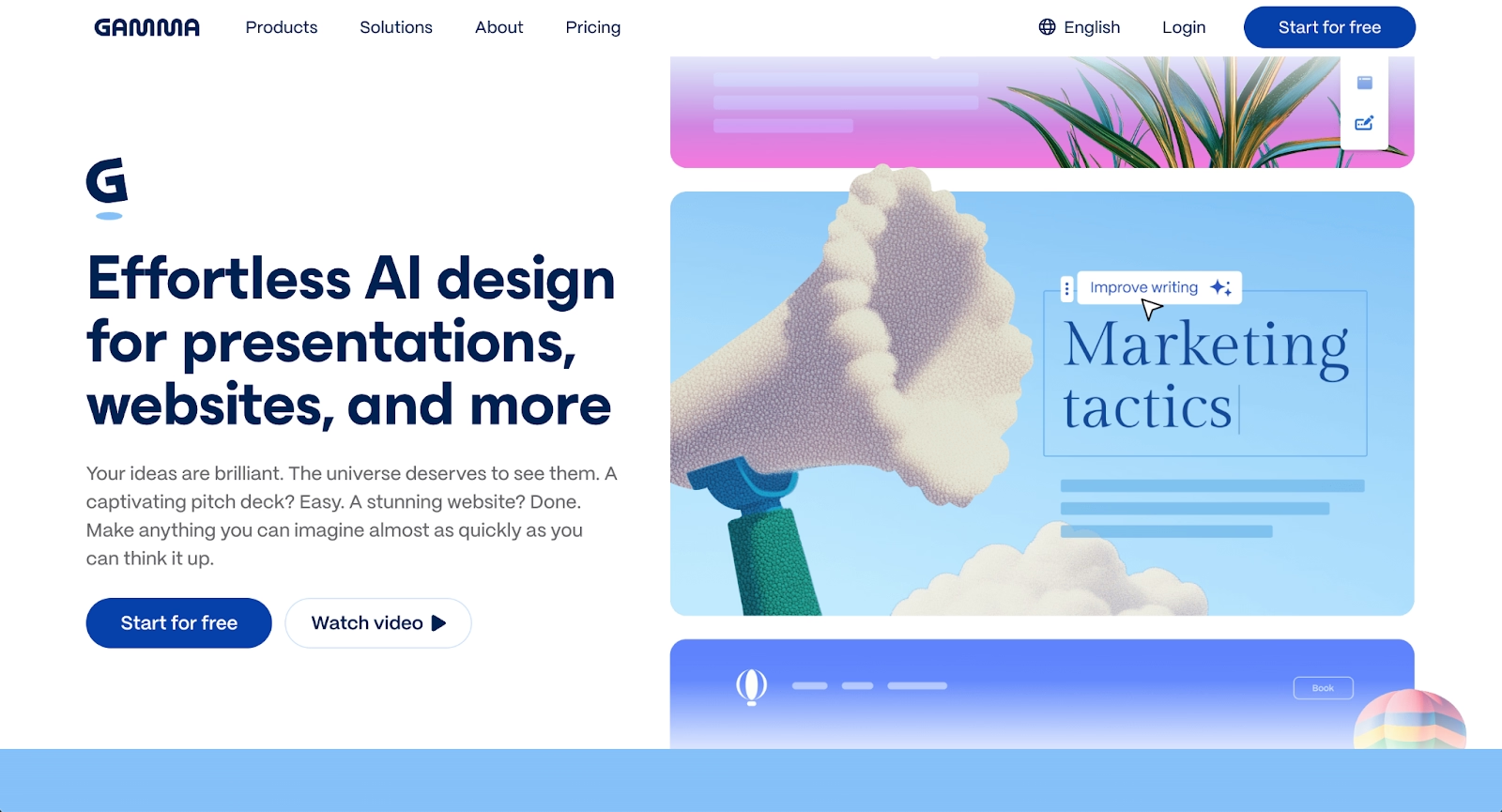
Gamma represents a new generation of presentation tools built around AI-first workflows and modern web-native design. Instead of traditional slides, Gamma creates card-based, scrollable presentations that feel more like interactive web pages than conventional decks.
The AI generation is exceptionally fast, users can create complete presentations in minutes by entering a prompt and letting Gamma structure the narrative, generate copy, and apply layouts automatically. The platform excels at storytelling and visual engagement, with embedded content including videos, GIFs, charts, and even live websites within presentation cards.
Gamma provides viewer analytics showing who opened your deck, how long they spent on each section, and whether they shared it with others. This intelligence is valuable for sales enablement, investor relations, and any scenario where tracking engagement matters.
The trade-off is that Gamma's card-based format and web-first approach may not suit traditional boardroom presentations where PowerPoint compatibility is expected. Export to PPTX is possible but often results in formatting issues.
Gamma is best for startups, consultants, and modern teams who prefer contemporary web-style presentations and value viewer analytics over traditional slide formats.
5. Visme
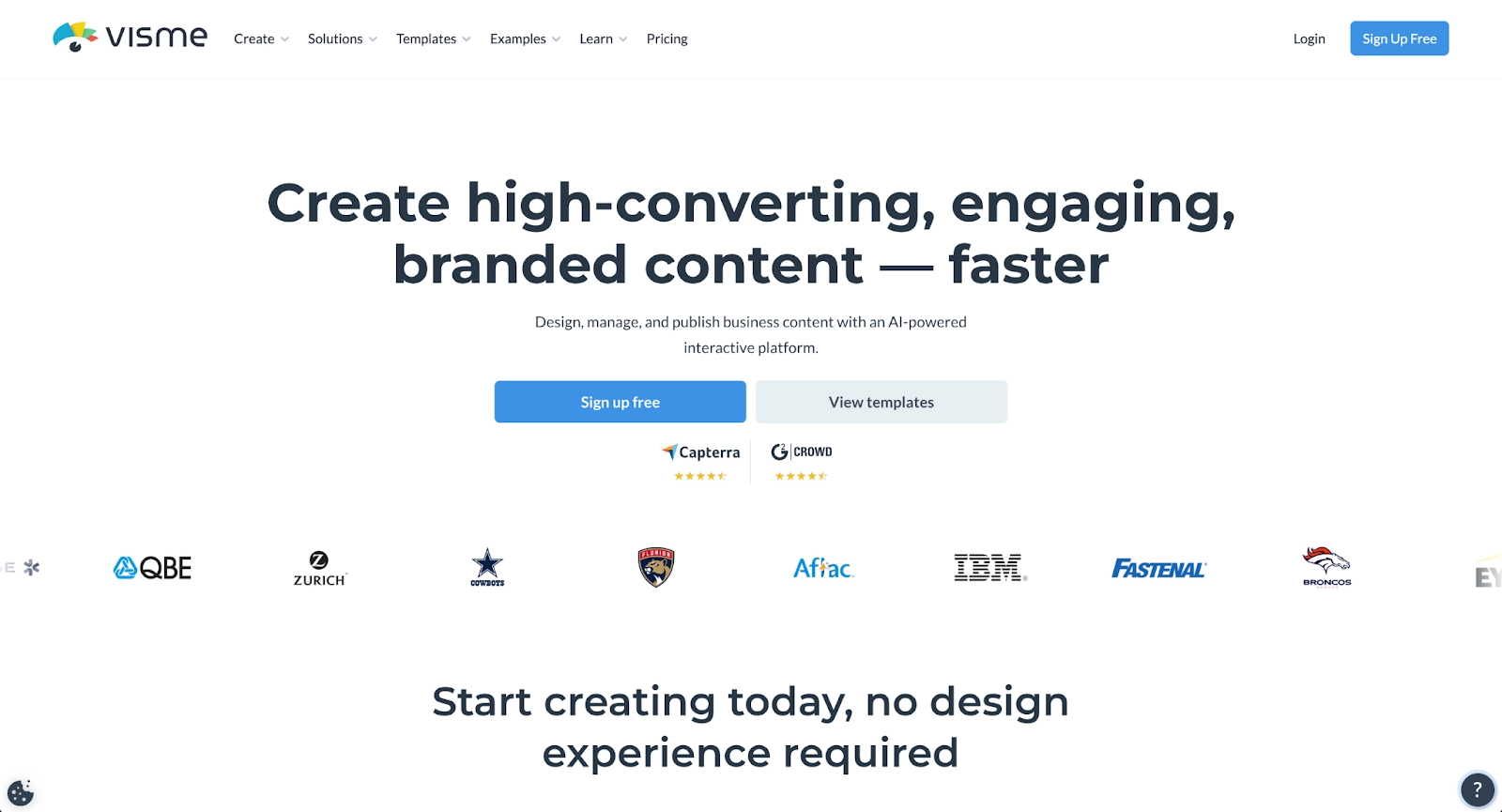
Visme positions itself as an all-in-one visual content platform, but its strength for presentation users lies in data visualization. If your decks are heavy on charts, graphs, and infographics, Visme offers more sophisticated options than general-purpose tools.
The platform includes an AI Presentation Generator for creating drafts from prompts, advanced data visualization with customizable charts, and interactive elements like animations, hover effects, and clickable content. Brand Kit features maintain visual consistency across presentations and other content types.
Visme supports multiple export formats including PDF, PNG, HTML5, and video (MP4), making it versatile for different distribution needs. The template library emphasizes professional business designs with particular attention to visual data storytelling.
The learning curve is steeper than simpler tools, and the platform can be slow with large or complex projects. However, for data-focused marketers, analysts, and teams creating visual reports with significant numerical content, Visme delivers capabilities that justify the additional complexity.
6. Prezi

Prezi offers a completely different presentation philosophy: a non-linear, zoomable canvas that breaks from traditional slide formats entirely. Instead of clicking through sequential slides, presenters navigate a visual map, zooming into topics and revealing relationships between ideas through spatial movement.
This approach creates memorable, visually distinctive presentations that stand out from standard slide decks. Prezi works exceptionally well for storytelling, conceptual explanations, and presentations where showing relationships and big-picture context matters more than linear progression through data points.
The platform includes video presentation features, real-time collaboration, and analytics for tracking viewer engagement. While Prezi doesn't offer AI content generation, its unique presentation canvas appeals to users who want something fundamentally different from conventional templates.
Prezi is best for educators, creative professionals, and anyone presenting conceptual or strategic content where the visual journey enhances understanding and memorability.
7. Plus AI
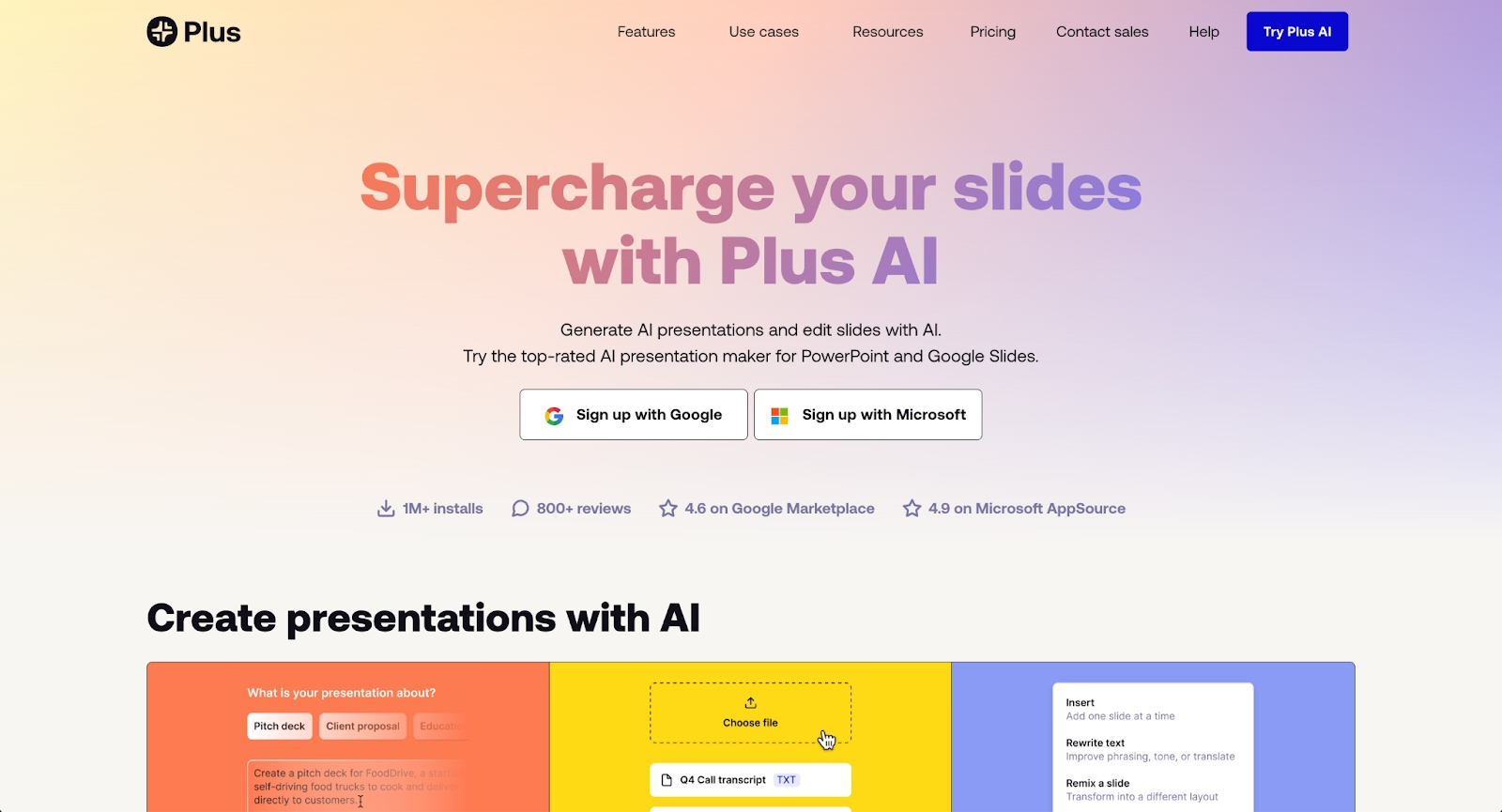
Plus AI operates as a Google Slides and PowerPoint add-on, bringing AI-powered content generation into existing workflows. Rather than switching to a new platform, users add AI capabilities directly to the tools they already use.
The standout feature is Live Snapshots, which pull real-time data from websites or dashboards and automatically update slides. For marketing teams sharing weekly performance metrics or sales teams tracking pipeline data, this eliminates manual data entry and ensures presentations always reflect current information.
Plus AI supports prompts up to 100,000 characters, making it useful for detailed, context-rich generation. Users can generate full presentations from prompts, convert documents into slides, or enhance existing content with AI assistance. Multi-language support serves global teams effectively.
Because Plus AI works within Google Slides and PowerPoint rather than as a standalone platform, design options are constrained by those tools' native capabilities. However, for teams deeply embedded in Google Workspace or Microsoft 365 who want AI assistance without changing platforms, Plus AI delivers meaningful productivity gains.
8. Pitch

Pitch is a modern presentation platform designed specifically for collaborative team workflows. It offers a clean interface design, beautiful customizable templates, and strong emphasis on real-time editing where multiple team members can work simultaneously.
The platform includes integrated analytics showing who viewed your presentation, how long they engaged, and what resonated most. Workflow tools like approval processes, commenting threads, and version history make it useful for distributed teams building decks together.
While Pitch doesn't offer the same depth of AI content generation as dedicated AI presentation makers, it excels at structured presentation design with particular appeal among startups and product teams. The template library emphasizes contemporary, visually polished designs that work well for pitch decks and business presentations.
Pitch is ideal for teams that prioritize collaboration, workflow organization, and modern design aesthetics over AI automation.
9. Presentations.ai
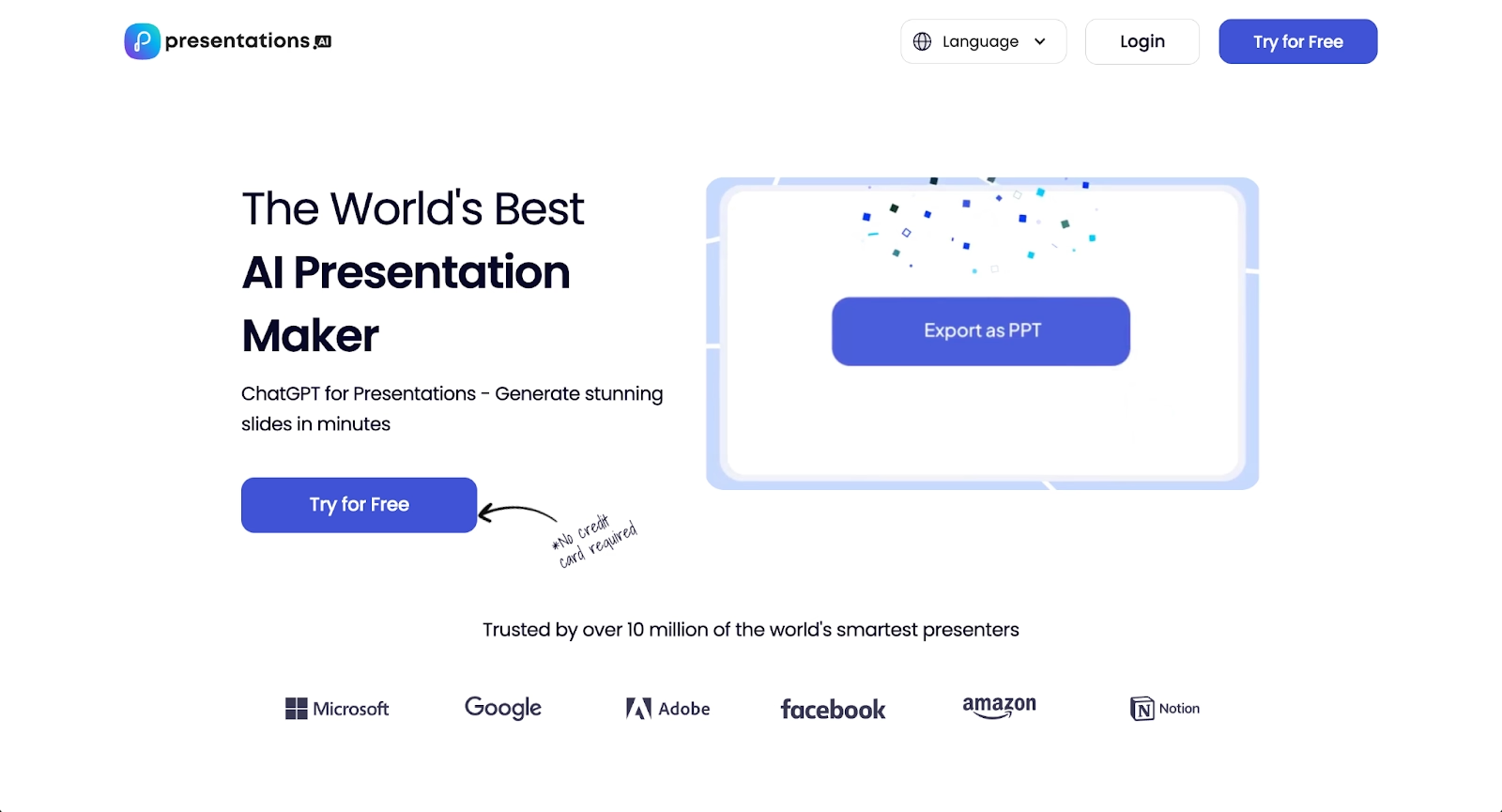
Presentations.ai takes a conversational approach to presentation creation. Users describe what they need in natural language, and the AI builds structured decks based on that input. The interface feels more like chatting with an assistant than using traditional presentation software.
The "Brand Sync" feature attempts to maintain visual consistency by learning your style preferences over time, applying your brand elements automatically to new presentations. The speed of generation is impressive, users can move from idea to first draft in minutes.
The trade-off is that editing capabilities within the platform are limited compared to more established tools. Most refinement and detailed customization require exporting and editing in other platforms. There's no direct download option, presentations are shared and published through the Presentations.ai platform.
Presentations.ai works best for solo creators or small teams who need rapid first drafts and are comfortable polishing content in external tools, prioritizing generation speed over in-platform editing depth.
Key comparison criteria
When evaluating Slidesgo alternatives, several factors determine which tool fits your specific professional needs and team workflow. Understanding these criteria helps you align platform capabilities with your priorities.
AI features
AI capabilities now differentiate presentation tools significantly. This includes content generation from prompts, automatic layout suggestions, AI-generated images, intelligent design automation, and text assistance.
Platforms like Beautiful.ai and Gamma offer robust AI presentation maker functionality, generating structured drafts from minimal input and applying design rules automatically. Beautiful.ai's Smart Slides use built-in automation logic (not AI) to handle formatting, while its separate AI features generate content and images. Plus AI and Presentations.ai focus heavily on prompt-based generation. Google Slides with Gemini provides AI features for paid Workspace users.
Traditional template libraries like Slidesgo offer no AI tools at all, users provide all content and handle all formatting manually. Teams seeking efficiency gains should prioritize platforms where AI or intelligent automation handles repetitive design and content tasks.
Ease of use
User experience determines adoption speed and ongoing productivity. This includes learning curve, interface clarity, onboarding friction, and how quickly users move from idea to finished presentation.
Template libraries like Slidesgo require users to download, import, and manually customize files in separate platforms. AI-powered tools like Beautiful.ai reduce friction by automating design decisions, users focus on content while the platform handles formatting. Add-ons like Plus AI work within familiar environments, minimizing onboarding time.
Google Slides offers the lowest barrier to entry for teams already using Google Workspace, while specialized platforms like Prezi or Visme introduce steeper learning curves in exchange for unique capabilities.
Design quality and templates
Template quality shapes how audiences perceive presentations. This criterion covers layout diversity, visual polish, font choices, color palettes, and customization flexibility.
Beautiful.ai ensures every slide meets professional standards through automated design rules applied by Smart Slides, regardless of user design skill. Visme and Pitch emphasize sophisticated business-appropriate designs. Canva provides vast template variety across multiple aesthetic styles. Slidesgo offers broad thematic range but requires manual quality control during customization.
The question is whether you want templates as starting points that you customize manually, or intelligent layouts that adapt automatically as you work.
Collaboration
Modern teams build presentations together. Real-time editing, commenting, version history, permission controls, and workflow management matter for distributed teams and multi-stakeholder projects.
Beautiful.ai, Google Slides, and Pitch excel at collaboration with simultaneous editing, comment threads, and shared workspace features. Beautiful.ai adds locked slides and brand guardrails for enterprise control. Template libraries like Slidesgo offer no built-in collaboration; users must rely on whatever features exist in Google Slides or PowerPoint after importing files.
For solo creators, collaboration features matter less. For teams, they're often decisive.
Export and integrations
Export flexibility determines workflow compatibility. Presentations need to work across Google Slides, PowerPoint, PDF, and web formats, depending on audience requirements and distribution channels.
Most alternatives support PPT, PPTX, and PDF exports. Beautiful.ai exports directly to Google Slides, PowerPoint, and PDF with high fidelity. Plus AI operates natively within existing platforms, eliminating export concerns. Gamma's web-first approach can create formatting issues when exporting to traditional slide formats.
Integration with tools like Slack, Salesforce, Dropbox, and analytics platforms extends functionality for enterprise workflows. Beautiful.ai offers robust integrations; template libraries typically offer none.
Pricing
Pricing structures vary widely and should be evaluated against time savings, design consistency, and feature access each platform provides.
Slidesgo provides free templates with attribution requirements, plus a premium tier for full library access. Google Slides is free for basic use; AI features require Google Workspace subscriptions. Beautiful.ai starts at $12/month (billed annually) with a 14-day free trial. Canva offers a generous free tier with paid plans for premium assets. Plus AI, Pitch, and Visme use subscription models with tiered feature access.
The true cost calculation should factor in time saved through automation, reduced need for design resources, and improved team productivity.
Quick comparison snapshots
These head-to-head comparisons highlight practical differences for common decision points when evaluating Slidesgo alternatives.
Beautiful.ai vs Slidesgo
Slidesgo provides static templates that users download and manually customize in Google Slides or PowerPoint. Beautiful.ai provides Smart Slides that automatically adapt as users add content, plus AI features that generate first drafts from prompts.
Slidesgo works as a visual starting point; users handle all formatting, alignment, and design decisions manually. Beautiful.ai handles formatting automatically through built-in design logic, applying professional rules in real-time. When you add text, change images, or reorganize content, Smart Slides adjust instantly to maintain visual balance.
This fundamental difference makes Beautiful.ai significantly faster for users who create presentations frequently or need consistent branding across teams. Slidesgo suits occasional users who want a free template for a one-time project and don't mind manual formatting work.
Beautiful.ai serves professionals who value speed, consistency, brand control, and AI-assisted workflows. Slidesgo serves budget-conscious users comfortable with manual design work.
Google Slides vs Slidesgo
Google Slides and Slidesgo solve different problems. Google Slides is a complete cloud-based presentation platform with real-time collaboration, automatic saving, and seamless sharing. Slidesgo is a template library that provides visual starting points for use in Google Slides or PowerPoint.
Many users actually combine both, downloading Slidesgo templates and editing them in Google Slides. The comparison is really about Google Slides with basic templates versus Google Slides with Slidesgo's more extensive template library.
For teams prioritizing collaboration and already using Google Workspace, Google Slides is the platform; Slidesgo is an optional enhancement. For users wanting more design sophistication than Google's default templates offer, Slidesgo adds value. But neither offers the intelligent design automation of tools like Beautiful.ai.
Gamma vs Slidesgo
Gamma and Slidesgo represent opposite ends of the presentation tool spectrum. Slidesgo offers static templates requiring manual content and design work. Gamma generates complete presentations from prompts, handling both content and design through AI.
Gamma's card-based, web-native format creates modern, interactive presentations optimized for browser viewing and async sharing. Slidesgo's templates create traditional slides optimized for in-person presentation or PowerPoint compatibility.
For users who struggle with blank-page paralysis or need rapid generation, Gamma offers a faster path to a first draft. For users who have content ready and want specific visual themes, Slidesgo provides starting point designs.
The choice depends on workflow: Do you need AI to help generate content and structure (Gamma), or do you need visual templates to populate manually (Slidesgo)?
Conclusion
Slidesgo remains a solid choice for users seeking free presentation templates with a broad thematic range and no learning curve beyond Google Slides or PowerPoint. But the right Slidesgo alternative depends entirely on your workflow needs, team structure, and how frequently you create presentations.
Teams that value automation and speed should consider Beautiful.ai, where Smart Slides eliminate manual formatting, and AI generates first drafts in seconds. The time savings compound quickly for users creating multiple presentations monthly. Users embedded in Google Workspace might prefer Plus AI for native integration, or Google Slides with Gemini for AI features within a familiar environment. Creative professionals who want distinctive, non-traditional presentations could explore Prezi's zoomable canvas or Gamma's modern web format.
Choose based on where you need the most help: visual templates (Slidesgo), intelligent automation (Beautiful.ai), familiar collaboration (Google Slides), AI generation speed (Gamma), or data visualization depth (Visme). The right tool aligns with how you work, who you work with, and what you're trying to achieve.
Why customers are switching to Beautiful.ai
Beautiful.ai is an AI-powered presentation platform that helps teams create polished, on-brand slides in a fraction of the time, without design skills or manual formatting.
- Design automation built in. Whether you're building pitch decks, reports, or internal presentations, Beautiful.ai’s Smart Slides automatically format content so you never worry about spacing, alignment, or layout again. Add your content, and the design adjusts instantly.
- ️No design experience required. Create professional decks without touching text boxes or manually arranging elements. Choose from Smart Templates and let the AI handle layout decisions, visual hierarchy, and consistency across the entire deck.
- Branding? Already handled. Keep every slide on-brand with your fonts, colors, and logos applied automatically. Beautiful.ai ensures every team member creates presentations that look like they came from a dedicated design team—without extra work.
- Real-time collaboration & team controls. Collaborate directly on the same deck, leave comments, manage permissions, and maintain consistency across team presentations. Perfect for growing teams and cross-functional workflows.
- Faster workflows, fewer revisions. Jump from rough outline to polished presentation in minutes, not hours. Beautiful.ai reduces back-and-forth edits by enforcing on-brand design rules and helping you iterate faster with AI-assisted slide creation.
