


Best Pitch alternatives: top 9 in 2026
![Pitch alternatives: the top 9 [updated 2026]](https://cdn.prod.website-files.com/59e16042ec229e00016d3a66/697d7c72a0eeaba9b77b08da_beautiful%20ai%20vs%20Pitch.avif)

Best Pitch alternatives: top 9 in 2026
Teams evaluating presentation software often compare a range of modern platforms designed for collaboration, speed, and visual polish. Pitch is one of the more established names in this category, but the right choice depends on your specific workflow, team size, and presentation goals. This article provides an analytical overview of Pitch and highlights the top Pitch alternatives, summarizing their features, strengths, and fit for different professional needs.
What is Pitch?
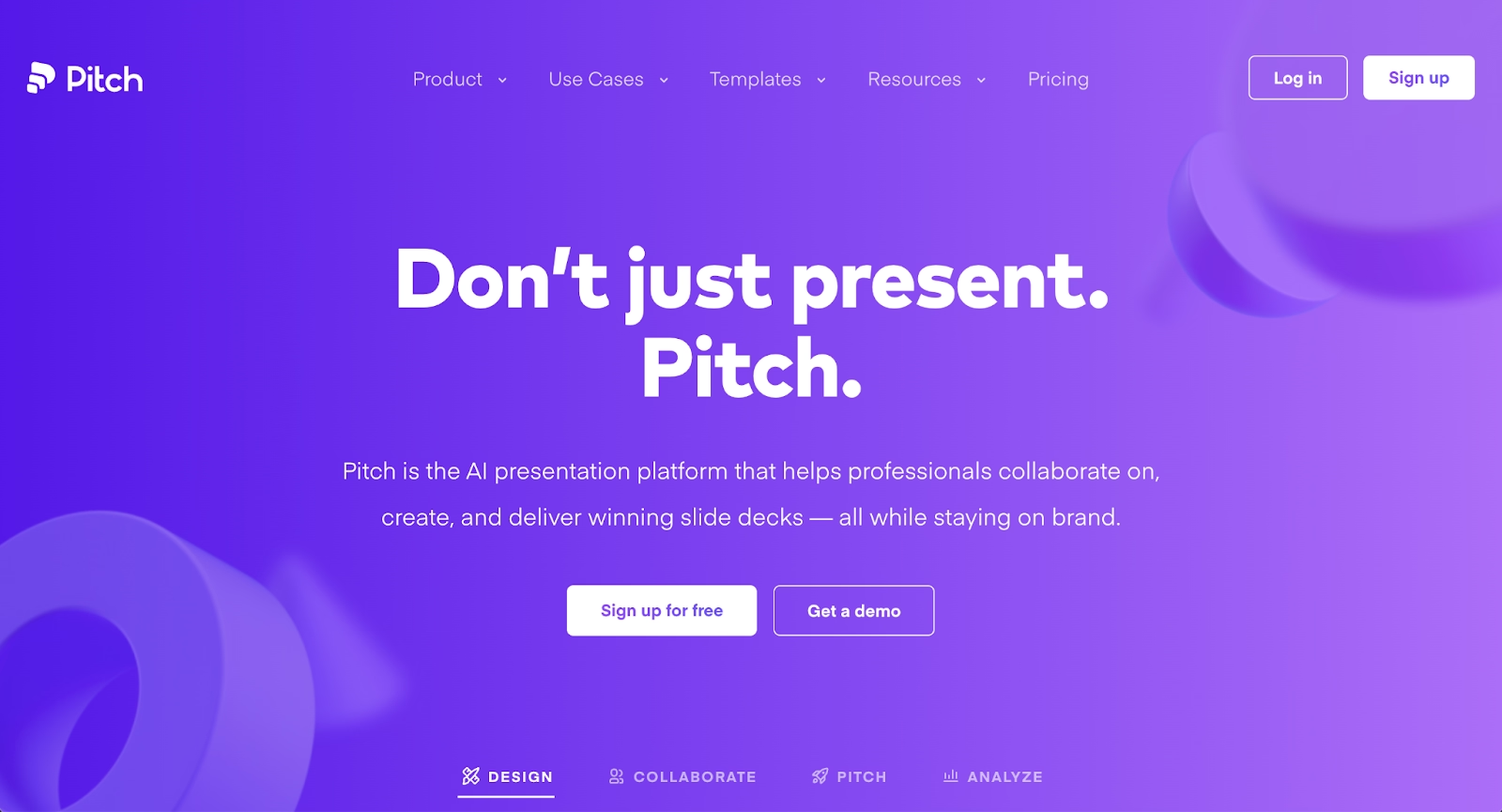
Pitch is a cloud-based presentation tool designed for collaborative team workflows. It positions itself as a modern alternative to traditional slide software, offering real-time editing, beautifully designed templates, and built-in analytics to track viewer engagement. Teams use Pitch to create pitch decks, business presentations, and client proposals, often valuing its emphasis on design quality and link-based sharing.
As a presentation tool, Pitch fits within the broader category of AI-powered and collaboration-focused platforms that help teams move faster without sacrificing visual polish. Its interface is clean, and its focus on team-centric features makes it popular among startups, agencies, and distributed teams.
Yet many users compare Pitch to other presentation software options when they need different functionality, deeper automation, or more flexible pricing models.
Why look for Pitch alternatives?
While Pitch delivers strong collaboration features and modern design options, several factors drive teams to explore alternatives.
Feature limitations can be a concern. Pitch offers solid templates and real-time collaboration, but teams with specialized needs—such as advanced data visualization, AI-generated content, or highly customizable layouts—may find gaps in functionality. Workflow preferences also play a role, as teams accustomed to specific design tools or presentation structures may prefer platforms that better match their existing habits.
Pricing and scalability often influence the search. Pitch's free plan has restrictions, and as teams grow, per-seat costs can add up. Recent data shows 78% of IT leaders reported unexpected charges tied to AI features or consumption-based pricing, making cost predictability a growing concern for organizations seeking more transparent pricing models or broader free tiers. Integration and export requirements matter too, as some teams need deeper compatibility with Microsoft PowerPoint, Google Workspace, or other tools in their tech stack. Design and template variety can also be deciding factors, with teams often seeking more extensive libraries, unique visual styles, or greater customization flexibility.
Top 9 Pitch alternatives
The market offers a wide range of tools that serve as alternatives to Pitch, each with distinct strengths and target audiences. Some platforms emphasize automation and AI-powered design, while others focus on collaboration, customization, or seamless integration with existing workflows. The following options vary in approach, making them suitable for different team structures and presentation needs.
1. Beautiful.ai

Beautiful.ai stands out for its intelligent design engine that combines AI-powered presentation generation with automated Smart Slide layouts. The platform's AI features help you skip the blank page by generating complete presentation drafts in seconds from a simple prompt. Every AI-generated deck is built using Smart Slides, which auto-align, resize, and animate your content as you edit, maintaining visual consistency without manual formatting effort.
This dual approach is ideal for teams that need polished business presentations and pitch decks quickly. The AI kickstarts your ideas and generates entire decks, single slides, images, or text, while Smart Slide layouts ensure professional output as you refine and edit. Beautiful.ai supports real-time collaboration, custom brand themes, and viewer analytics, making it a strong fit for sales teams, marketing departments, and consultants looking for design guardrails that ensure brand consistency across decks.
2. Gamma
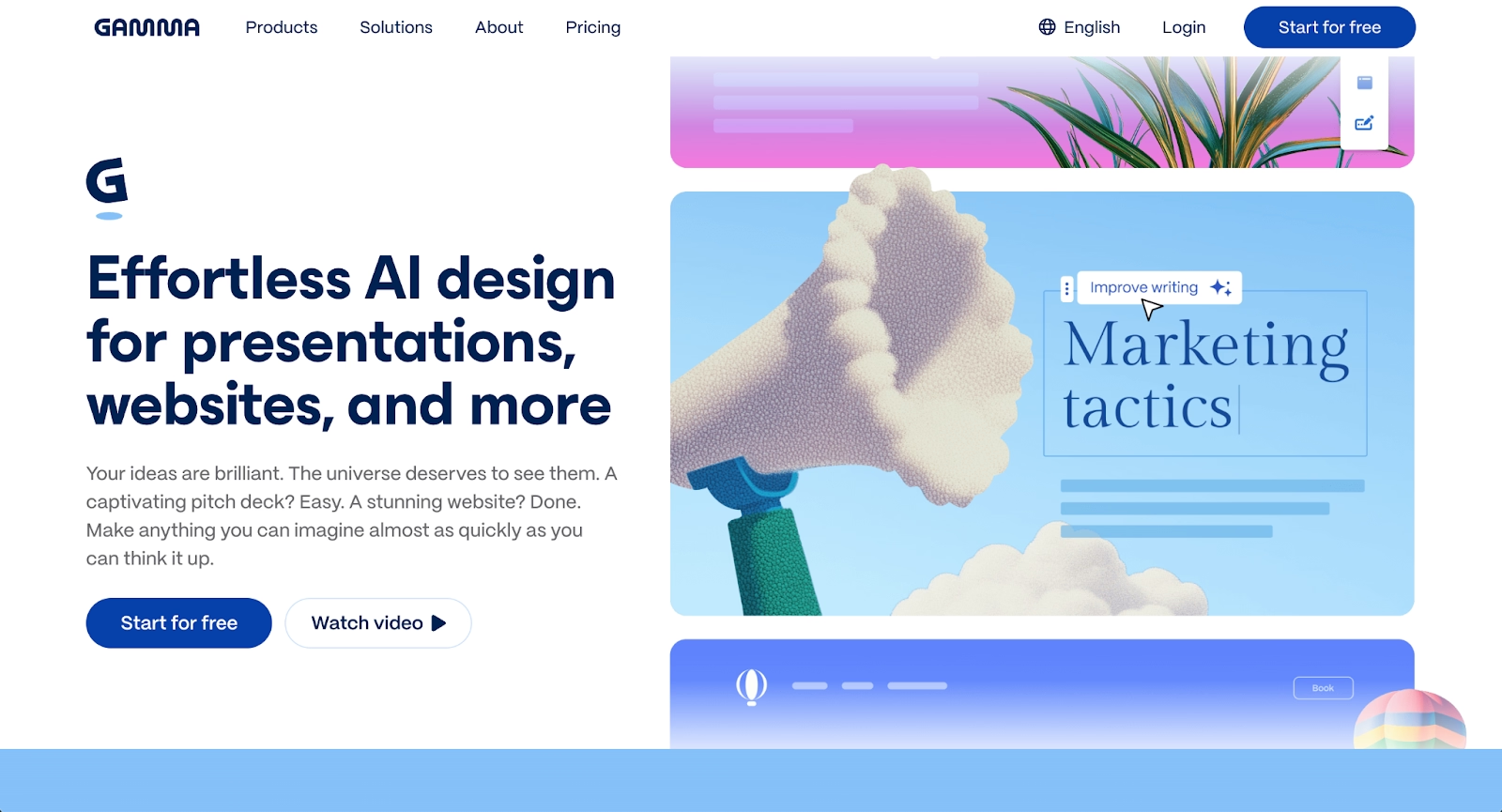
Gamma is an AI-powered platform designed for creating presentations, documents, and webpages with a modern, web-native approach. Unlike traditional slide-based tools, Gamma uses a card-based interface that allows flexible content arrangement and dynamic delivery. Users can input text prompts or existing content, and Gamma's AI structures the narrative, suggests layouts, and applies design themes automatically.
The platform emphasizes speed and clarity, with AI-driven content formatting that helps teams move from concept to polished presentation quickly. Gamma supports responsive templates that adapt to different screen sizes, real-time collaboration capabilities, and embedded multimedia content. Its card-based structure works particularly well for async sharing and web-based viewing, and includes viewer analytics to track engagement, making it valuable for sales teams and client-facing presentations.
3. Google Slides with Gemini
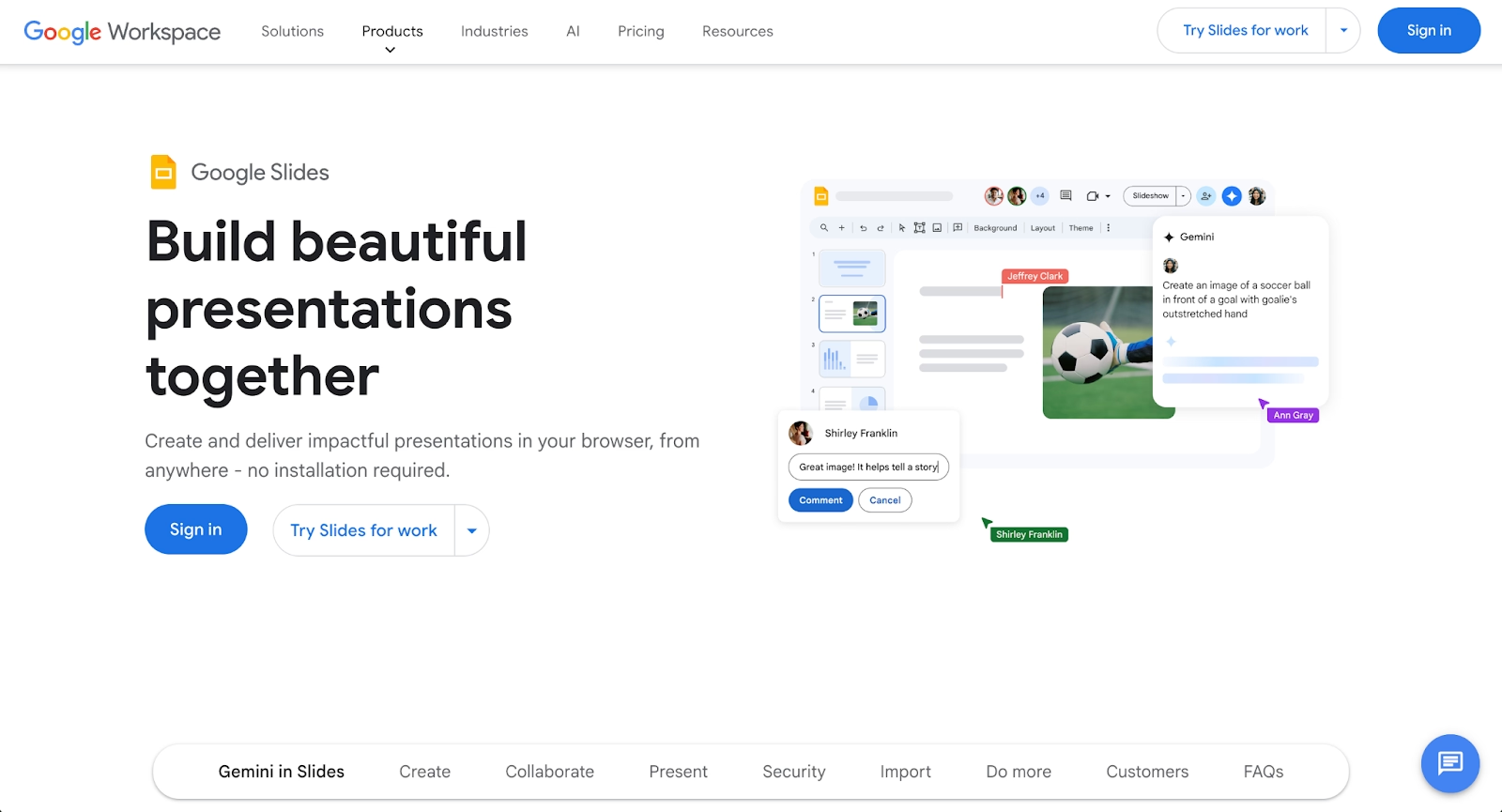
Google Slides is a cloud-based presentation tool built into Google Workspace, known for its accessibility and real-time collaboration capabilities. When enhanced with Google Gemini, it gains AI-powered features such as generated text, layout suggestions, and content assistance. Teams can share files easily through Google Drive and access presentations from any device with seamless integration across Docs, Sheets, and other Workspace apps.
Google Slides excels at straightforward slide decks and professional presentations, with robust collaboration features and a generous free plan that makes it a cost-effective option for many teams. Gemini adds automation that helps users generate content faster, though advanced features may require paid tiers. For teams deeply embedded in Google Workspace, it offers familiarity and convenience, making it a practical choice for organizations already using the ecosystem.
4. Microsoft PowerPoint with Copilot
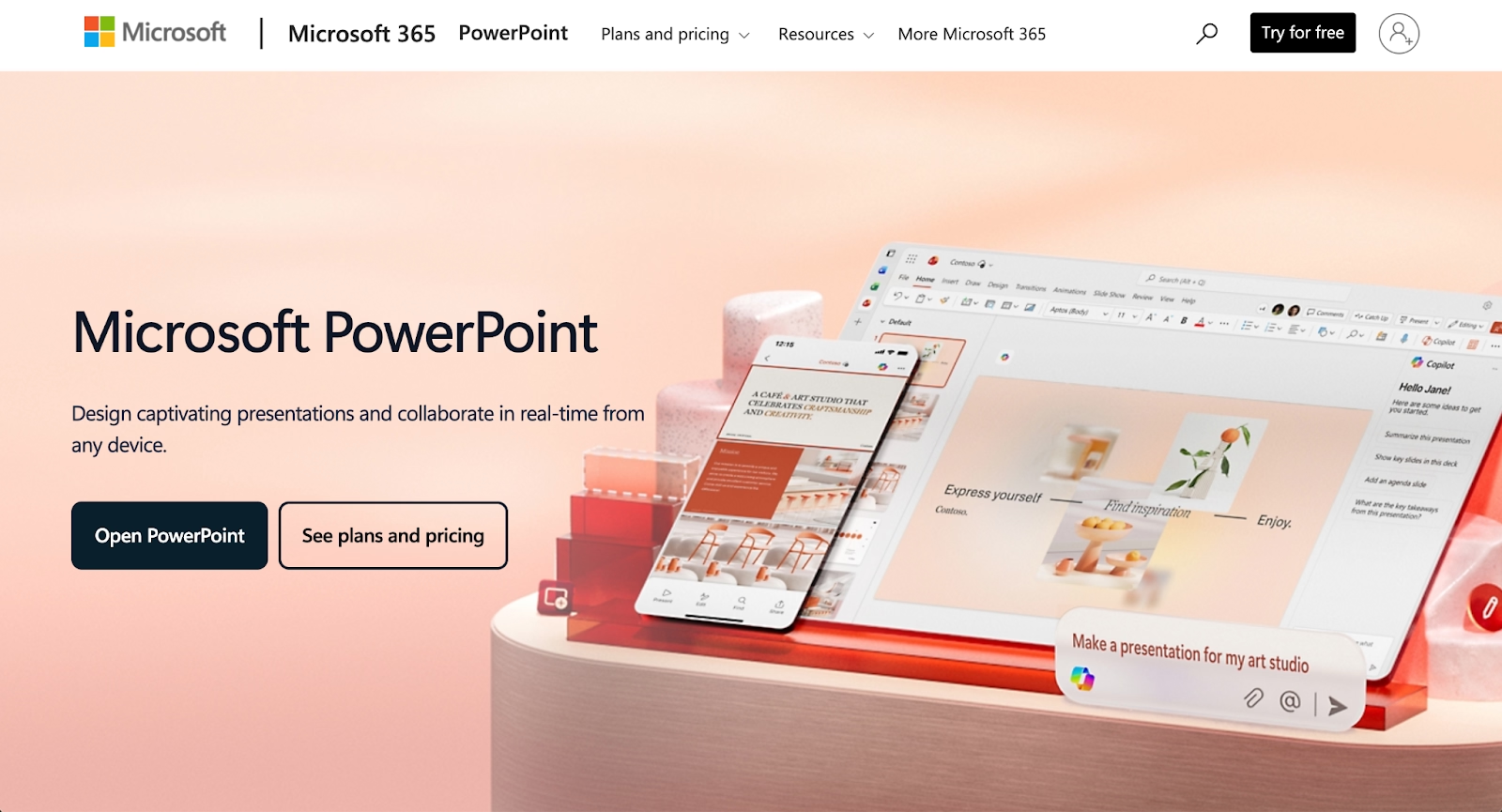
Microsoft PowerPoint, enhanced with Microsoft Copilot, represents the evolution of the most widely used presentation software. PowerPoint provides deep design flexibility, extensive templates, animations, custom charts, and multimedia support. Copilot adds modern AI assistance for content generation, automated formatting, and outline creation, helping users generate slides from prompts, refine existing content, and create speaker notes without leaving their preferred environment.
This pairing combines the familiarity of PowerPoint with AI-powered efficiency, making it ideal for organizations standardized on Microsoft 365. The platform supports complex presentations and offers enterprise-level governance, SSO, and data security. For teams that live in Microsoft 365, PowerPoint with Copilot delivers AI capabilities within a trusted, familiar tool that integrates deeply with enterprise systems.
5. Prezi
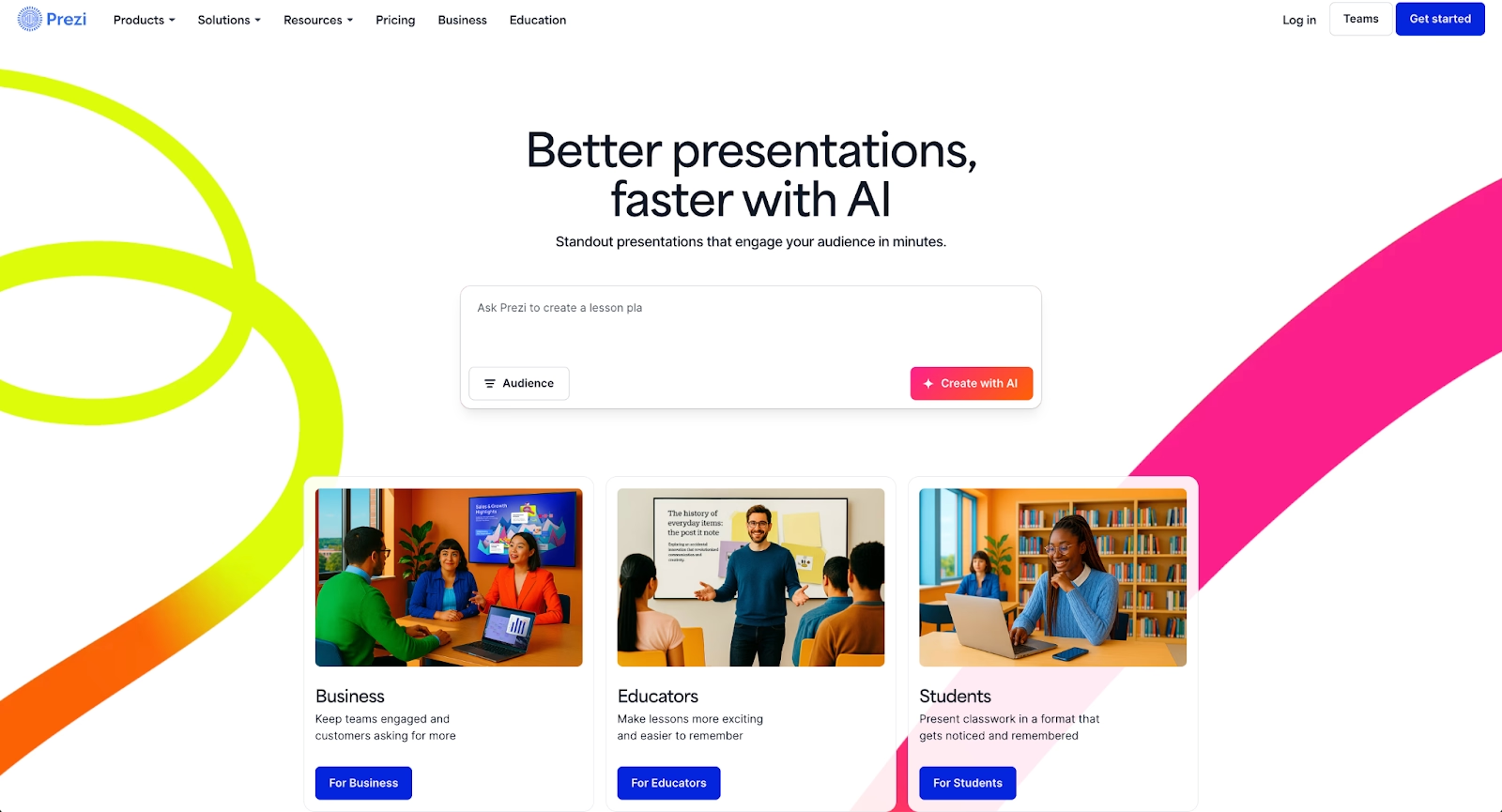
Prezi takes a fundamentally different approach to presentations with its non-linear, zoomable canvas. Instead of traditional slide sequences, Prezi arranges content spatially, allowing presenters to zoom in on details and out to reveal context. This creates a dynamic storytelling flow that can make complex topics more engaging and memorable.
Prezi's unique visual style is particularly effective for business presentations that rely on conceptual relationships or narrative structure. The platform supports online delivery, multimedia content, and analytics. While Prezi doesn't emphasize AI-generated content like some alternatives, it excels at creating interactive presentations that break away from conventional formats, making it compelling for teams that want to stand out visually and captivate audiences.
6. Presentations.ai
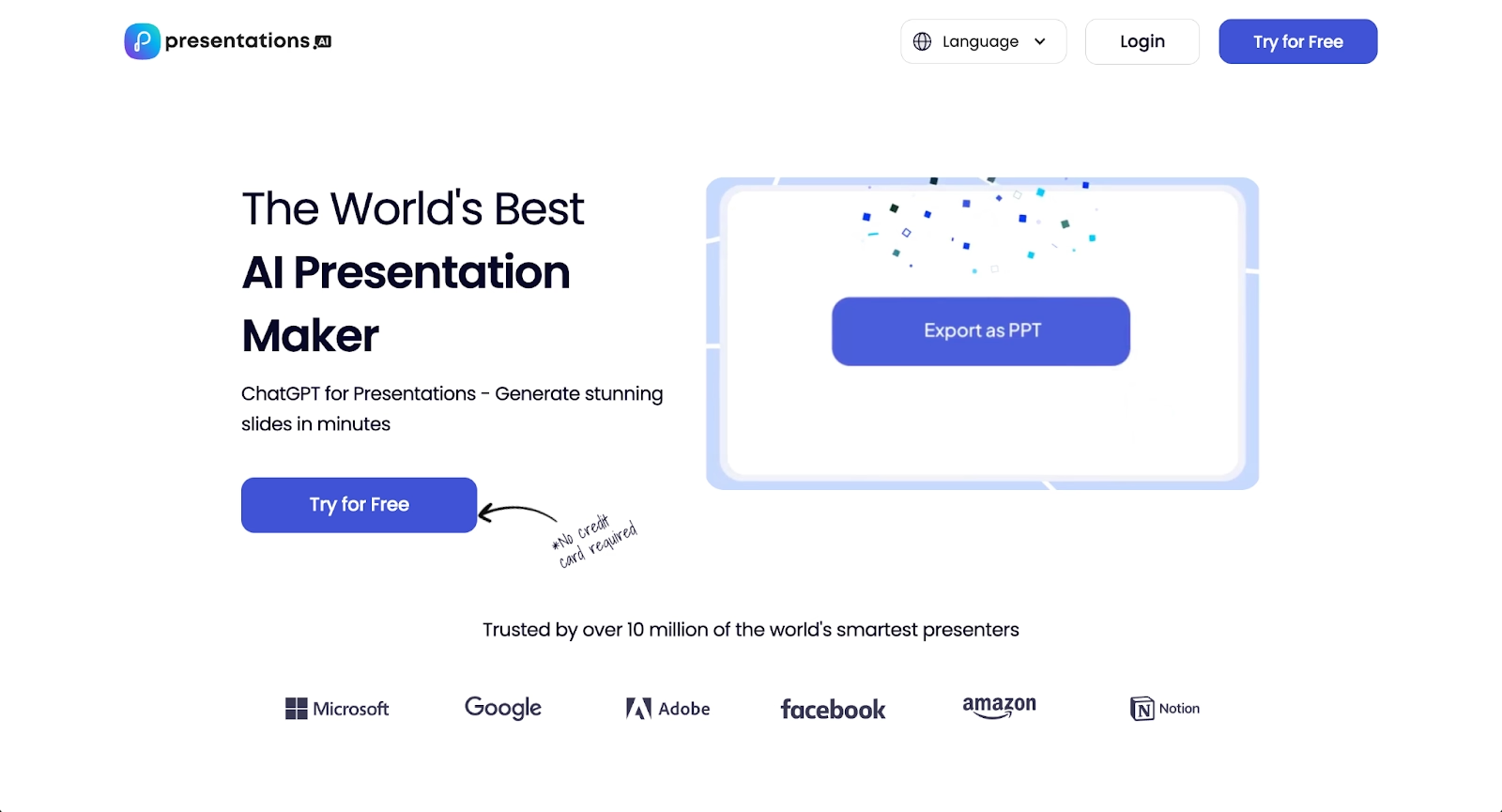
Presentations.ai is an AI-native presentation platform built around conversational creation. Users describe what they need through prompts, and the AI generates complete presentations with design, layout, and content automatically applied. The platform features "Brand Sync" that learns and applies your style preferences across presentations, maintaining visual consistency without manual formatting.
Presentations.ai offers thousands of pre-built slide templates that automatically match your content type, with multiple creation methods including prompts, template-based questionnaires, or pasting content from documents. The platform includes real-time collaboration features like editing, comments, and task assignments, plus slide analytics to track engagement. It focuses heavily on speed and AI-assisted design, making it suitable for teams that prioritize rapid deck creation and want an all-in-one solution for building, editing, and presenting.
7. Keynote
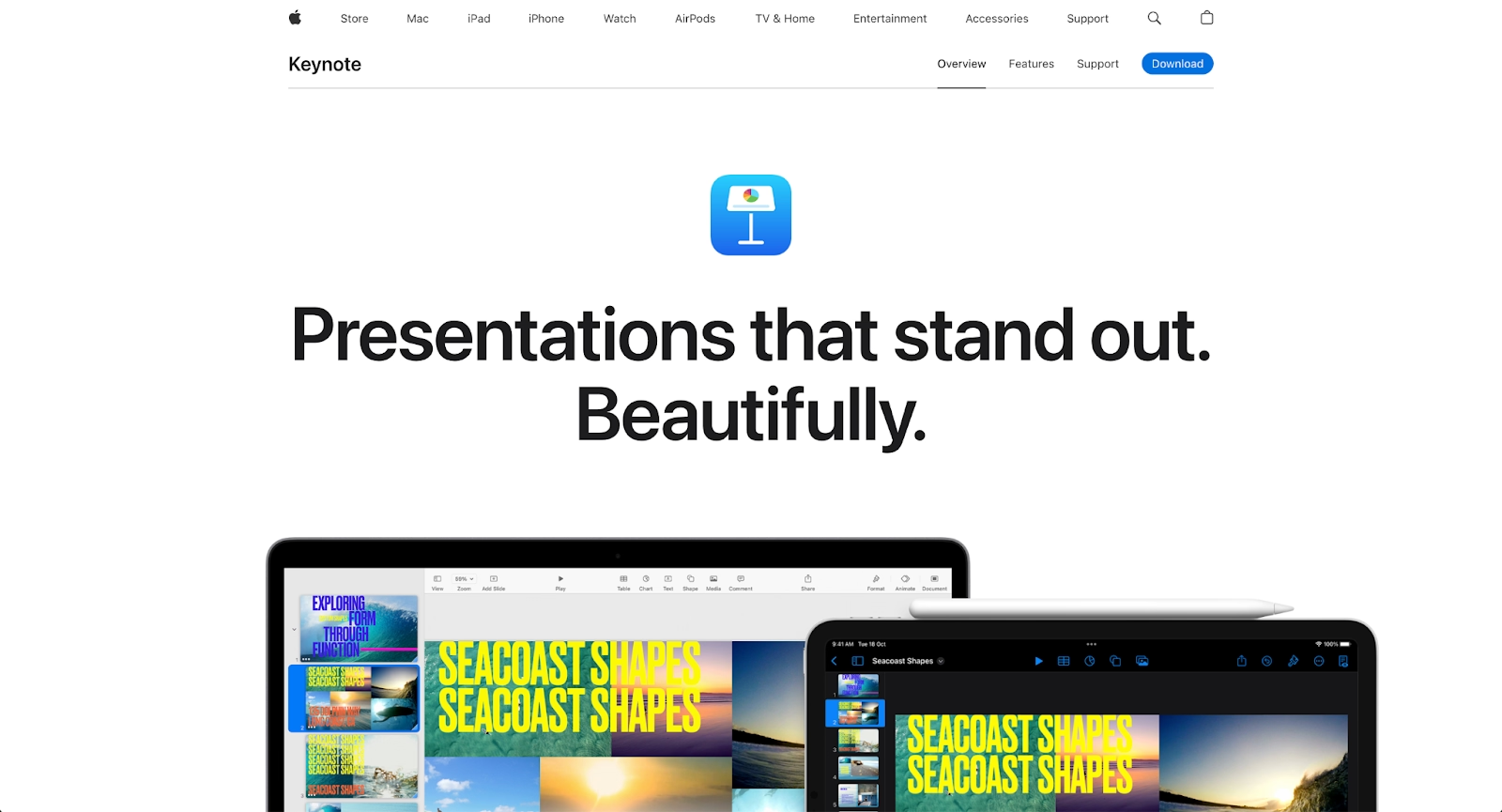
Keynote is Apple's native presentation software for Mac, iOS, and the broader Apple ecosystem. It offers refined animations, cinematic transitions, and strong typography control, with seamless integration across Apple devices and the ability to export files for compatibility with Microsoft PowerPoint.
Keynote suits users who value design polish and work primarily on Mac or iOS. The platform excels at creating visually sophisticated presentations with Apple's design sensibility, though collaboration and cross-platform workflows remain more limited than cloud-based alternatives.
8. Decktopus
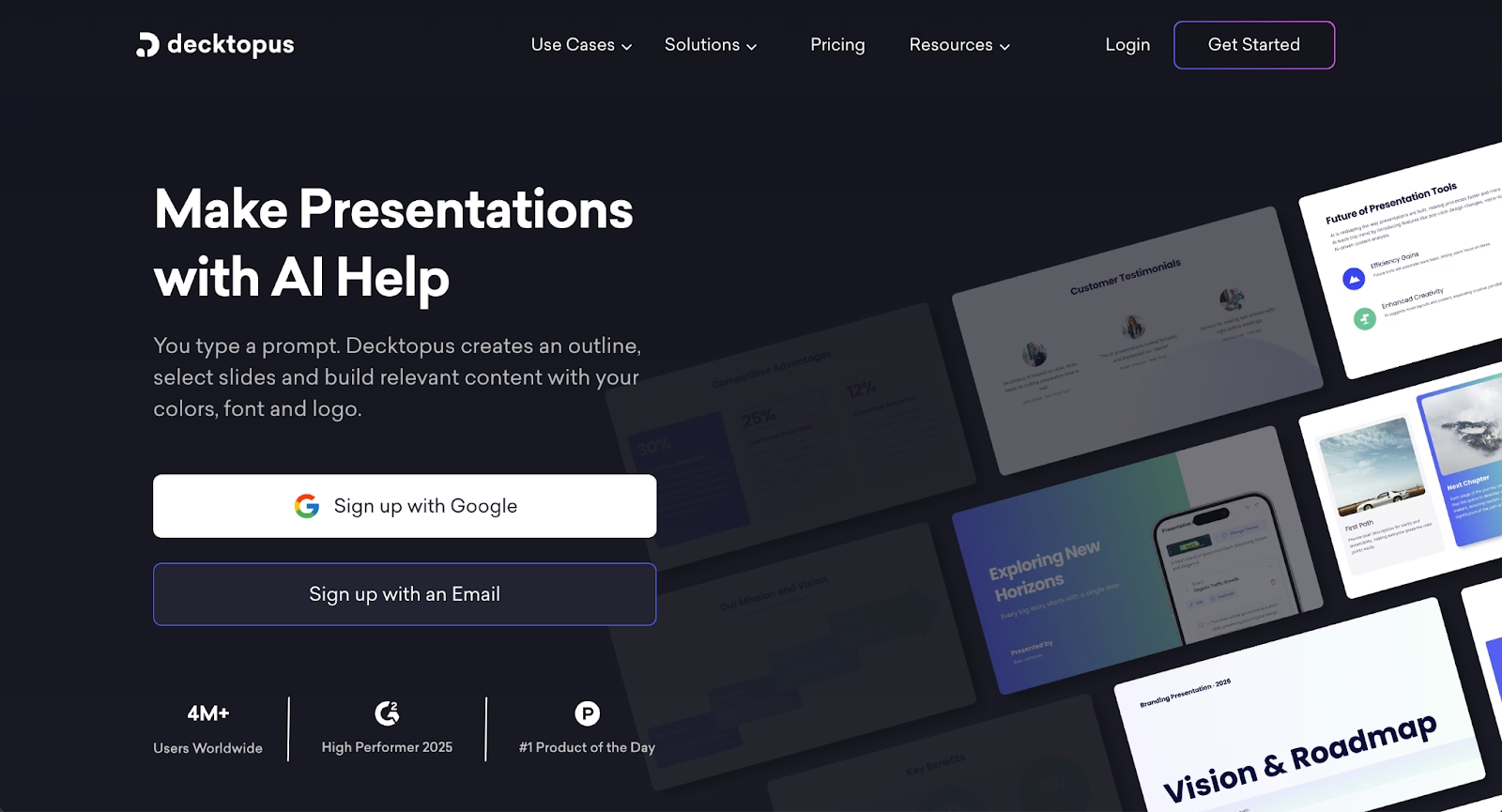
Decktopus is an AI-powered presentation tool built for speed using a guided, step-by-step workflow. It helps users create complete decks quickly through structured prompts and pre-defined layouts, with AI assisting in initial content generation and image suggestions. The platform follows a wizard-like process that generates slides with clean, modern aesthetics.
Decktopus focuses on simplicity over extensive customization, making it well-suited for individuals and small teams creating straightforward presentations quickly. It exports to PowerPoint and PDF, though real-time design adjustments are more limited compared to platforms with automated layout engines. The platform uses a credit-based system for AI features across its pricing tiers.
9. Visme
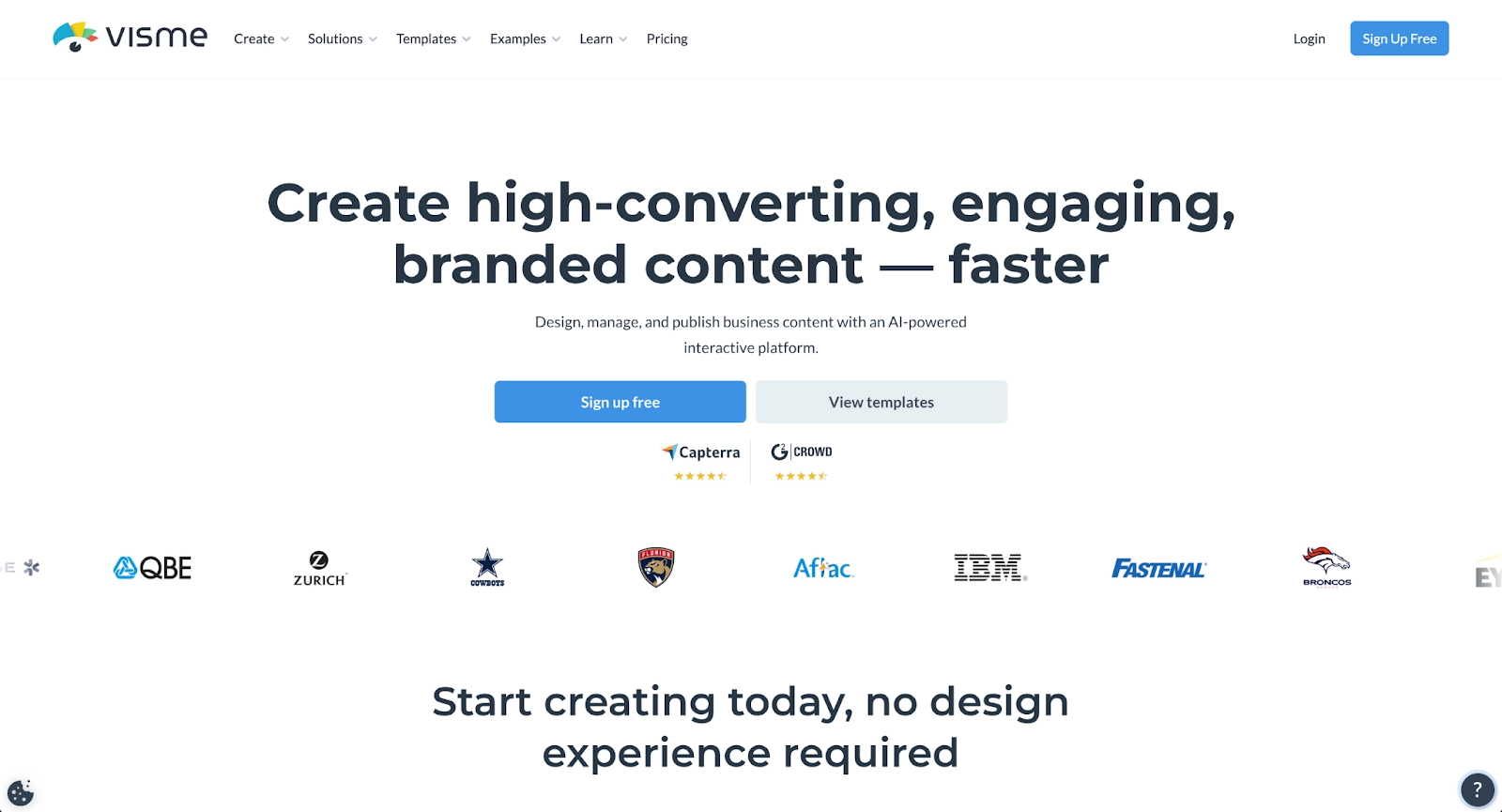
Visme is a versatile visual content platform that supports presentations, infographics, documents, and videos. It includes a large library of templates, design tools, and data visualization features, making it suitable for a wide range of content creation needs. The platform's drag-and-drop editor allows users to build custom presentations with extensive control over layouts, fonts, colors, and graphics.
Visme supports advanced features like animations, interactive elements, and embedding external content, along with data visualization tools for creating charts and graphs that are valuable for data-heavy material. It's ideal for teams that need both presentations and other visual assets, such as social media graphics or webpages, making it a strong choice for organizations that want a comprehensive design platform beyond slide decks alone.
Key comparison criteria
When evaluating pitch alternatives, several criteria help determine which presentation software best fits specific professional needs. These factors ensure the chosen platform supports efficient workflows and aligns with the level of design, collaboration, or automation a team requires.
AI features
AI capabilities have become central to modern presentation tools. This includes AI-powered content generation, automated layout suggestions, intelligent design assistance, and tools for summarizing or expanding text. Strong AI features streamline repetitive tasks, accelerate content creation, and improve overall presentation quality.
Platforms like Beautiful.ai, Microsoft PowerPoint with Copilot, and Google Slides with Gemini offer robust AI presentation functionality that enables fast drafting without compromising structure. Teams that prioritize automation should evaluate the depth and flexibility of each platform's AI capabilities to ensure they support their specific workflow needs.
Ease of use
User experience plays a critical role in platform adoption and productivity. An intuitive interface, clear navigation, and accessible design tools contribute significantly to usability. The onboarding experience and learning curve determine how quickly teams can move from setup to creating finished presentations.
User-friendly platforms with drag-and-drop functionality and straightforward editors help teams maintain momentum, particularly when collaborating across departments or onboarding new members. Tools that reduce friction allow users to focus on communication and content rather than wrestling with complex systems. For beginners or teams with varied skill levels, ease of use often outweighs advanced features.
Design quality and templates
The aesthetic quality of a presentation shapes how content is perceived and received. This criterion considers template diversity and quality, customization options for fonts and layouts, and overall visual polish. High-quality templates and design tools help maintain brand consistency across slide decks and business presentations.
Platforms like Beautiful.ai and Gamma offer extensive template libraries and automated formatting that reduce the need for manual design work. Teams building pitch decks or client-facing materials benefit from tools that provide professional layouts and flexible customization. The availability of customizable templates and design controls can significantly impact how quickly teams produce polished work.
Collaboration
Real-time collaboration has become essential for modern teams. This includes simultaneous editing, commenting tools, version history, and clear document management for distributed groups.
Platforms like Pitch, Beautiful.ai, and Google Slides excel at real-time collaboration through their cloud-based architecture. Collaboration tools matter for workflows involving client reviews, cross-functional input, or remote teams working across time zones. Teams should assess whether the platform supports their specific collaboration patterns and integrates with their communication tools.
Export and integrations
Export flexibility and integration support play a major role in overall workflow efficiency. Presentation tools should support multiple export formats, including PDF, PowerPoint files, and web-based sharing, to ensure compatibility across different environments and audiences. The ability to embed multimedia, link data sources, and integrate with tools like Google Workspace, Microsoft 365, or CRM systems helps unify a broader tech stack.
Platforms with strong integration capabilities allow teams to maintain consistent functionality without relying heavily on workarounds or manual file transfers. For teams that need to round-trip files between different tools or work within specific ecosystems, export quality and integration depth are critical evaluation criteria.
Pricing
Pricing structures vary significantly across presentation software options and directly impact value and scalability. This includes evaluating free plan availability and limitations, assessing paid tier features, and reviewing per-seat costs for growing teams. Costs should reflect the level of automation, collaboration tools, AI-powered features, and export support included in each offering.
Some platforms offer generous free plans suitable for individuals or small teams, while others provide free trials followed by subscription requirements. Enterprise-level options often include advanced features like SSO, customer support, and governance controls at higher pricing tiers. Teams must determine whether each platform's pricing aligns with their budget and provides appropriate value for both current needs and future growth.
Quick comparison snapshots
Direct comparisons between select alternatives and Pitch help clarify where each platform excels. These snapshots highlight practical differences in design philosophy, collaboration features, and ideal use cases, making it easier to choose the right presentation tool for specific requirements.
Beautiful.ai vs Pitch
Beautiful.ai focuses on automated design consistency using Smart Slides to enforce professional layout rules with minimal user input, while Pitch offers more design flexibility with strong templates and real-time collaborative editing. Choose Beautiful.ai for efficiency and brand control through streamlined, automated workflows. Choose Pitch for collaborative design iteration with more creative flexibility.
Gamma vs Pitch
Gamma uses a card-based, web-native format with AI-driven content generation for rapid presentation creation, while Pitch follows traditional slide-based structures with beautifully designed templates and real-time collaborative editing. Choose Gamma for fast AI-powered generation and scrollable, web-first experiences. Choose Pitch for familiar slide formats with strong design templates and presentation-specific analytics.
Prezi vs Pitch
Prezi's zoomable canvas creates a distinct presentation experience that emphasizes spatial storytelling and dynamic movement between topics, while Pitch follows a traditional slide-based structure with modern design templates and real-time collaboration. Choose Prezi for memorable, non-linear narratives that engage audiences through visual movement. Choose Pitch for familiar slide formats with strong collaborative features and conventional presentation workflows.
Conclusion
The landscape of presentation tools offers compelling alternatives to Pitch for different professional needs. When evaluating options, consider AI features, ease of use, design quality, collaboration capabilities, integration requirements, and pricing. These criteria guide teams toward platforms that align with their specific workflows.
Whether your priority is speed, design control, collaboration, or cost, align your specific requirements with the platform that best supports them. By matching team priorities with platform strengths, you can choose a tool that enables efficient, high-quality presentation creation without unnecessary friction.
Why customers are switching to Beautiful.ai
Beautiful.ai is an AI-powered presentation platform that helps teams create polished, on-brand slides in a fraction of the time, without design skills or manual formatting.
- Design automation built in. Whether you're building pitch decks, reports, or internal presentations, Beautiful.ai’s Smart Slides automatically format content so you never worry about spacing, alignment, or layout again. Add your content, and the design adjusts instantly.
- ️No design experience required. Create professional decks without touching text boxes or manually arranging elements. Choose from Smart Templates and let the AI handle layout decisions, visual hierarchy, and consistency across the entire deck.
- Branding? Already handled. Keep every slide on-brand with your fonts, colors, and logos applied automatically. Beautiful.ai ensures every team member creates presentations that look like they came from a dedicated design team—without extra work.
- Real-time collaboration & team controls. Collaborate directly on the same deck, leave comments, manage permissions, and maintain consistency across team presentations. Perfect for growing teams and cross-functional workflows.
- Faster workflows, fewer revisions. Jump from rough outline to polished presentation in minutes, not hours. Beautiful.ai reduces back-and-forth edits by enforcing on-brand design rules and helping you iterate faster with AI-assisted slide creation.
