{{template-name}} Template
What is a {{template-name}}, and when should you use one?
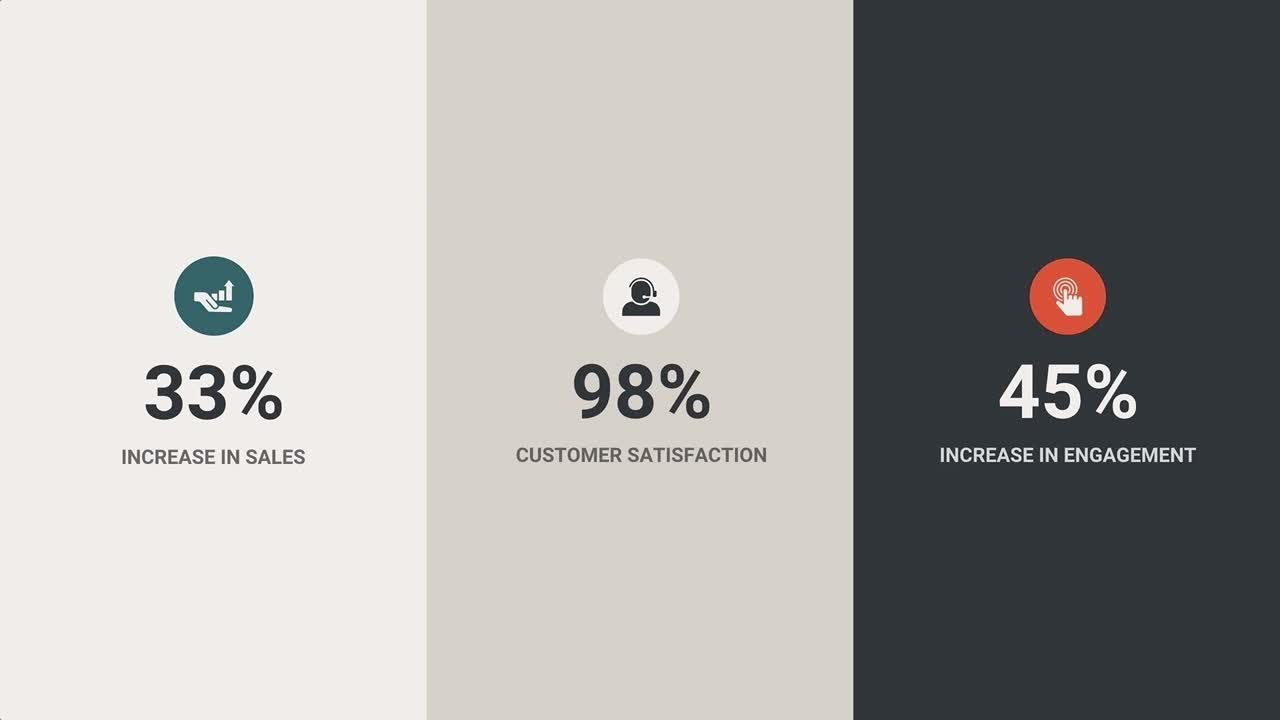
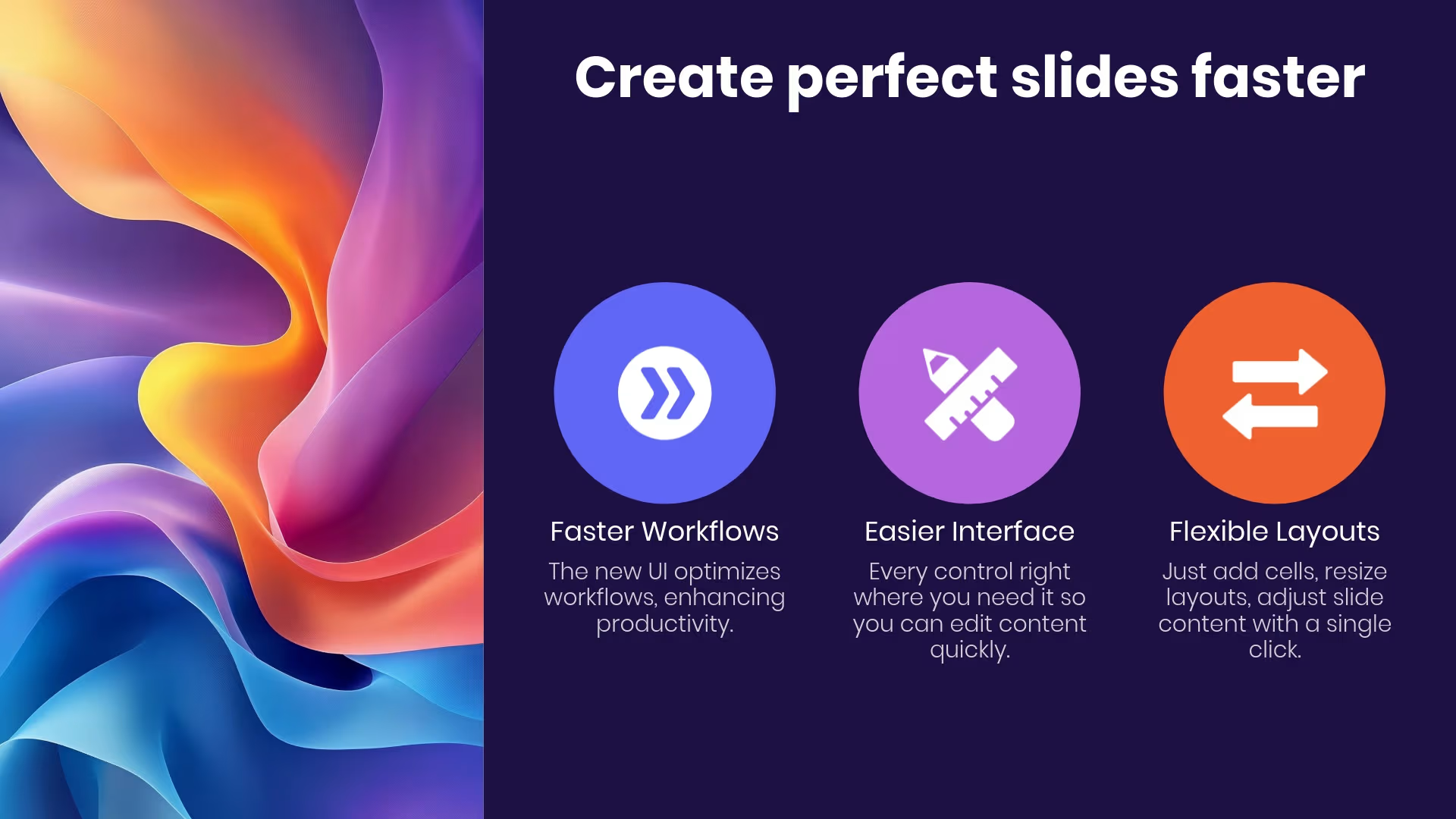
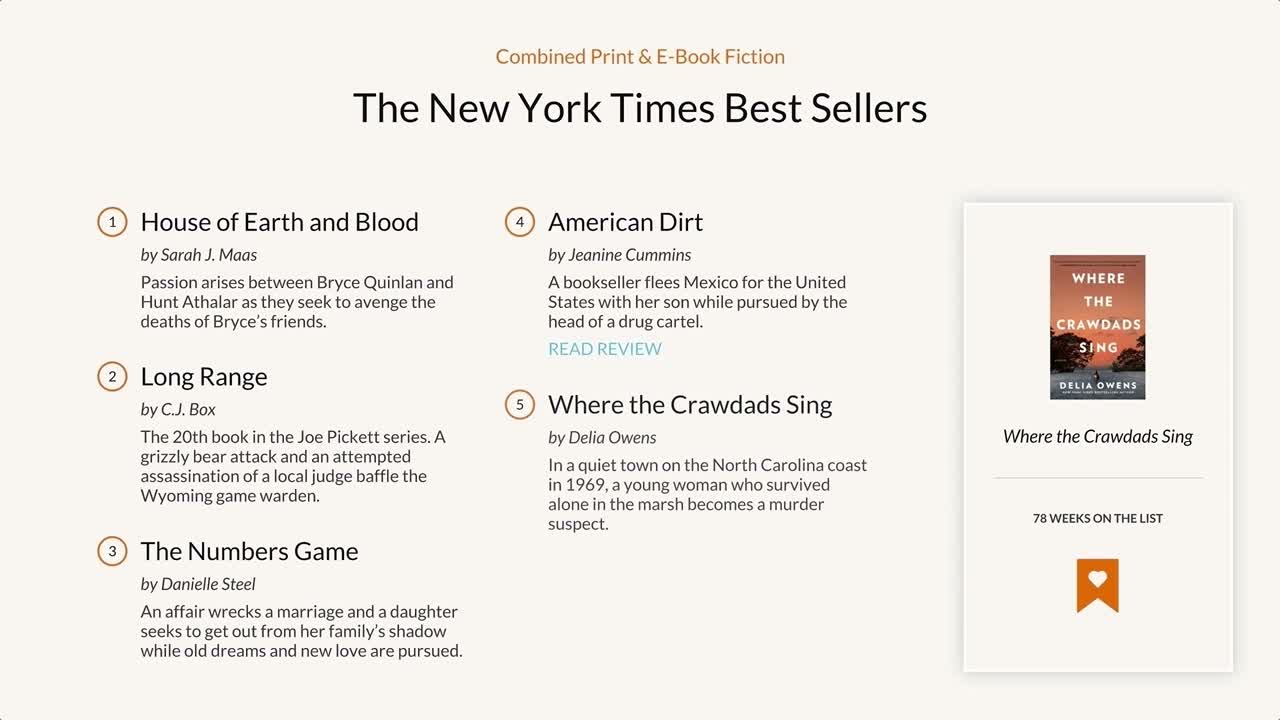
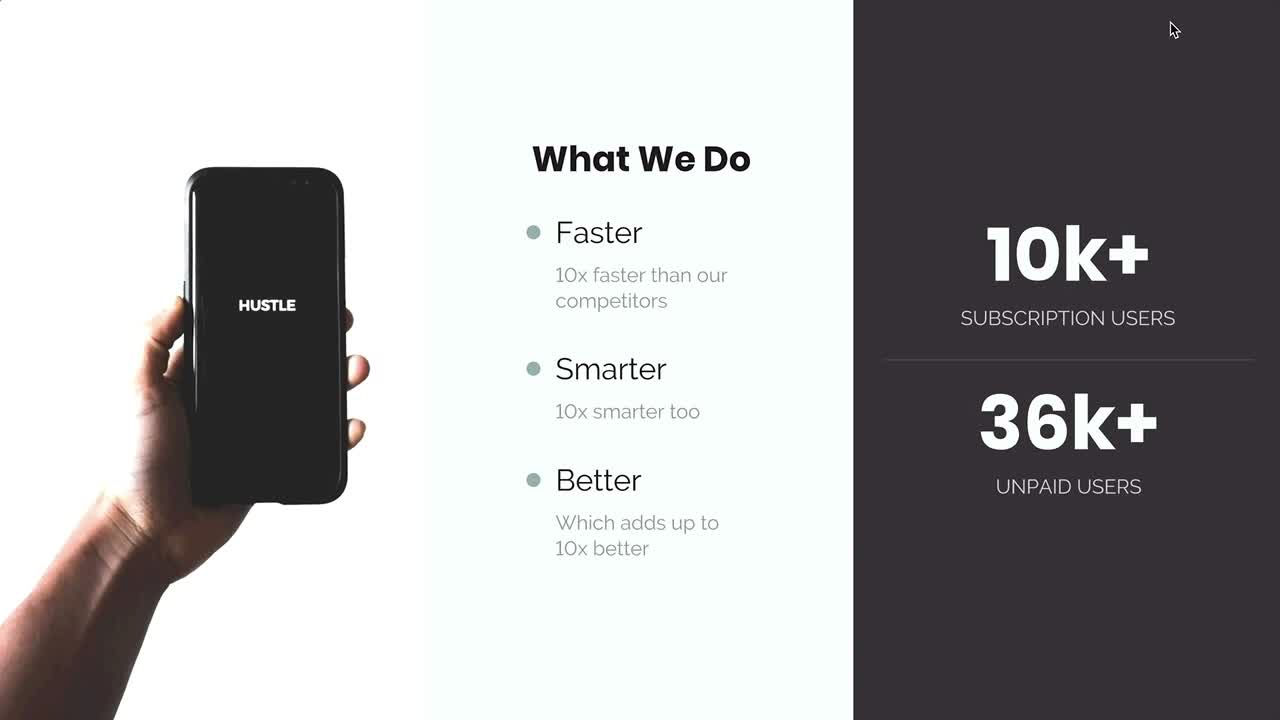
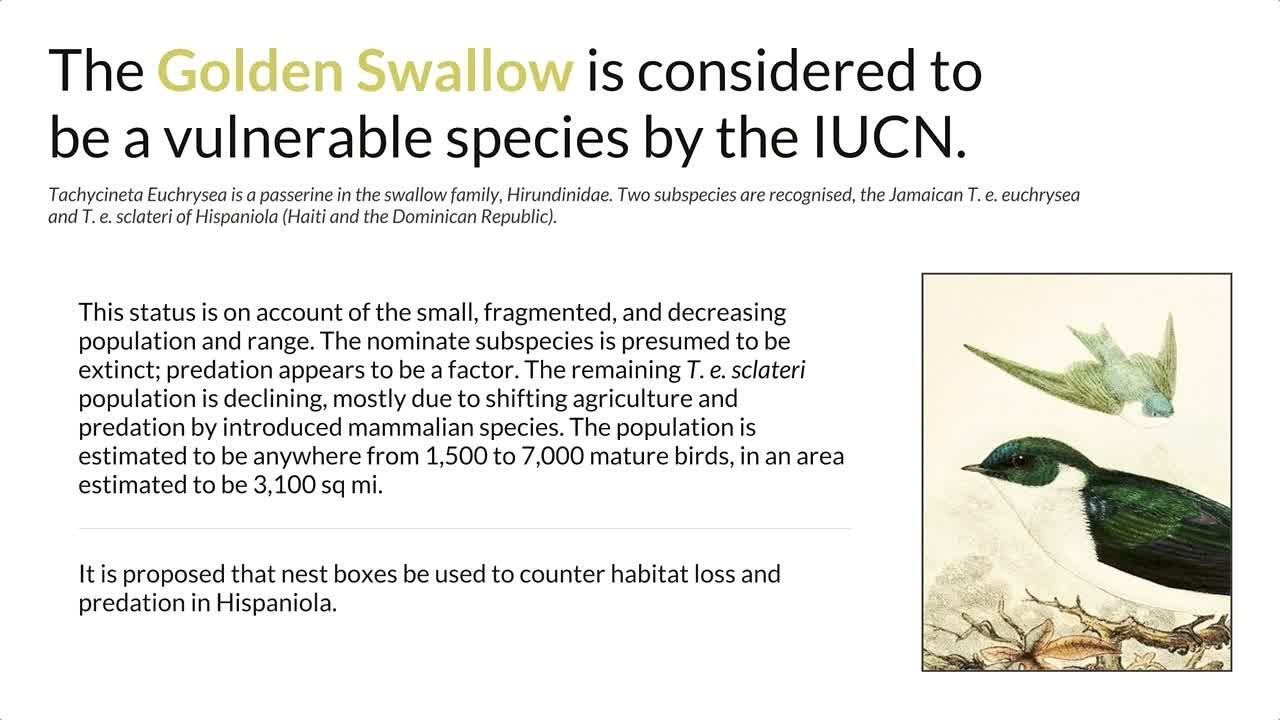
Your presentation needs to support the key messages you’re delivering to your audience. Your slides shouldn’t take away from your presentation, but that doesn’t mean they have to be plain and boring, either. Add some visual interest to your slides by using an icon slide template for your lists. With our icon slide template, you can pair images to text, helping your audience process information easier.
Use our icon slide template to:
- Add visual interest to your presentation design
- Make blocks of texts easier to read
- Organize your content
Pro Tips for an Icon Slide Template
Here are some helpful tips for using the icon slide template.
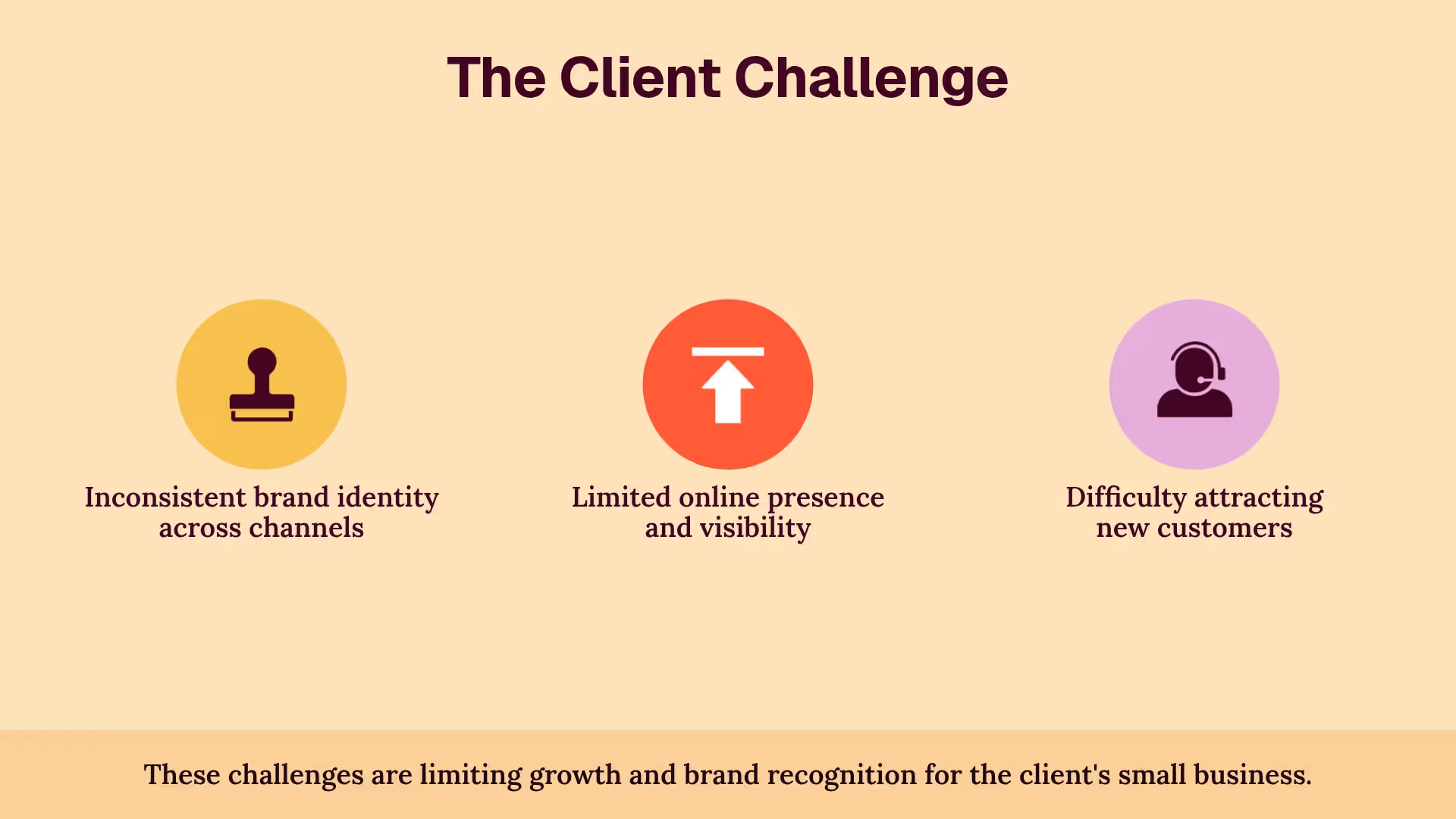

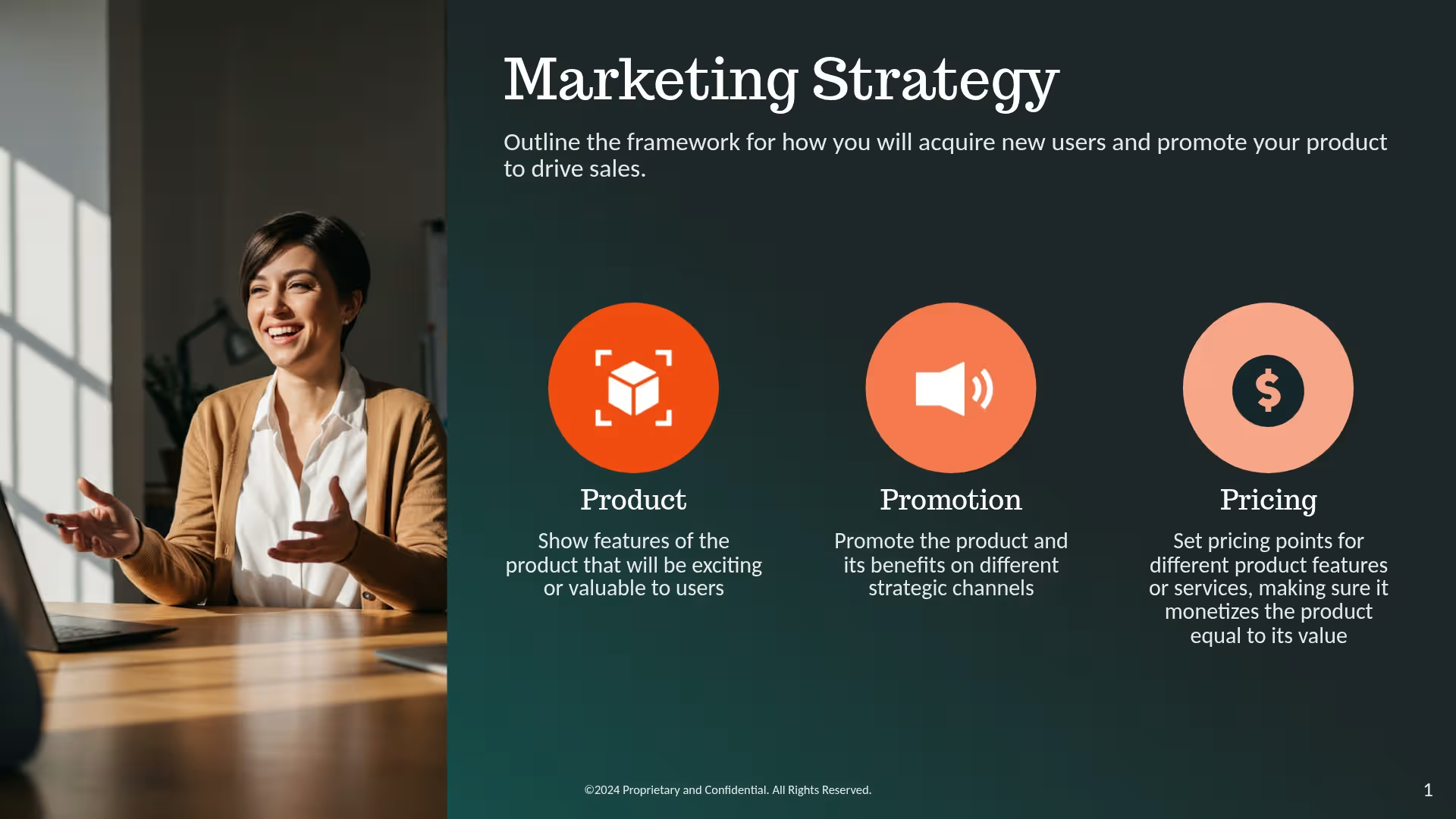
The icon slide template is great for introducing the members of your team. Present headshots of your team members along with their name, job title, duties, or fun facts.
The icon slide template makes your lists more dynamic and visually interesting. Use it for lists that have at least two to three items.
Icon lists aren’t just for team slides. Break down your company mission in a startup pitch, a multi-step process in an HR presentation, or top skills in a portfolio.
Use icon lists when they make sense in your presentation. If you use it on too many slides, your presentation will lack variety and appeal.

More {{template-category}} templates
AI-powered Smart Slides that do the design for you
Build your next presentation using Smart Slides—the intelligent building blocks behind every Beautiful.ai presentation. Each Smart Slide is customizable, editable with AI, and automatically adapts layout and spacing as your content changes.


“Beautiful.ai helps us quickly create clear and compelling presentations to share our strategy and results. It has been easy to integrate our branding and to pull from the library of materials created by others — building a cohesive and collaborative suite that helps us advance our mission."

"Beautiful.ai increased our efficiency. I mean, 50% sounds crazy, but it's pretty accurate when you consider all of the manual stuff that we used to have to do that Beautiful.ai now does for us."

"What you guys have created is a foolproof way to ensure quality presentations. It's almost just like they have a graphic designer over their shoulder while they're creating their decks."

“For any business owner or entrepreneur where time is of the essence you lose the ability to put those nice touches on presentations, Beautiful.ai does it for you, especially if you aren't creatively gifted!”
Ready-to-use presentation templates for creating full, polished decks.



Pitch Decks



Reports & Reviews


Plans & Strategies
Try it free for 14 days
Start building Beautiful presentations.

