{{template-name}} Template
What is a {{template-name}}, and when should you use one?
While information you present in text is one of the most important elements in your presentation, your visual elements matter, too. Text alone isn’t enough to keep your audience’s attention and get your points across. You need a carefully chosen mix of graphics that will make an impact on your viewers.
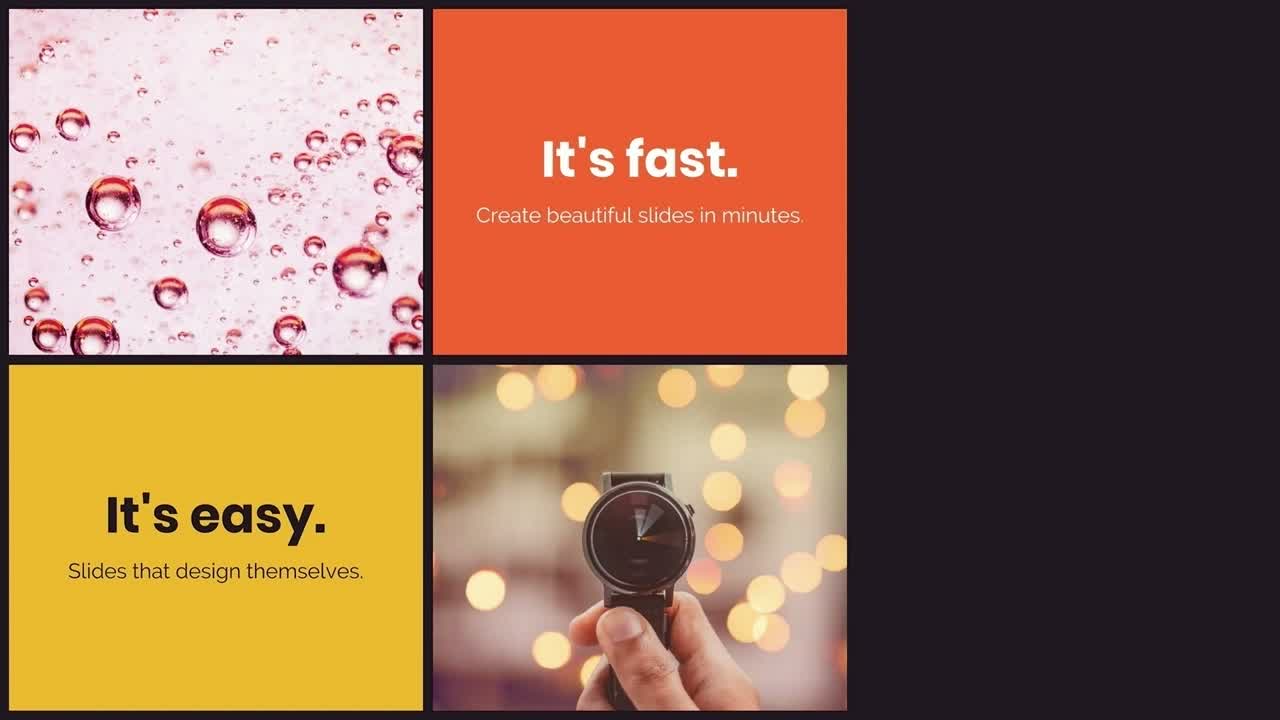
A photo grid template can help your presentation tell a story visually without having to rely solely on text. You might use this template to show the faces behind a team of employees, share progress on a design or construction project, or cover important information in an onboarding presentation.
Use the photo grid template to:
- Add visual interest to your presentation
- Tell your story visually
- Connect with your audience
Pro Tips for Using a Photo Grid Template
Here are some guidelines to consider when using a photo grid template.

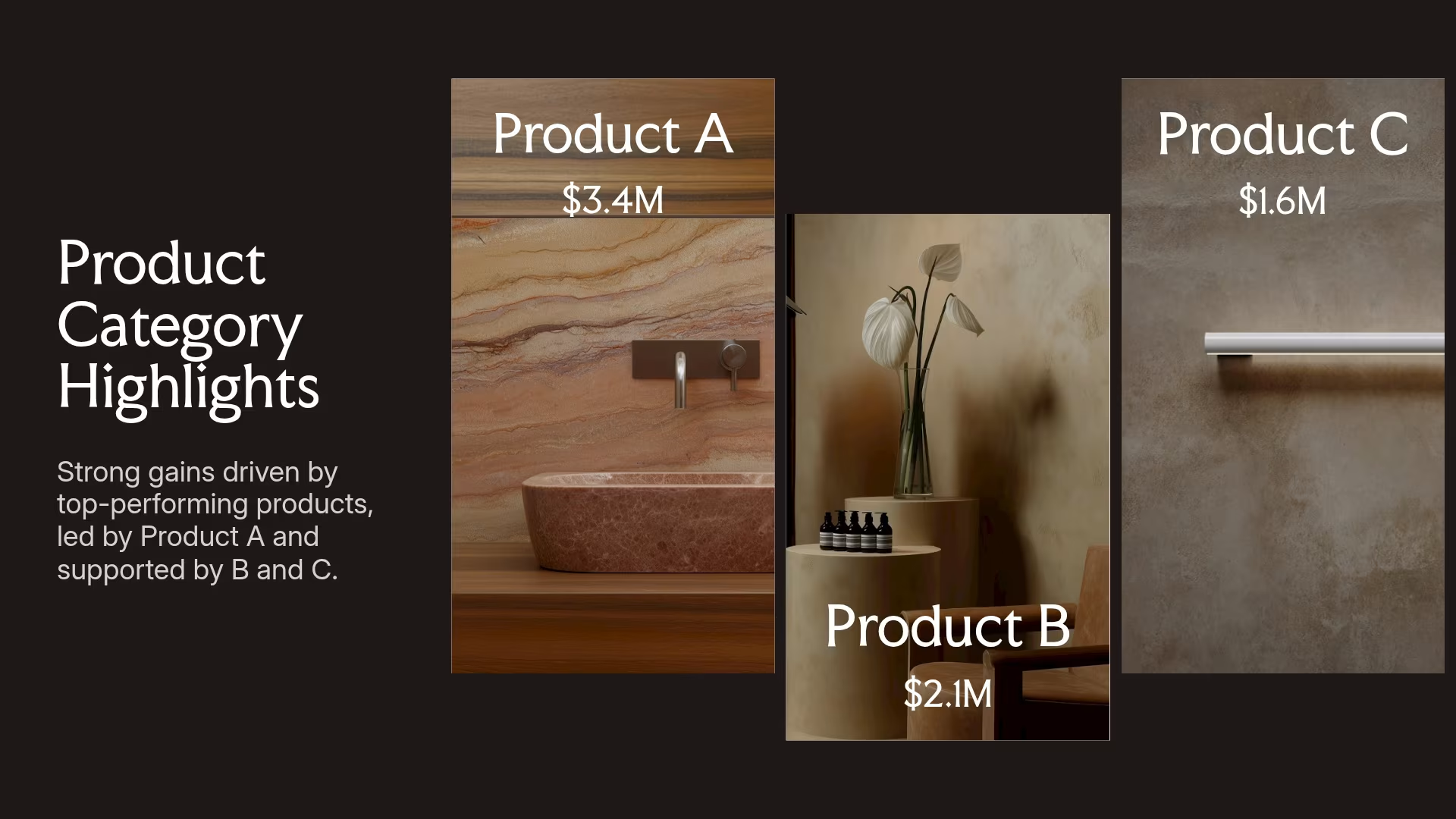
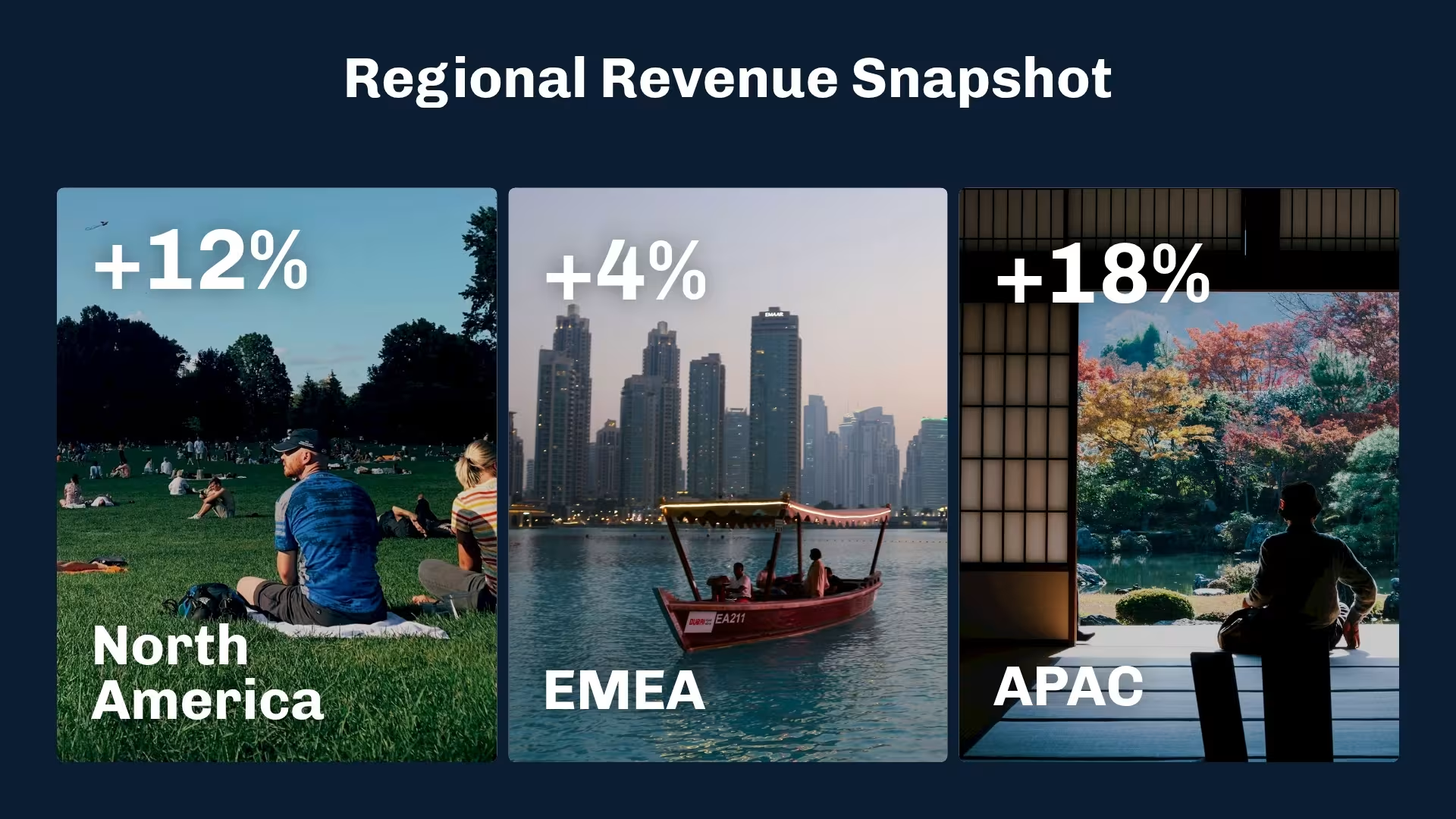
Choose real photos that make sense for your presentation. For example, photos of an unfinished project to show how it’s progressing.
People can often tell when a stock photo is used… and they tend to ignore them. Avoid using them unless you have good reason to.
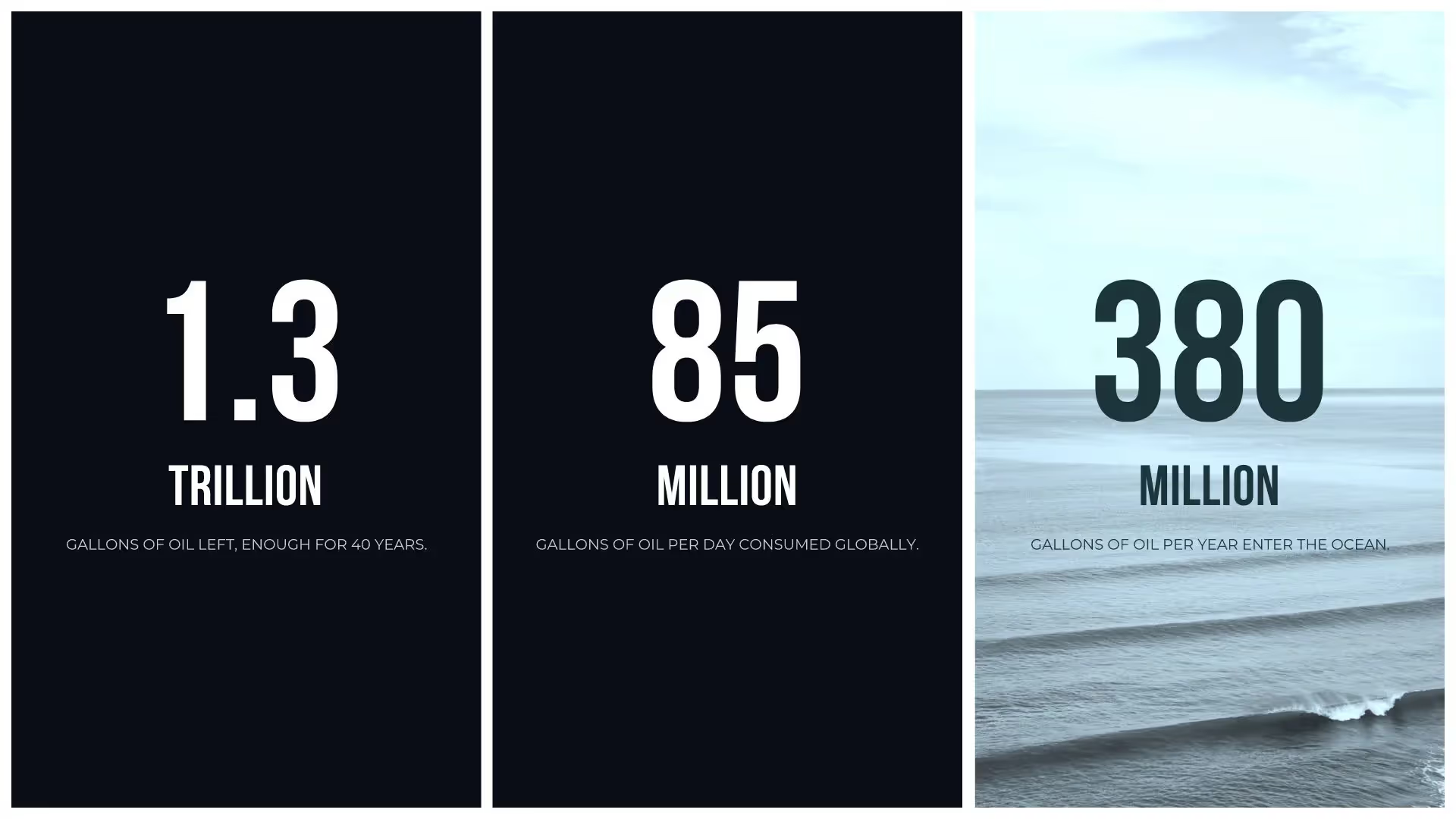
Photo grids are a great way to share photos of your best design projects, reveal the faces behind teams, or present ideas for new products.
You want your presentation to look good, but remember that you’re sharing information with your audience. That’s still the most important thing.
Discover AI capabilities for an photo grid
With these AI-powered features, you can create a custom, on-brand photo grid slide in just a few clicks.
Generate an AI photo grid with a prompt
Create an on-brand image
Add supporting copy
Get a graphic on-demand
More {{template-category}} templates
AI-powered Smart Slides that do the design for you
Build your next presentation using Smart Slides—the intelligent building blocks behind every Beautiful.ai presentation. Each Smart Slide is customizable, editable with AI, and automatically adapts layout and spacing as your content changes.

“Beautiful.ai helps us quickly create clear and compelling presentations to share our strategy and results. It has been easy to integrate our branding and to pull from the library of materials created by others — building a cohesive and collaborative suite that helps us advance our mission."

"Beautiful.ai increased our efficiency. I mean, 50% sounds crazy, but it's pretty accurate when you consider all of the manual stuff that we used to have to do that Beautiful.ai now does for us."

"What you guys have created is a foolproof way to ensure quality presentations. It's almost just like they have a graphic designer over their shoulder while they're creating their decks."

“For any business owner or entrepreneur where time is of the essence you lose the ability to put those nice touches on presentations, Beautiful.ai does it for you, especially if you aren't creatively gifted!”
Ready-to-use presentation templates for creating full, polished decks.


Pitch Decks



Reports & Reviews


Plans & Strategies
Try it free for 14 days
Start building Beautiful presentations.

