{{template-name}} Template
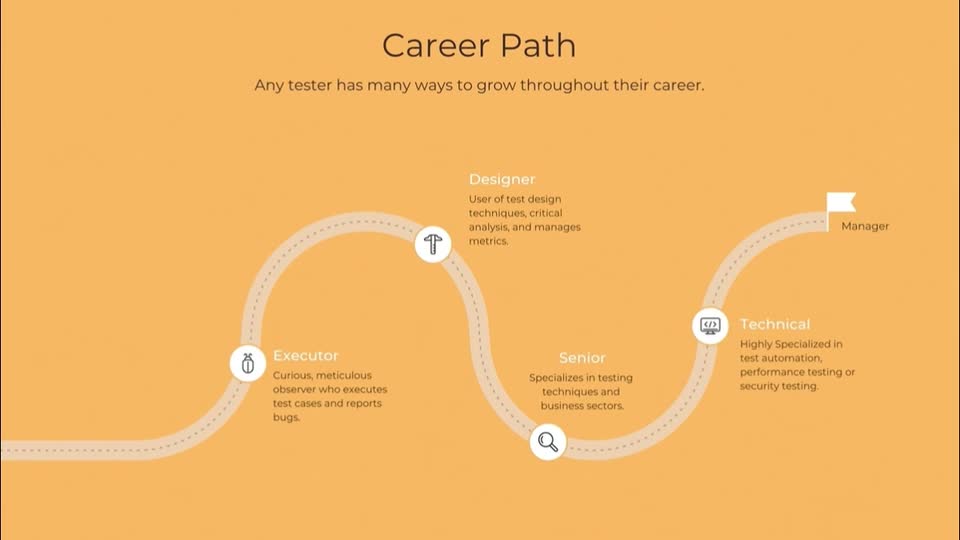
What is a {{template-name}}, and when should you use one?
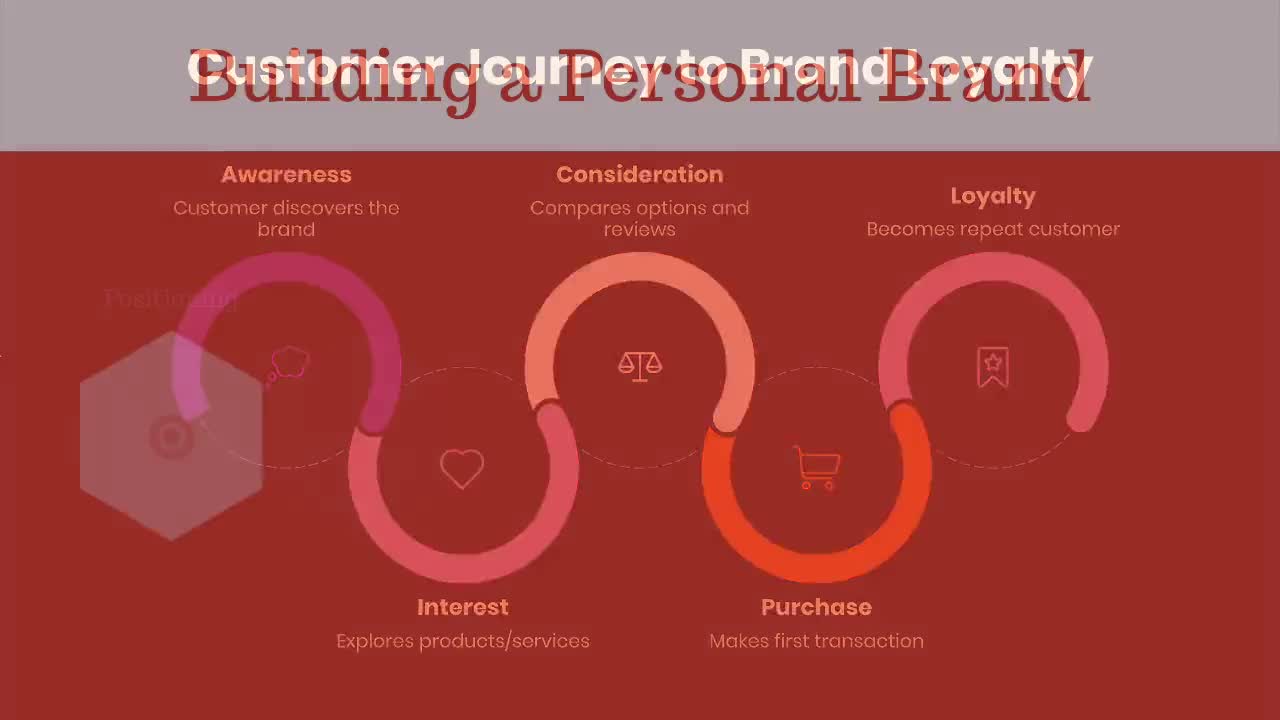
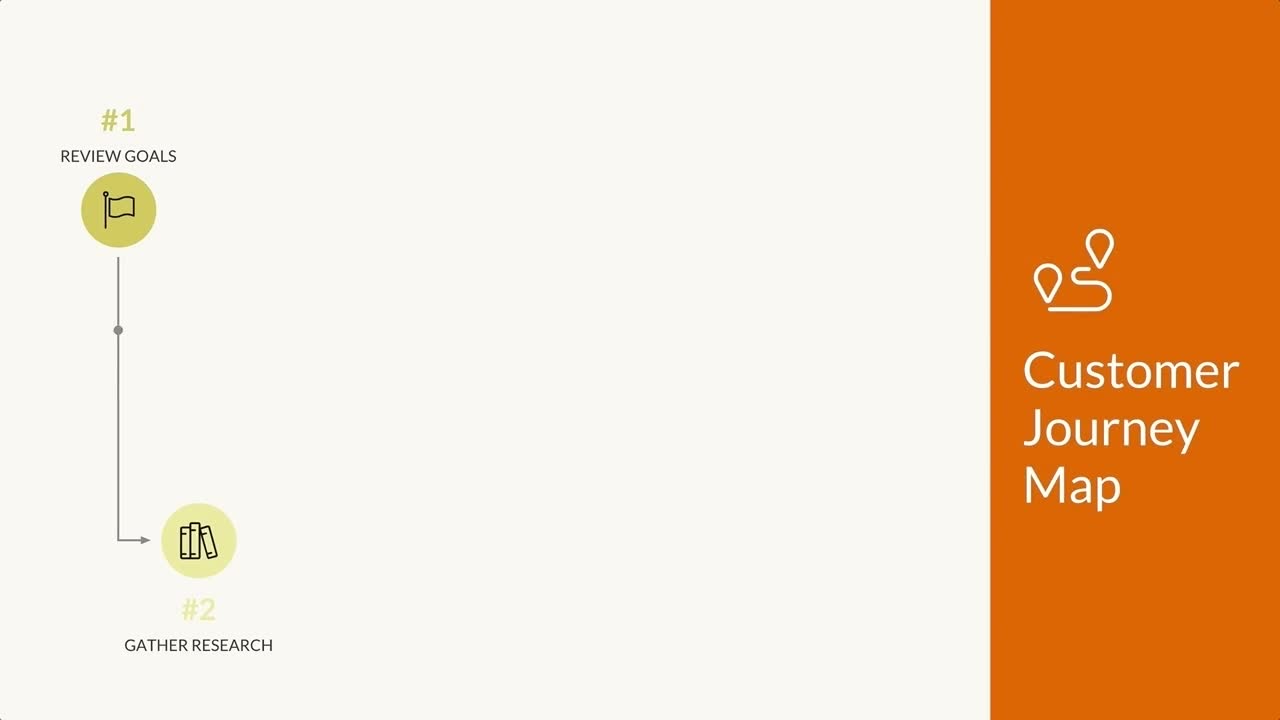
Customer journey maps give insight into how your customers interact with your brand throughout the sales process. They show what actions your users take before, during, and after conversion, often with the help of timeline-esque visuals. Each action is displayed as a part of a story which makes it easy to plan out your brand touch-points as well as empathize with your users.
Use Beautiful.ai’s customer journey map templates to showcase your customer’s story in simple, sleek layouts. Creating a customer journey is a fundamental first step to determining precisely when and where your brand should interact with your target audience. Building one will allow you to curate your brand touch-points so that each interaction an individual has with your brand is positive and memorable.
A buyer journey template like this will help you:
- Visualize customer behavior
- Understand your sales process
- Identify barriers to conversion
- Differentiate your user personas
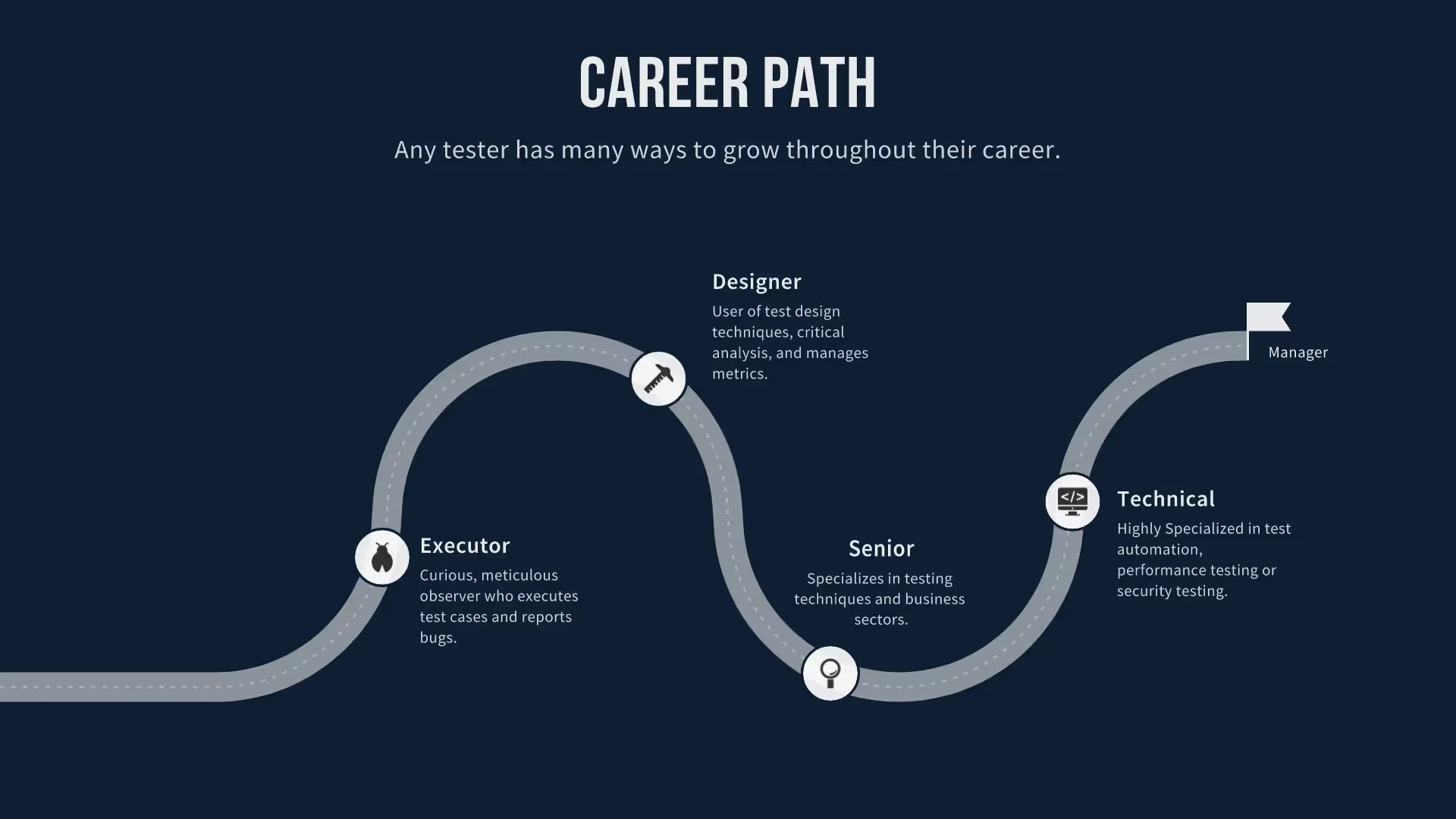
Pro tips for customer journey mapping
Here are a few things to keep in mind when putting your customer journey mapping examples together:


Before you can create a great journey map, you need to know who your customers are and why they take each action they choose. Refer to your customer profiles or imagine how your target audience would think when developing each point on your user journey.
Similar to a project roadmap template, buyer journey templates use the flow of time as an x-axis, just like a timeline. This versatile format is easy to understand and lends itself to telling a story. Tell the story of your users and how they interact with your brand to engage your audience.
Highlight each step of your user journeys with a clever icon or colorful image. Beautiful.ai lets you choose from a library full of free icons or upload your own images.
In most cases, customer journey maps shouldn’t get too granular. They need to show each step of the process your users go through before, during, and after purchase or conversion. Added details should be related to user actions and apply to an entire group of users, usually one of your target audiences.
Browse more templates

More {{template-category}} templates
AI-powered Smart Slides that do the design for you
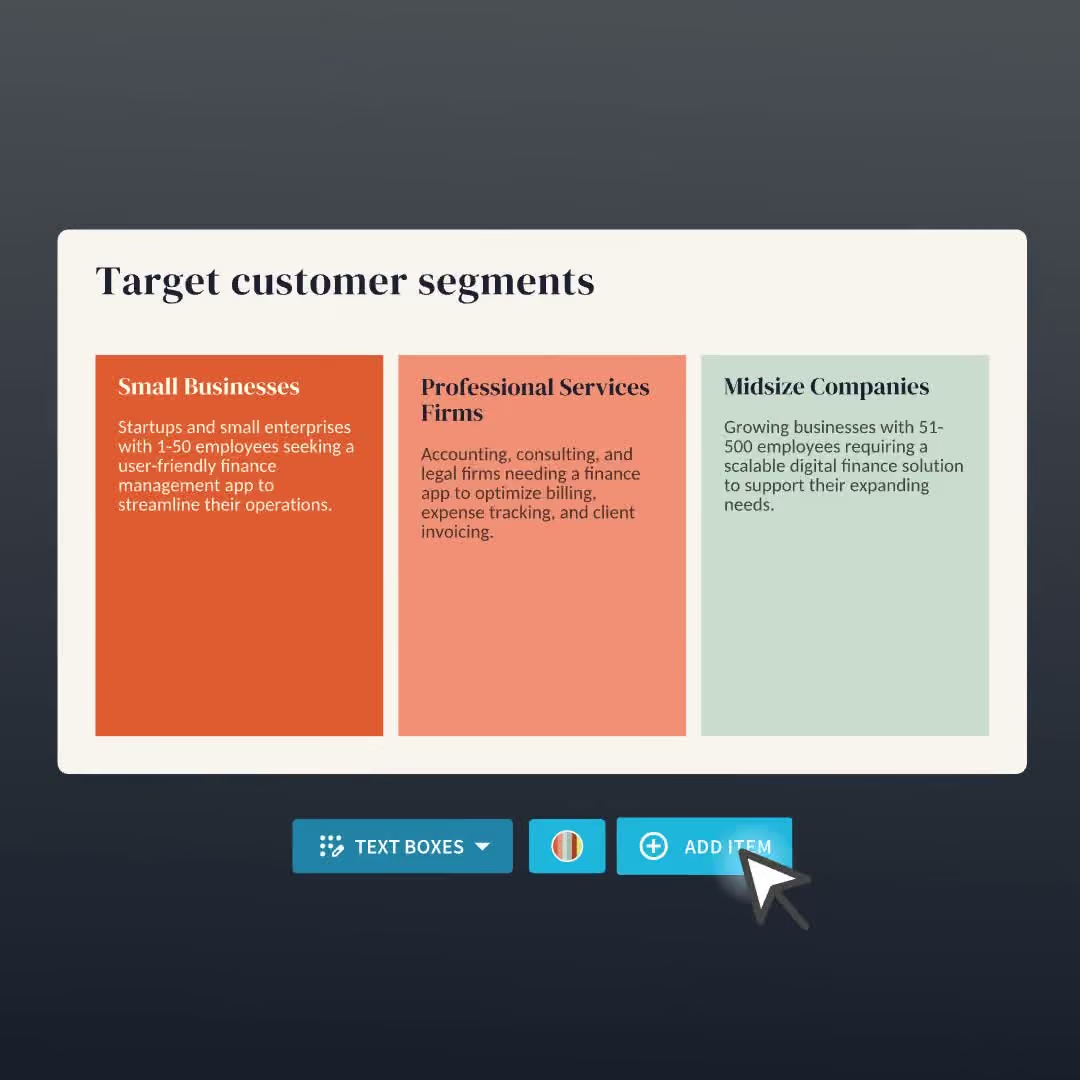
Build your next presentation using Smart Slides—the intelligent building blocks behind every Beautiful.ai presentation. Each Smart Slide is customizable, editable with AI, and automatically adapts layout and spacing as your content changes.


“Beautiful.ai helps us quickly create clear and compelling presentations to share our strategy and results. It has been easy to integrate our branding and to pull from the library of materials created by others — building a cohesive and collaborative suite that helps us advance our mission."

"Beautiful.ai increased our efficiency. I mean, 50% sounds crazy, but it's pretty accurate when you consider all of the manual stuff that we used to have to do that Beautiful.ai now does for us."

"What you guys have created is a foolproof way to ensure quality presentations. It's almost just like they have a graphic designer over their shoulder while they're creating their decks."

“For any business owner or entrepreneur where time is of the essence you lose the ability to put those nice touches on presentations, Beautiful.ai does it for you, especially if you aren't creatively gifted!”
Ready-to-use presentation templates for creating full, polished decks.



Pitch Decks



Reports & Reviews



Plans & Strategies
Try it free for 14 days
Start building Beautiful presentations.

