Target Slide Template
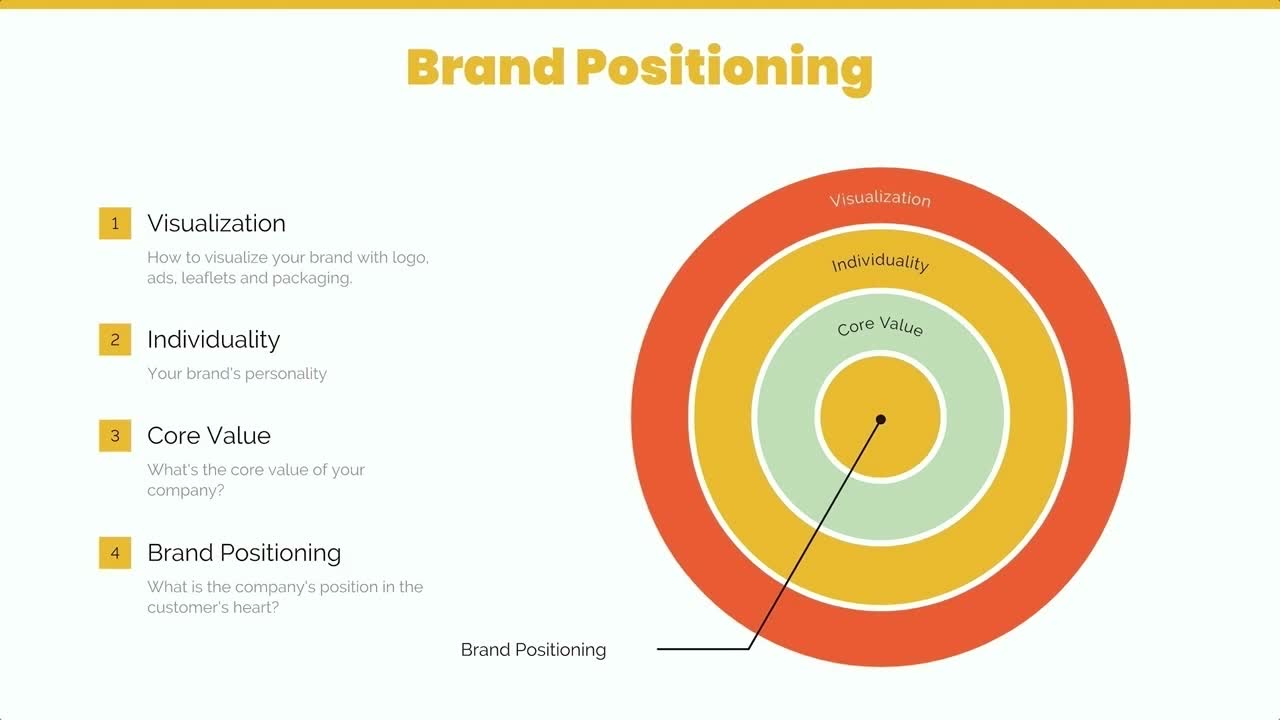
What is a target slide, and when should you use one?
A target is composed of a bullseye at the center, surrounded by concentric circles. Because of its format, a target slide can be used to show how a main idea (positioned in the center) branches off into related ideas or topics (in the surrounding circular areas). A target presentation template can also be broken into sections to display the steps in a process, with the goal as the bullseye.
Use Beautiful.ai’s target slide to:
- Map out goals and objectives
- Show steps in a process
- Explain how parts of something relate to the whole
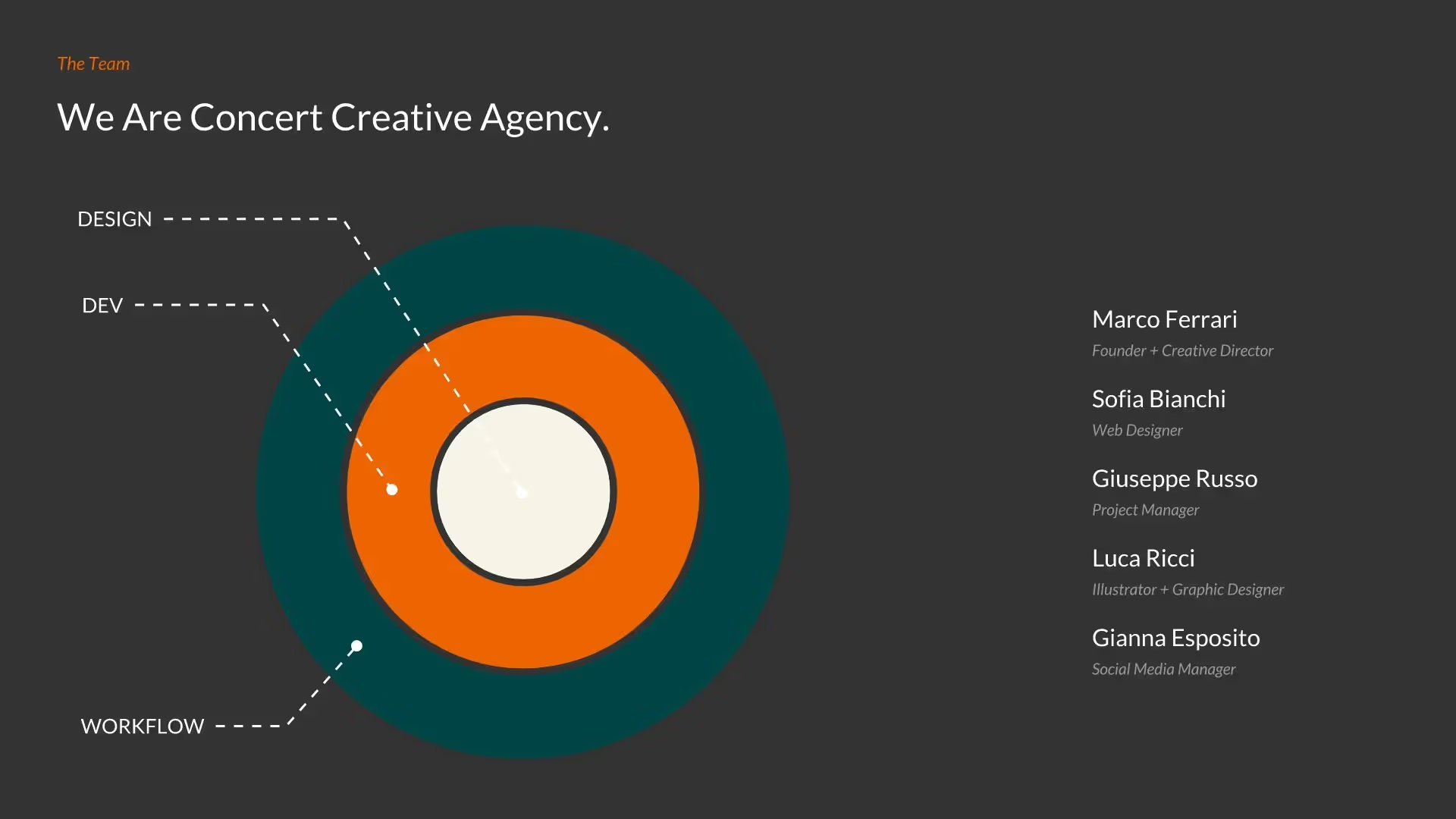
Pro Tips for a Target Slide
A target presentation template can add dimension to your next presentation. Here are some things to keep in mind when using it.
.avif)
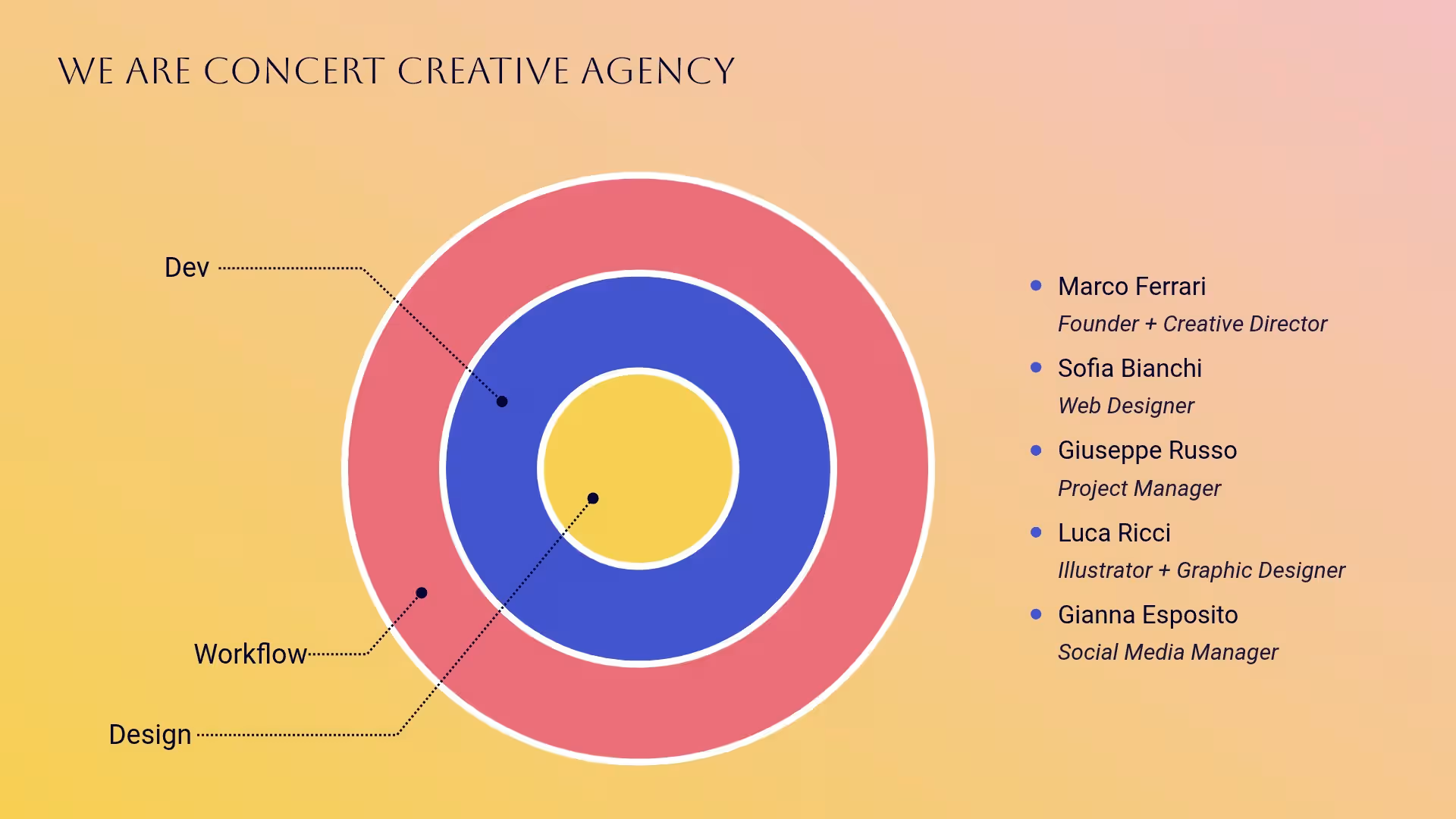

The data you put in the bullseye should be the main goal, key takeaway, or important information that pulls the rest of your data together.
If you don’t have a main idea that unites your data, a target slide is probably not the best type of chart to use.
Make the bullseye and different sections a unique color. Check that your text is easy to read and add white space when needed.
The more concentric circles or layers you add to your target slide, the more difficult it may be to read.
Browse more templates
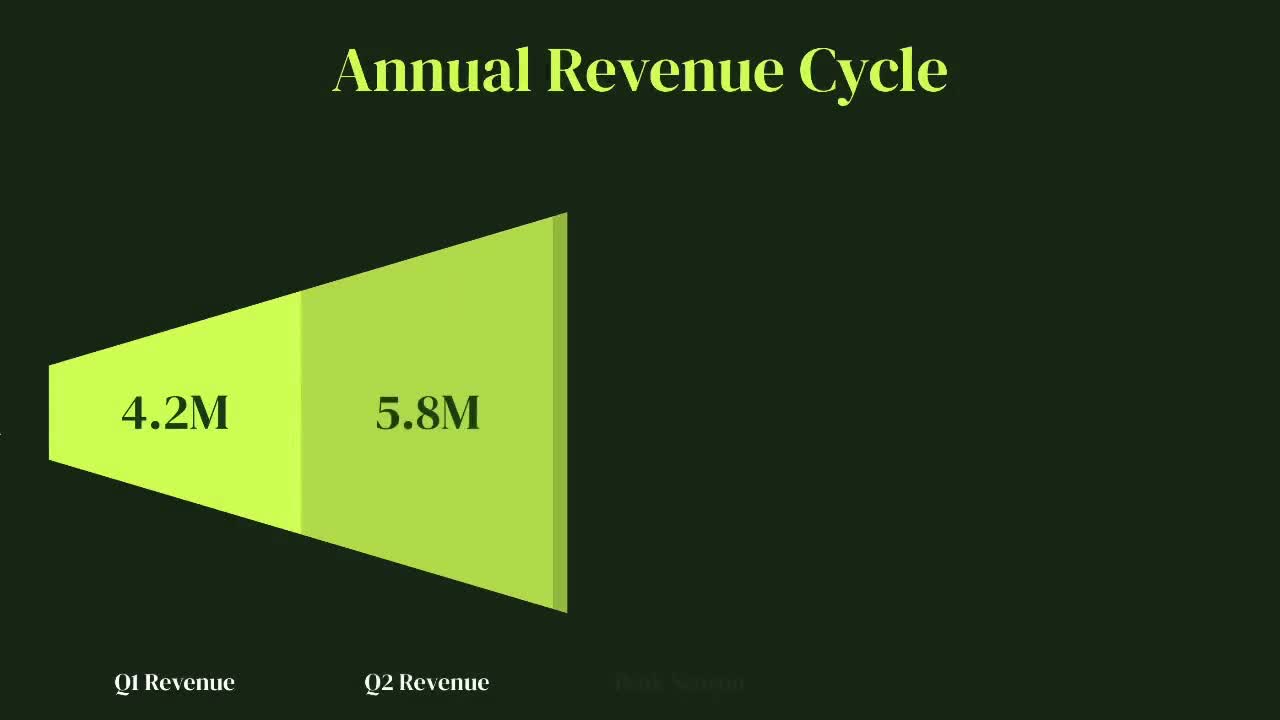

More diagrams & timeline templates
AI-powered Smart Slides that do the design for you
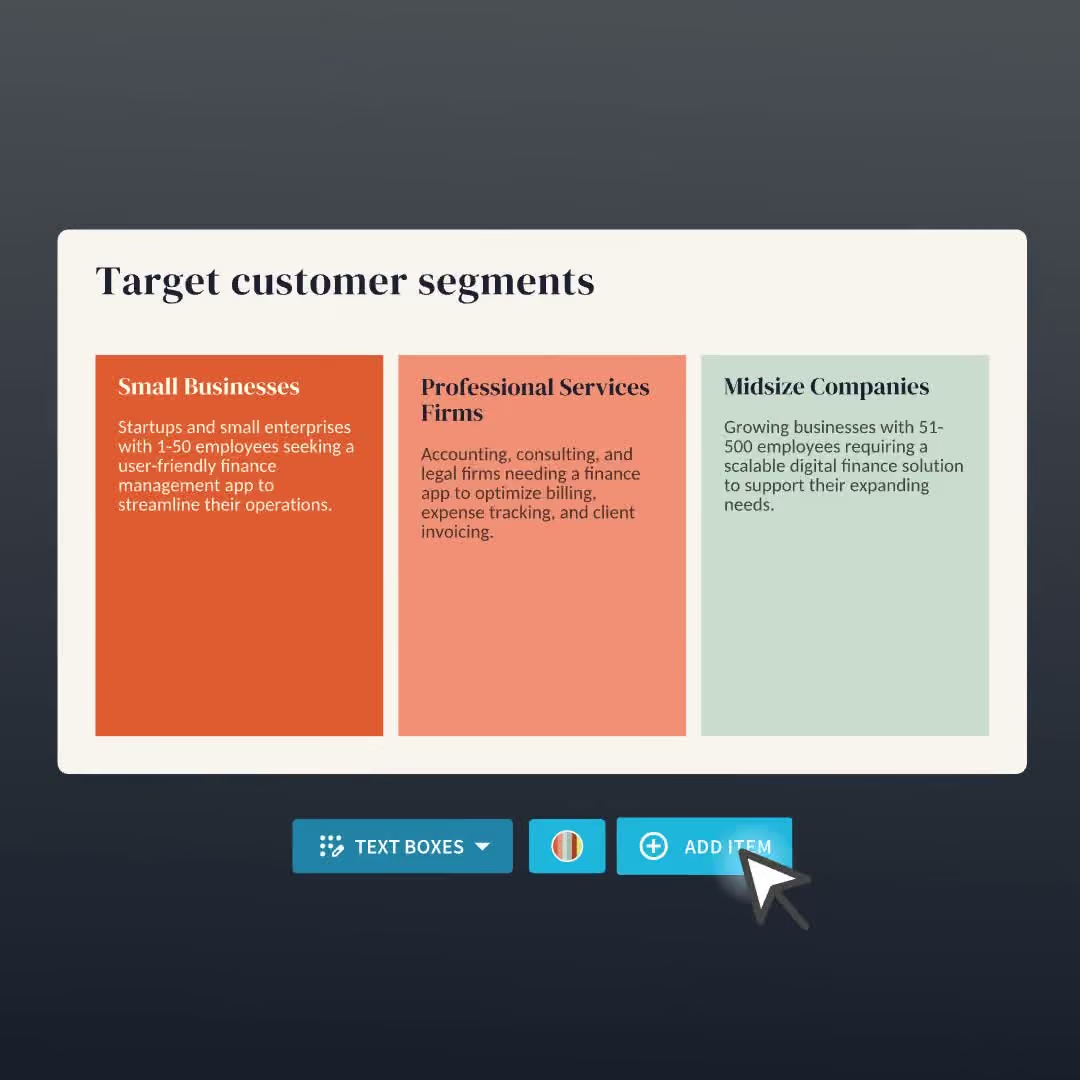
Build your next presentation using Smart Slides—the intelligent building blocks behind every Beautiful.ai presentation. Each Smart Slide is customizable, editable with AI, and automatically adapts layout and spacing as your content changes.

“Beautiful.ai helps us quickly create clear and compelling presentations to share our strategy and results. It has been easy to integrate our branding and to pull from the library of materials created by others — building a cohesive and collaborative suite that helps us advance our mission."

"Beautiful.ai increased our efficiency. I mean, 50% sounds crazy, but it's pretty accurate when you consider all of the manual stuff that we used to have to do that Beautiful.ai now does for us."

"What you guys have created is a foolproof way to ensure quality presentations. It's almost just like they have a graphic designer over their shoulder while they're creating their decks."

“For any business owner or entrepreneur where time is of the essence you lose the ability to put those nice touches on presentations, Beautiful.ai does it for you, especially if you aren't creatively gifted!”
Ready-to-use presentation templates for creating full, polished decks.



Pitch Decks



Reports & Reviews


Plans & Strategies
Try it free for 14 days
Start building Beautiful presentations.

