Business Proposal Presentation Template

What is a business proposal presentation, and when should you use one?
Crafting an impactful business proposal has never been simpler. Introducing our business proposal presentation template, where stunning design meets all the requirements to capture your audience and win them over.
Whether you’re pitching to investors, seeking new partnerships, or securing project contracts – allow this template to showcase your professionalism, expertise, and brand.
Our business proposal template can also help you:
- Introduce your project to stakeholders
- Clarify objectives and overall goals
- Identify your target audience
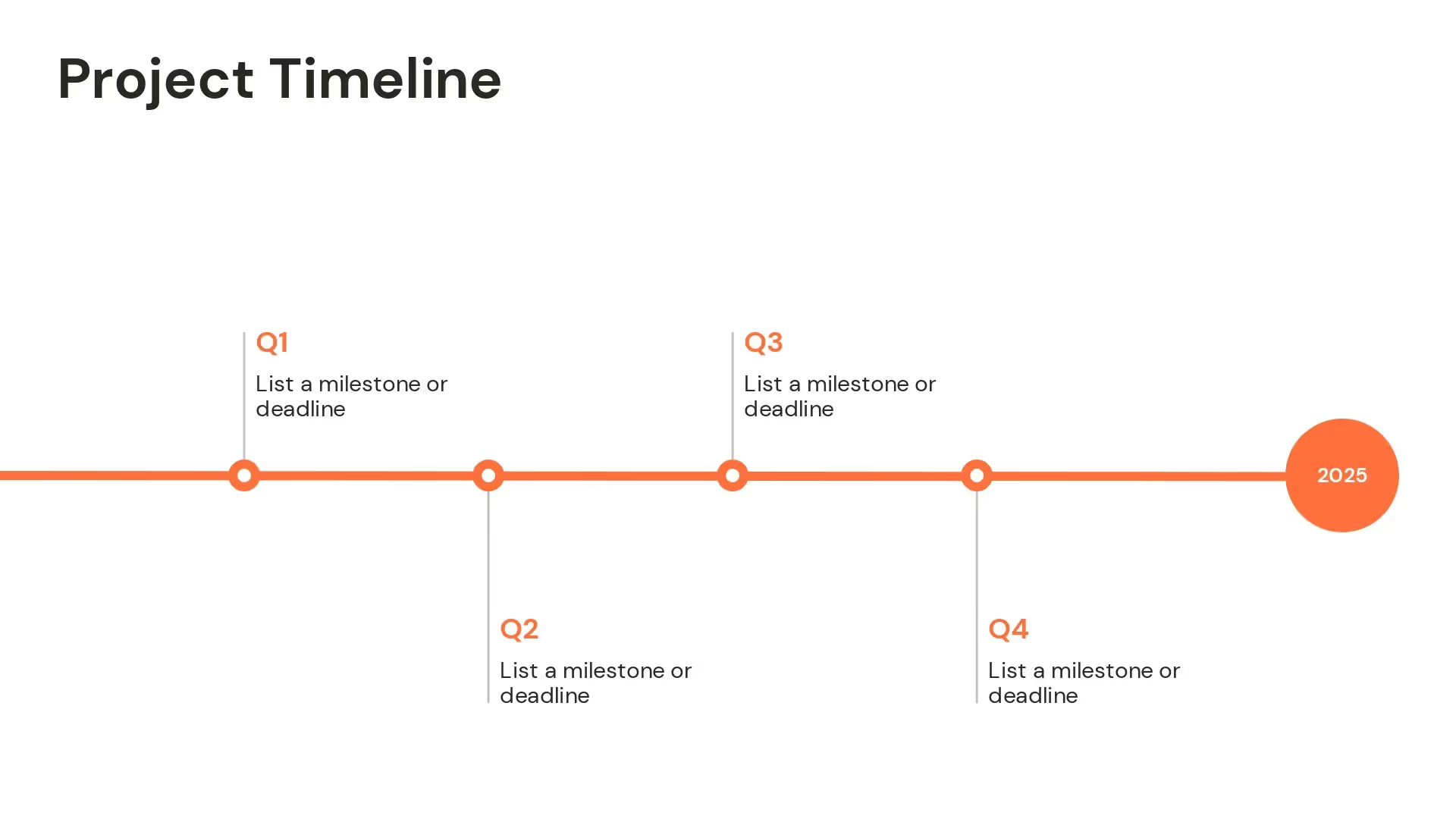
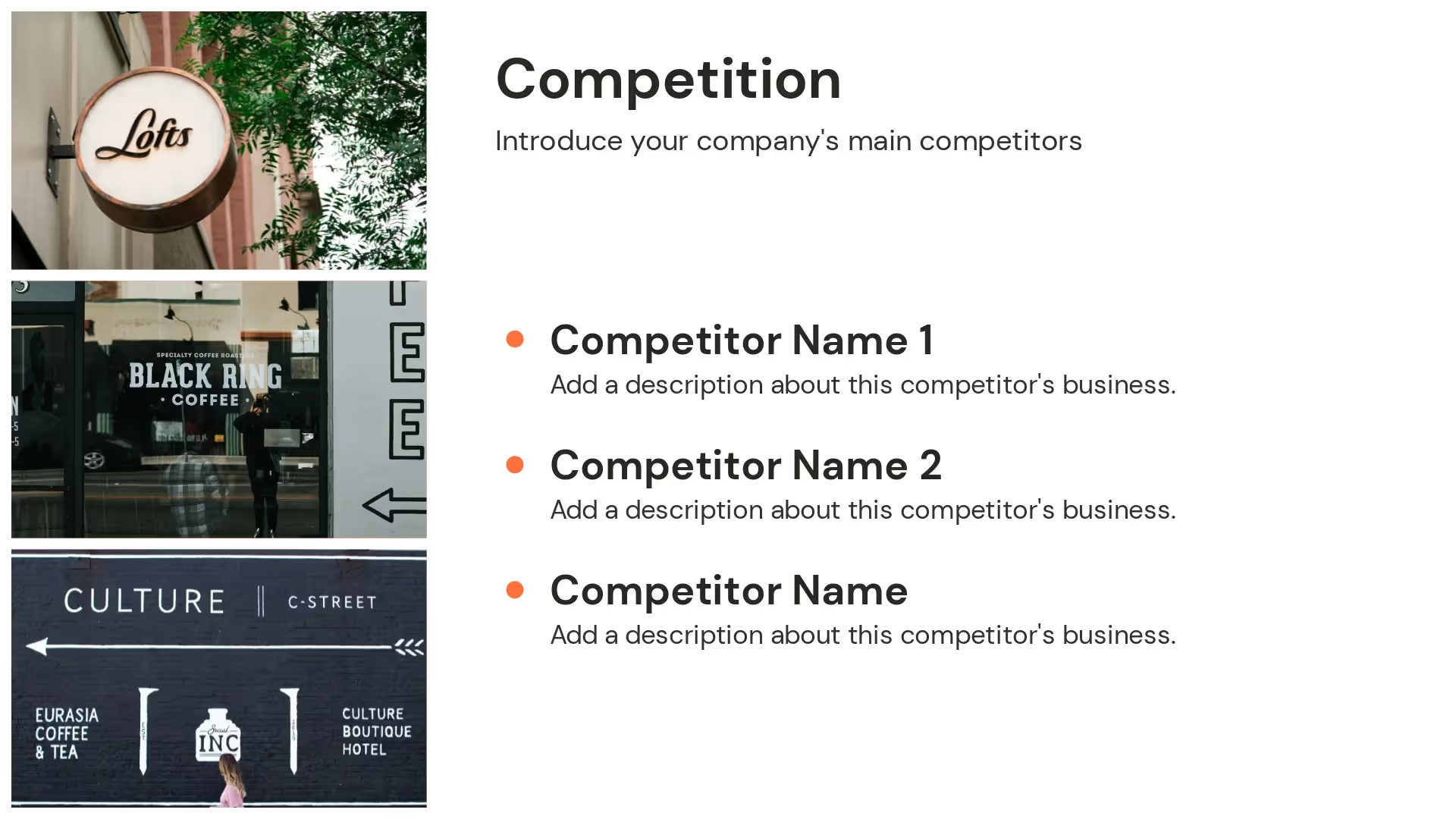
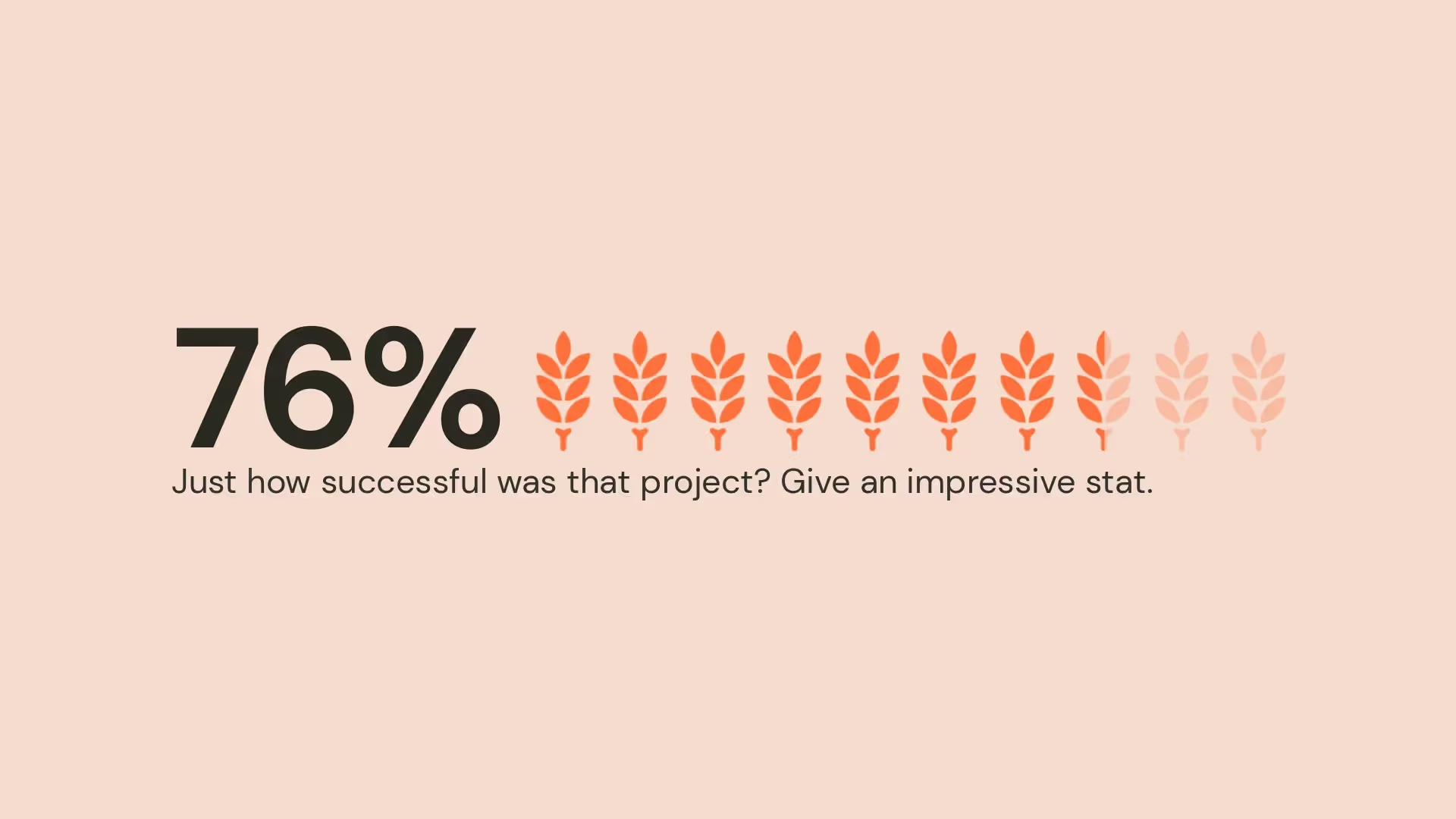
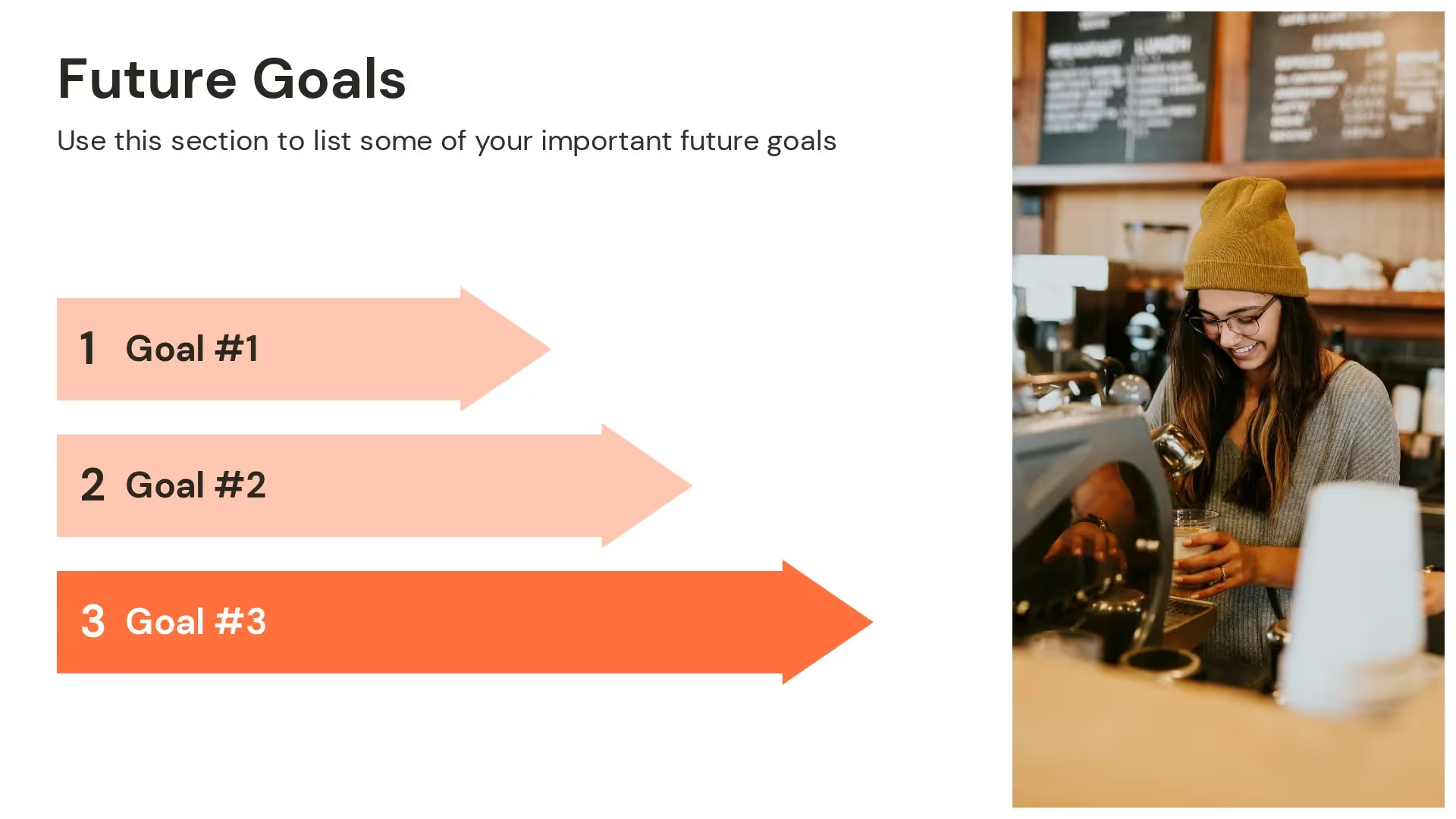
Slides included in the business proposal presentation template
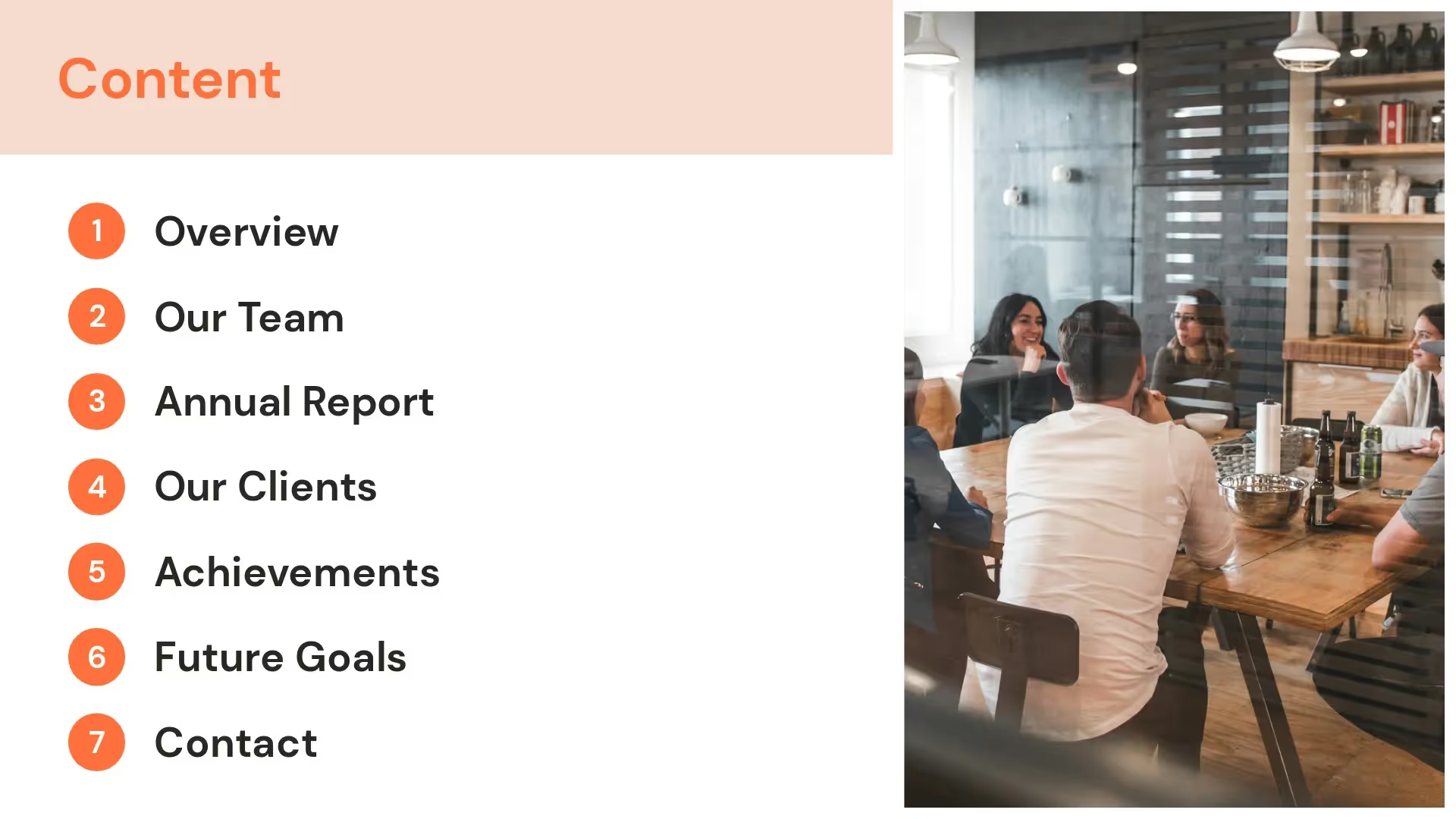
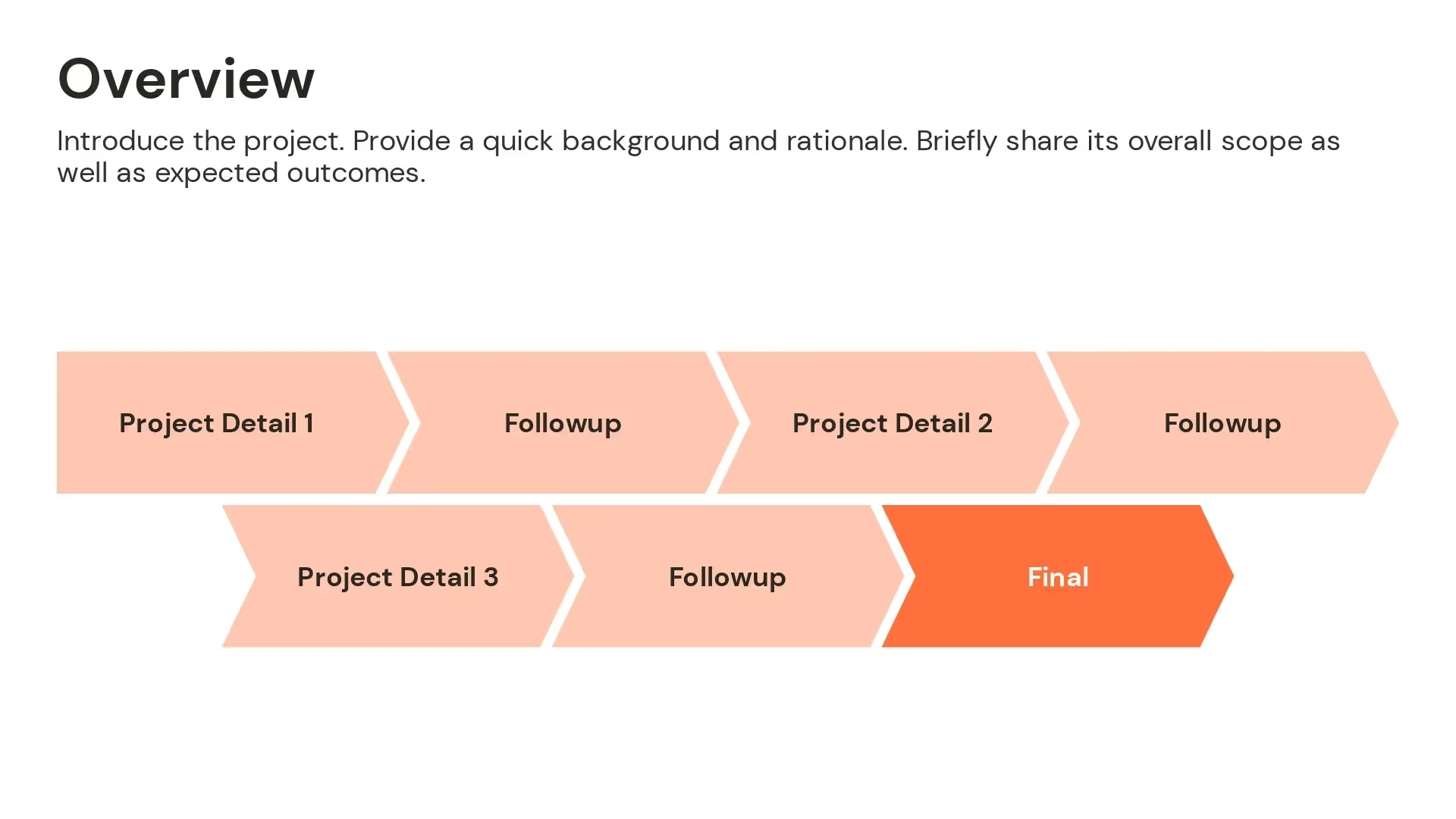
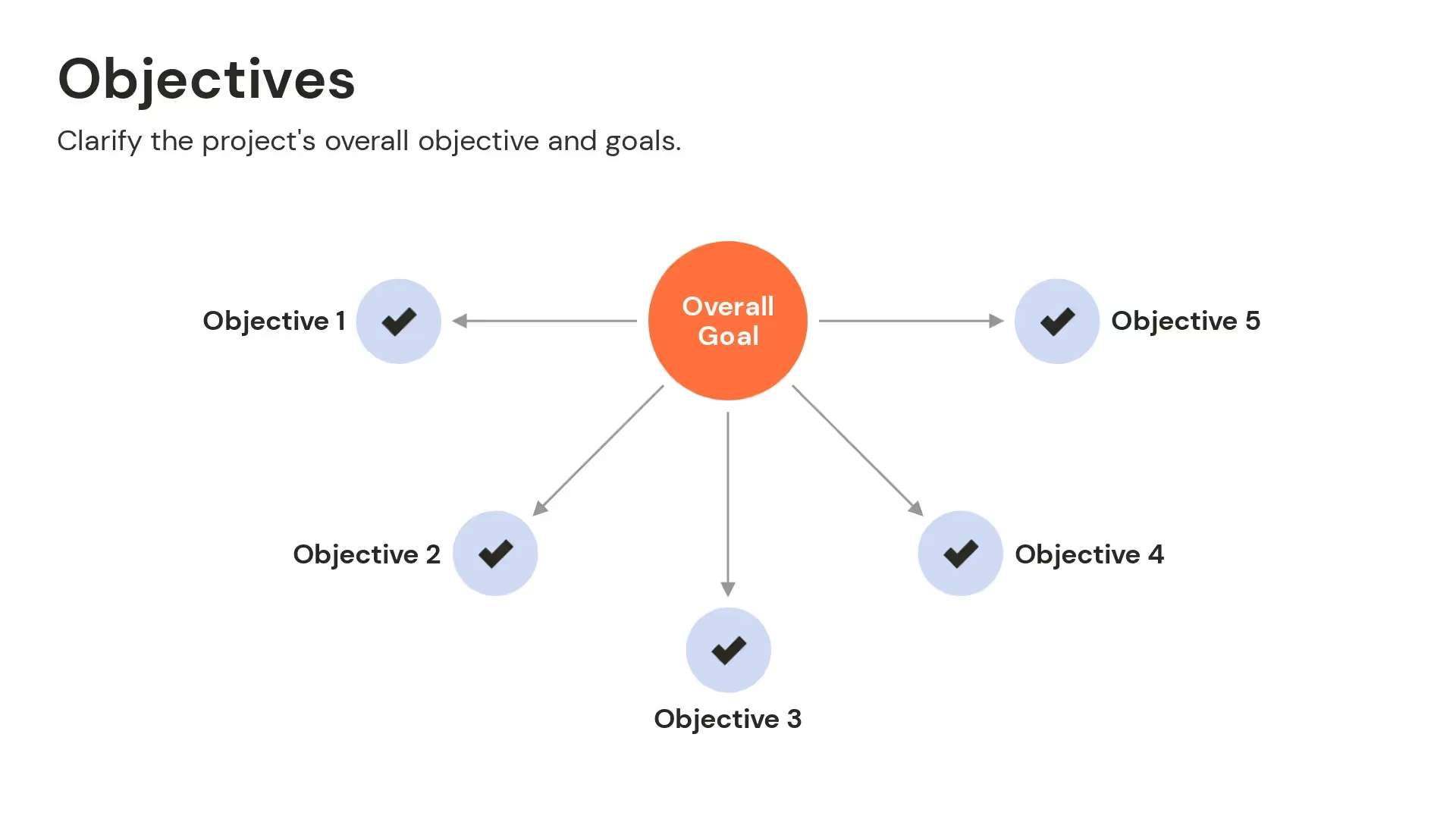
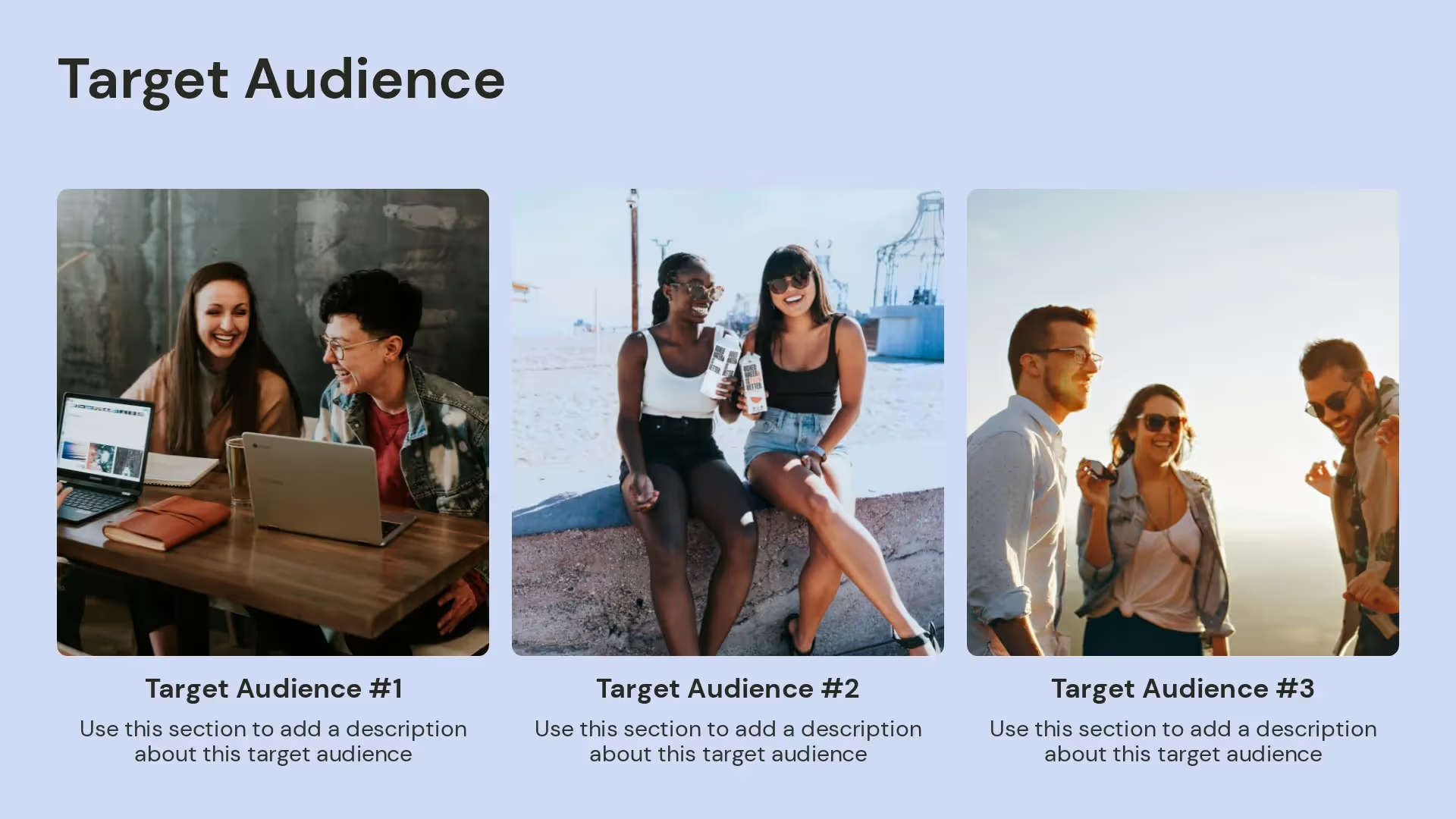
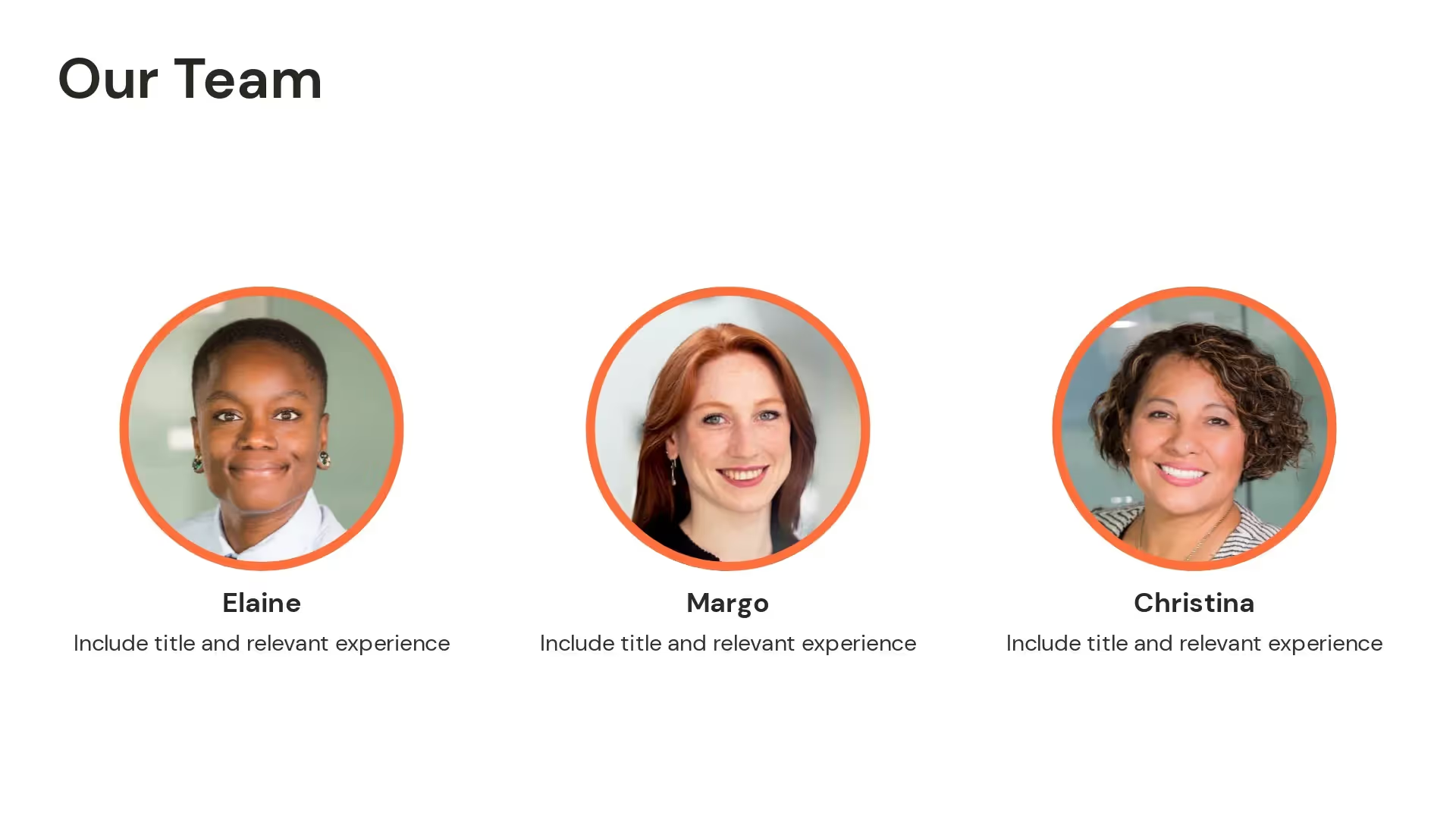
How to use the business proposal template
Open the template.
Click Use this template and the 10-slide deck opens in the Beautiful.ai editor.
Add your pitch.
Type your overview, objectives, audience, timeline, competition, and metrics in, upload a document or data file, or describe it and let AI fill the template.
Make it yours.
Adjust colors and labels to match your presentation; Smart Slides keep the layout aligned as you edit.
Present or export.
Share a live link, present in Beautiful.ai, or export to PowerPoint, Google Slides, or PDF.

Pro tips for building a business proposal deck
Tailoring the template to your own business is simple. Whether you need to secure funding, win a contract, or solidify partnership opportunities, you can bring these plans to life with this customizable template and our entire library of professionally designed template slides. As you use this template to build your own business proposal presentation, keep these tips in mind:
Understand your audience
Focus on clarity and readability
Create new slides with AI
Edit copy and images with AI
Business proposal templates and related presentations
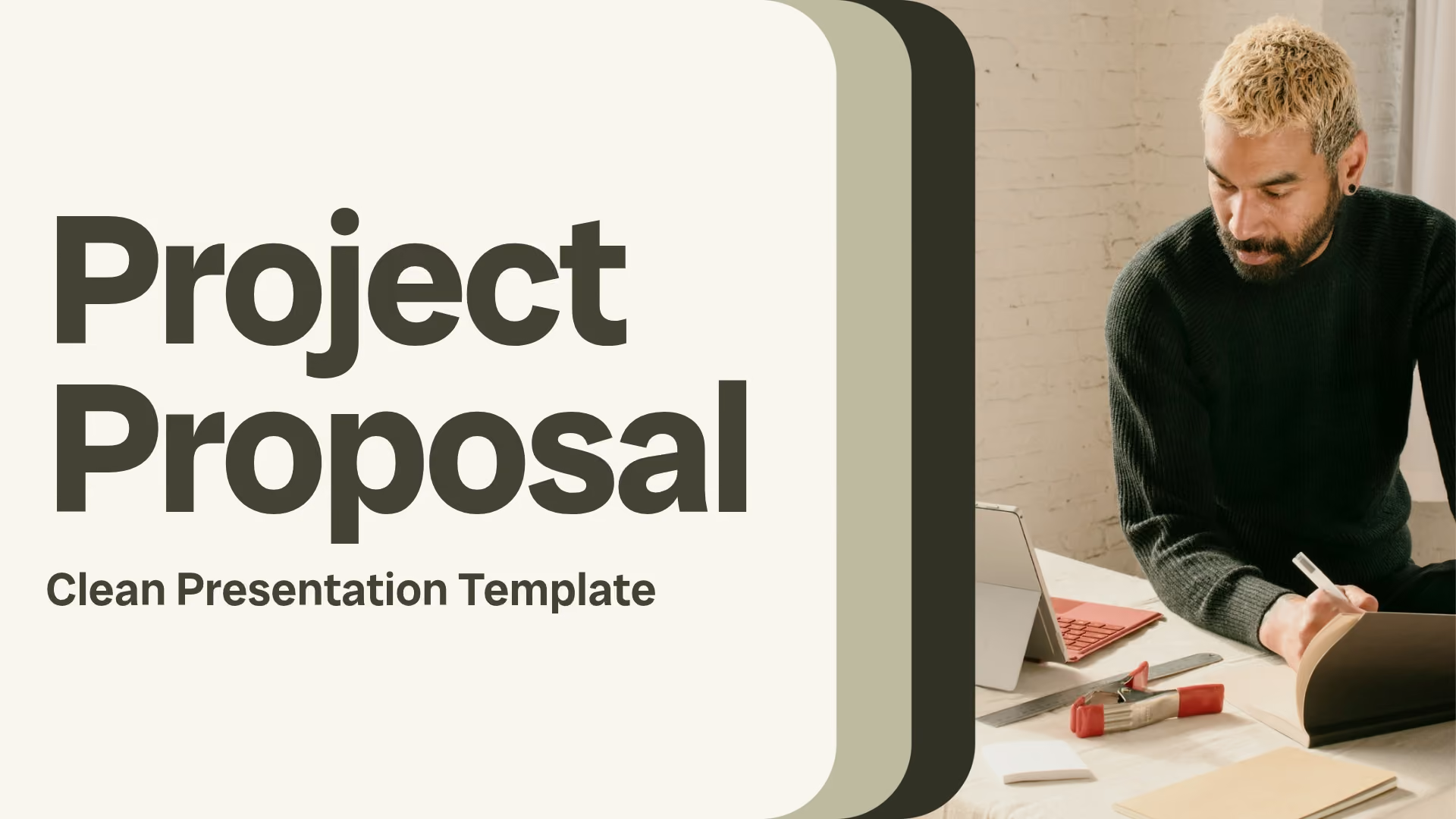
Clean Presentation Template
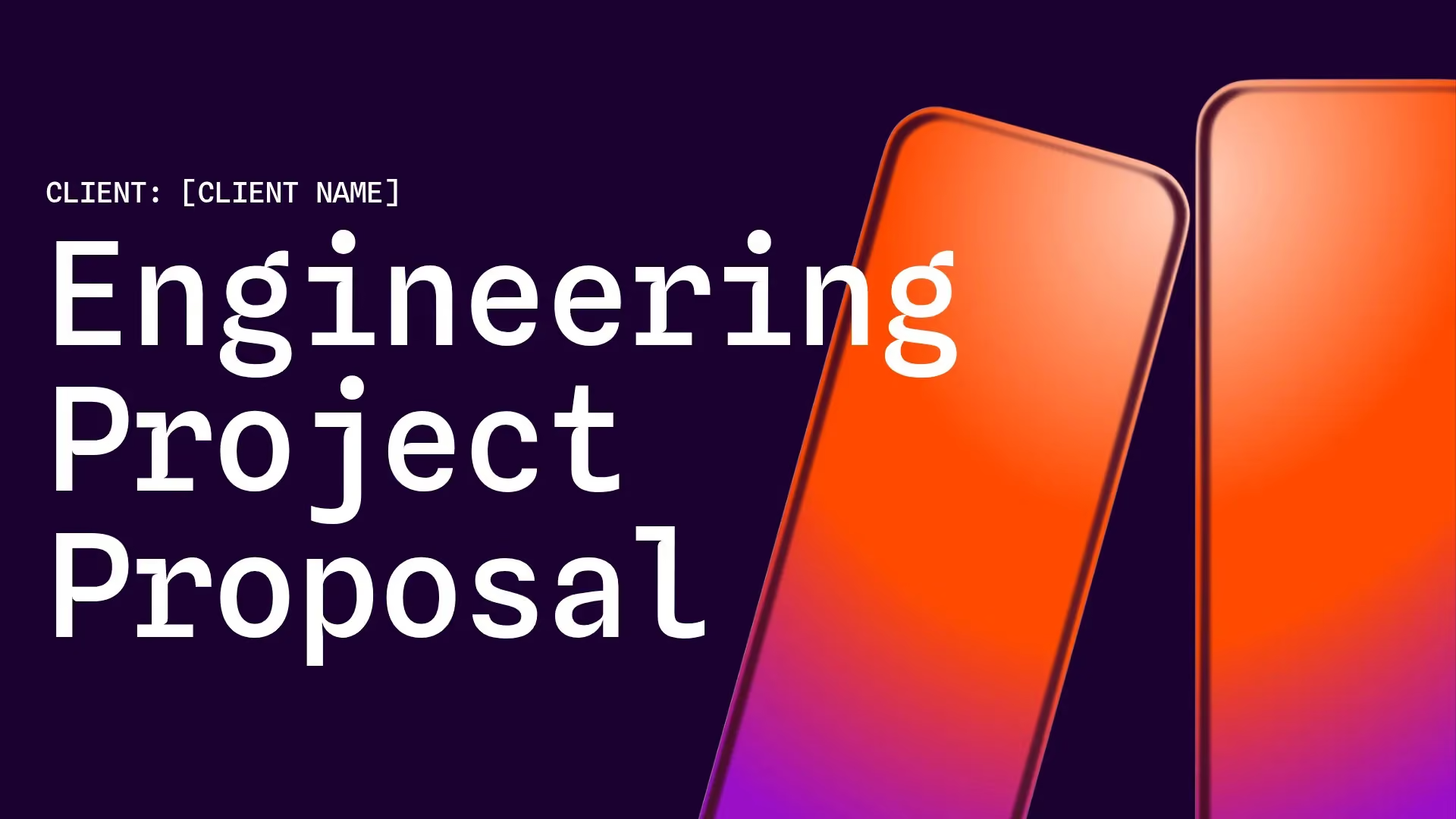
Engineering Project Proposal Presentation Template

Small Business Proposal Presentation Template
Business proposal template FAQ
Lorem ipsum dolor sit amet, consectetur adipiscing elit, sed do eiusmod tempor incididunt ut labore et dolore magna aliqua. Ut enim ad minim veniam, quis nostrud exercitation ullamco laboris nisi ut aliquip ex ea commodo consequat. Duis aute irure dolor in reprehenderit in voluptate velit esse cillum dolore eu fugiat nulla pariatur.
More proposals presentation templates
The AI presentation maker for faster impact
With AI that kickstarts your deck and Smart Slides that handle the formatting, you can focus on your story, not the alignment. Go from create, edit, to present with designer-level polish and in a fraction of the time.
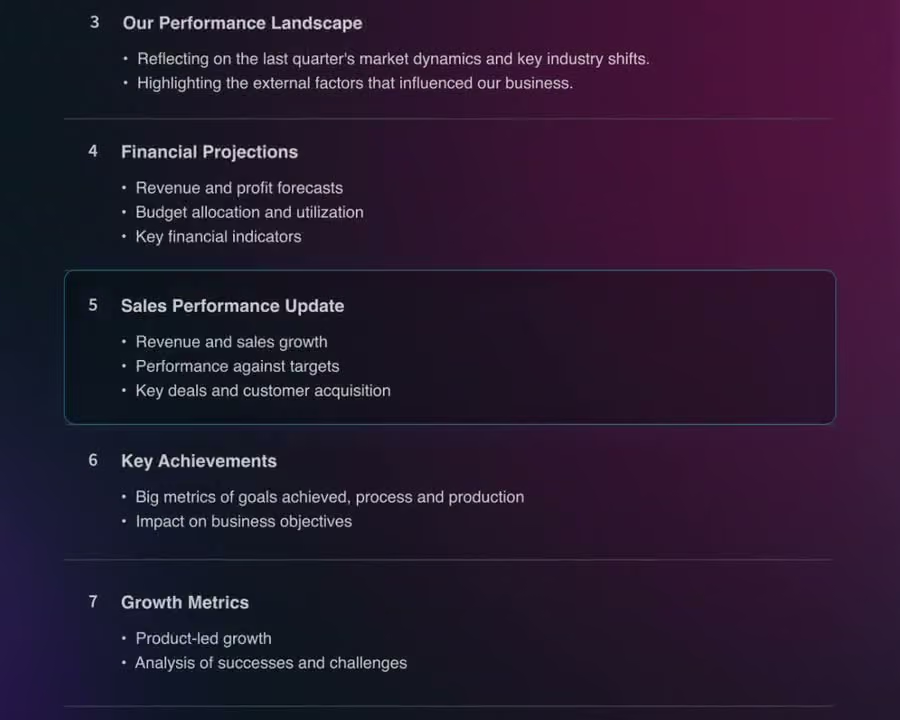
Features to ideate, edit, collaborate, and present.
We’re a complete presentation platform. Everything you need is in one place.




Smart Slides
Smart Slides auto-align, resize, and animate your content as you edit, so you focus on the message, not formatting.
Create with AI
Kickstart your ideas with AI. Just enter a prompt, add extra context, and get a beautiful presentation in seconds.
Themes & brand control
Define colors, fonts, logos, icons, and footers once. Save and reuse brand themes across decks and teams.
Data visualization
Instantly create animated charts and graphs. Link any spreadsheet for fast edits and live updates.
Image libraries
Get direct access to an expansive library of free, real-life stock images and videos, no need to leave your slide.
Presentation templates
Discover our gallery of professionally designed presentation templates, multi–slide decks built to give you a head start.
Presentation workflows
Shared slide libraries, real-time collaboration, user permissions, locked themes, and more.
Viewer analytics
Control access, and track engagement so you know what resonates, and when to follow up.
Animation & narration
Add embedded voice or video context to any slide - so your message lands clearly even when async.


“Beautiful.ai helps us quickly create clear and compelling presentations to share our strategy and results. It has been easy to integrate our branding and to pull from the library of materials created by others — building a cohesive and collaborative suite that helps us advance our mission."
"Beautiful.ai increased our efficiency. I mean, 50% sounds crazy, but it's pretty accurate when you consider all of the manual stuff that we used to have to do that Beautiful.ai now does for us."

"What you guys have created is a foolproof way to ensure quality presentations. It's almost just like they have a graphic designer over their shoulder while they're creating their decks."

“For any business owner or entrepreneur where time is of the essence you lose the ability to put those nice touches on presentations, Beautiful.ai does it for you, especially if you aren't creatively gifted!”
Related blog posts
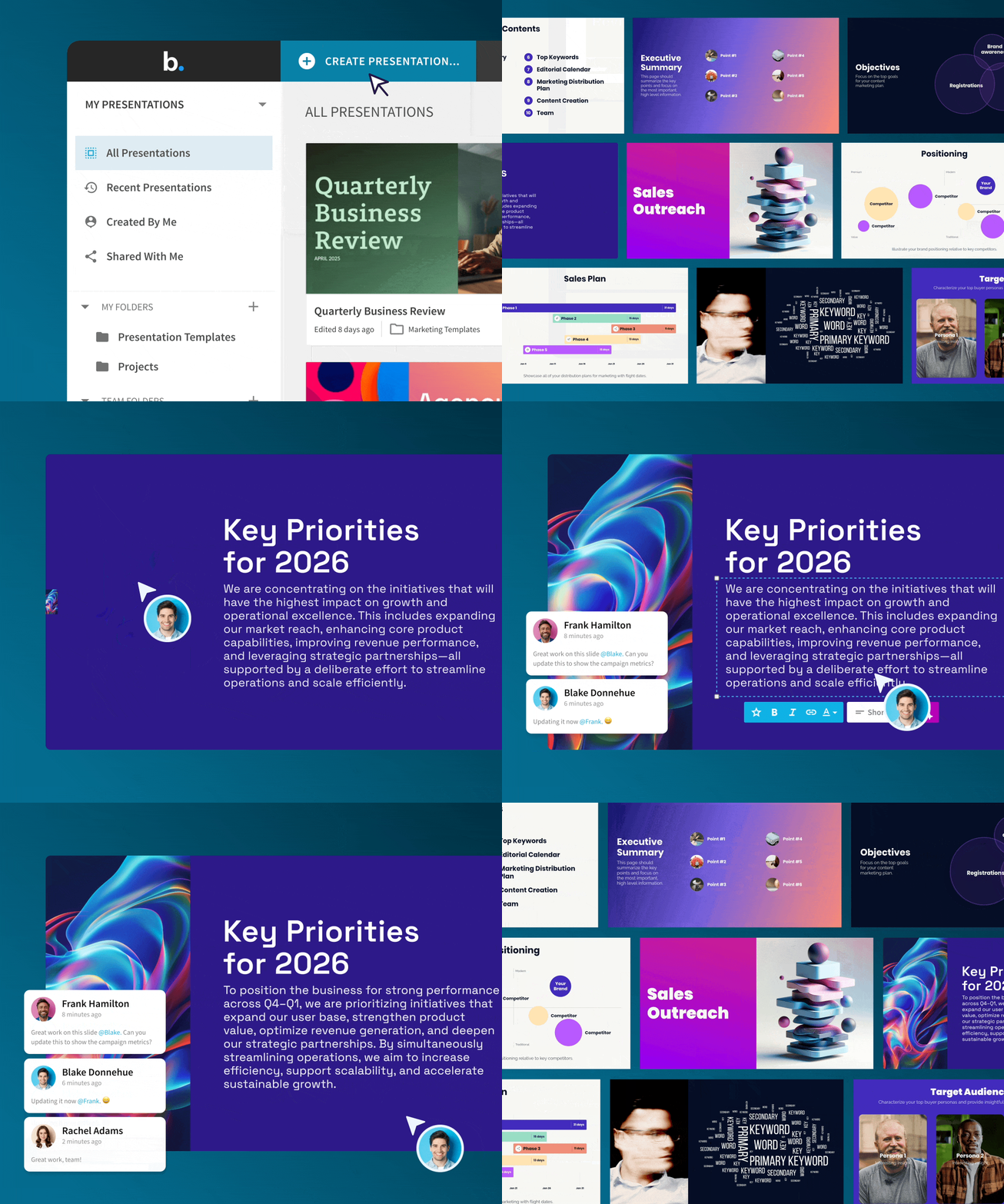
Beautiful.ai for Sales Teams: 7 Features That Close Deals Faster
55 Presentation Ideas to Make Your Next Deck Worth Watching

How to Create an AI-Powered Marketing Campaign Deck in Under 30 Minutes

Try it free for 14 days
Start building Beautiful presentations.

