SaaS Pitch Deck Presentation Template
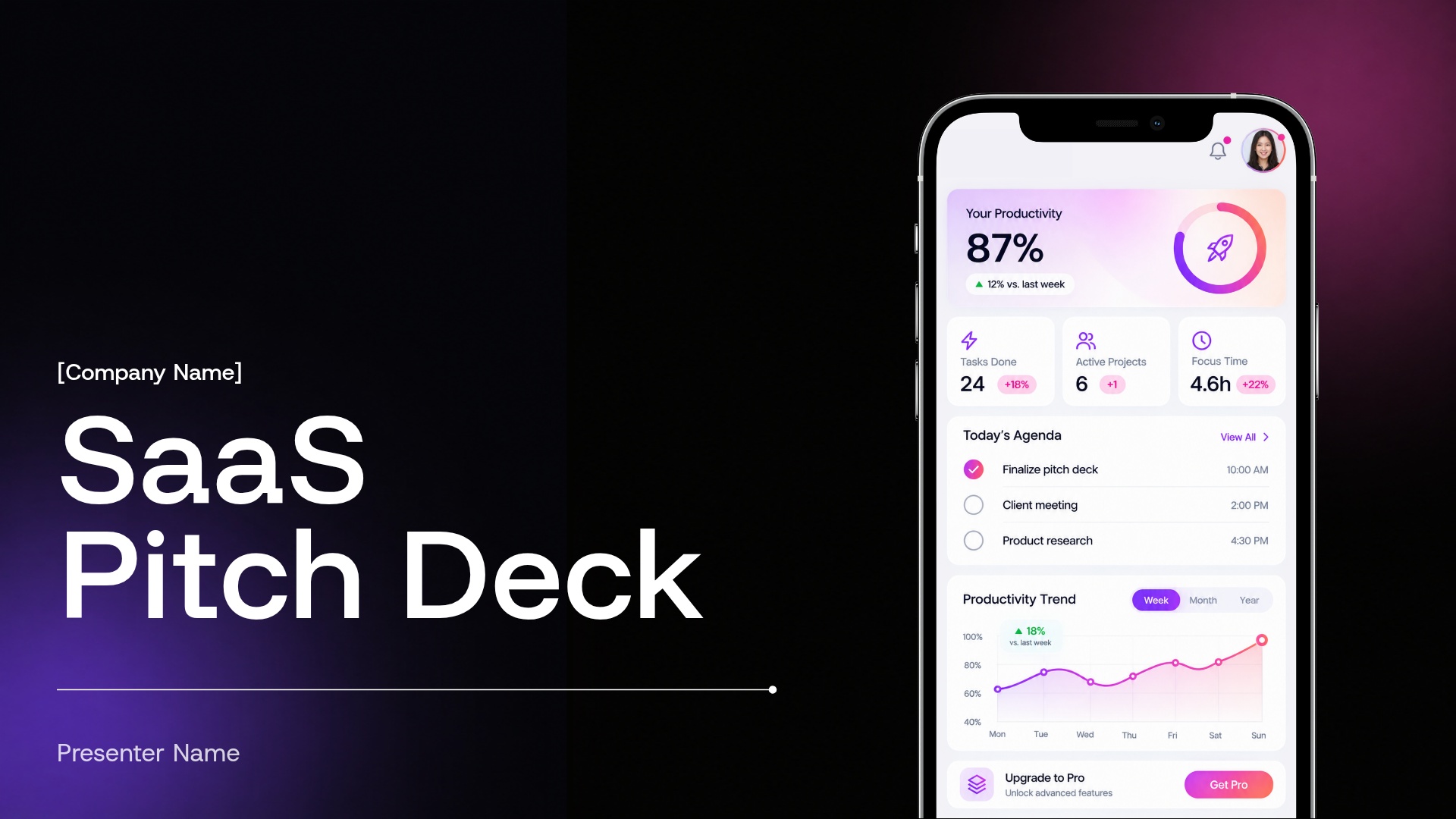
Overview
A SaaS pitch deck presentation template helps founders communicate how their software solves a meaningful problem, where the market opportunity lies, and why the business is positioned to grow. Whether you’re raising capital, pitching at a demo day, or presenting your strategy to potential partners, a focused narrative can help audiences quickly understand the value of your product.
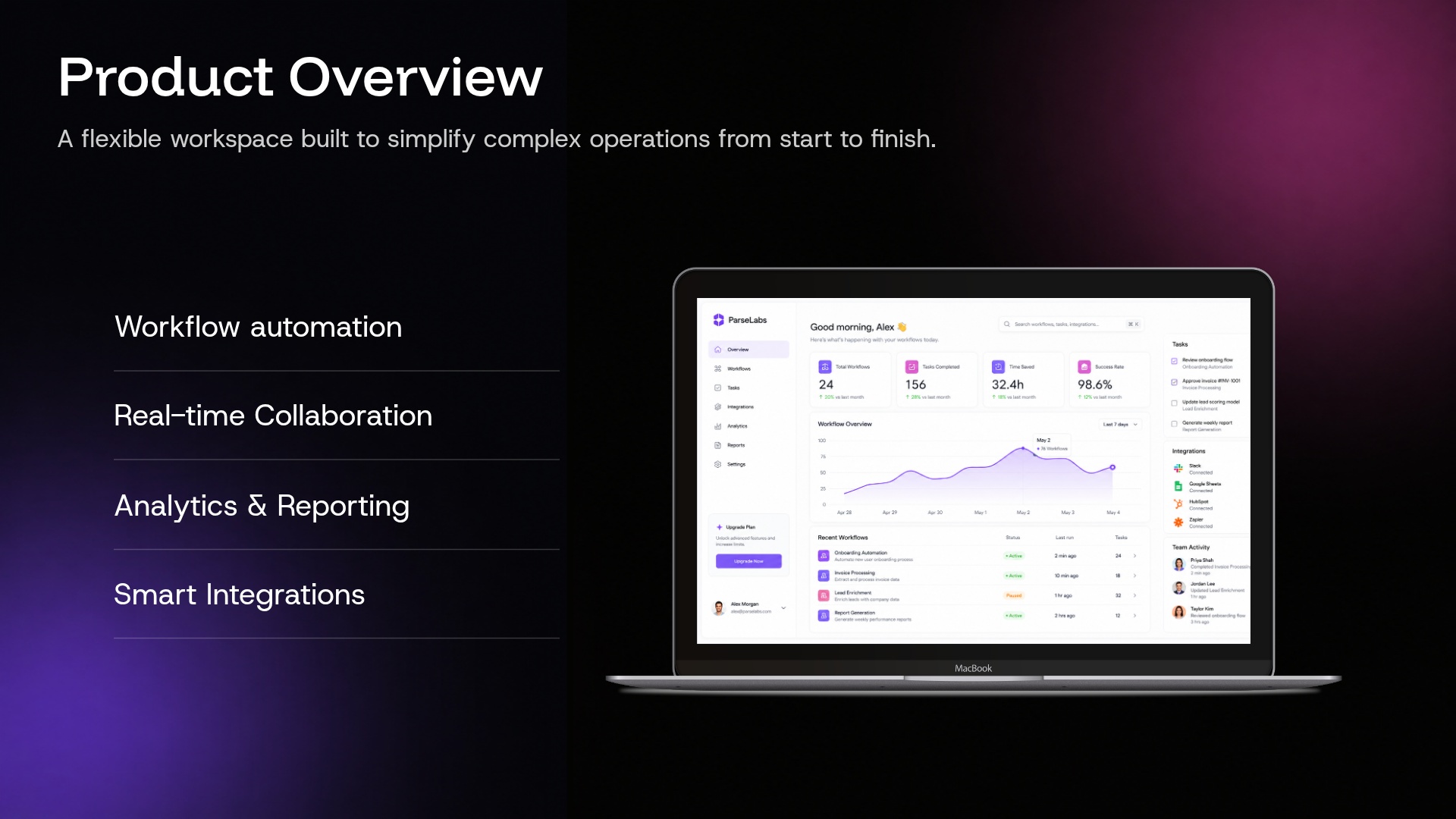
Beautiful.ai’s SaaS pitch deck template provides a modern, easy-to-customize framework for turning your business story into a cohesive presentation. The deck balances product visuals with key metrics, using a bold dark palette and vibrant gradients to keep important ideas and data points front and center.
Our SaaS pitch deck presentation template can help you:
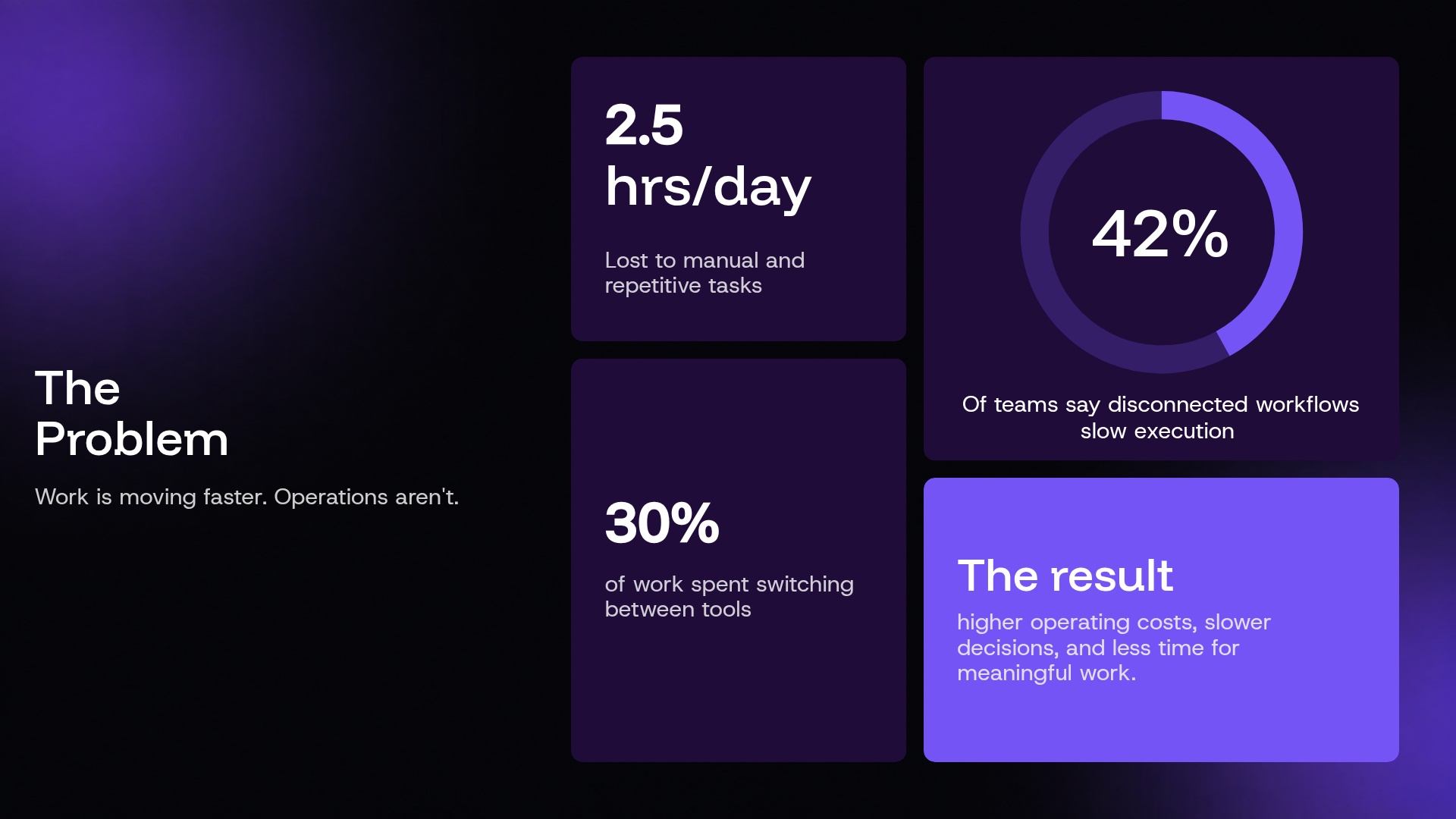
- Define the problem your software is built to solve
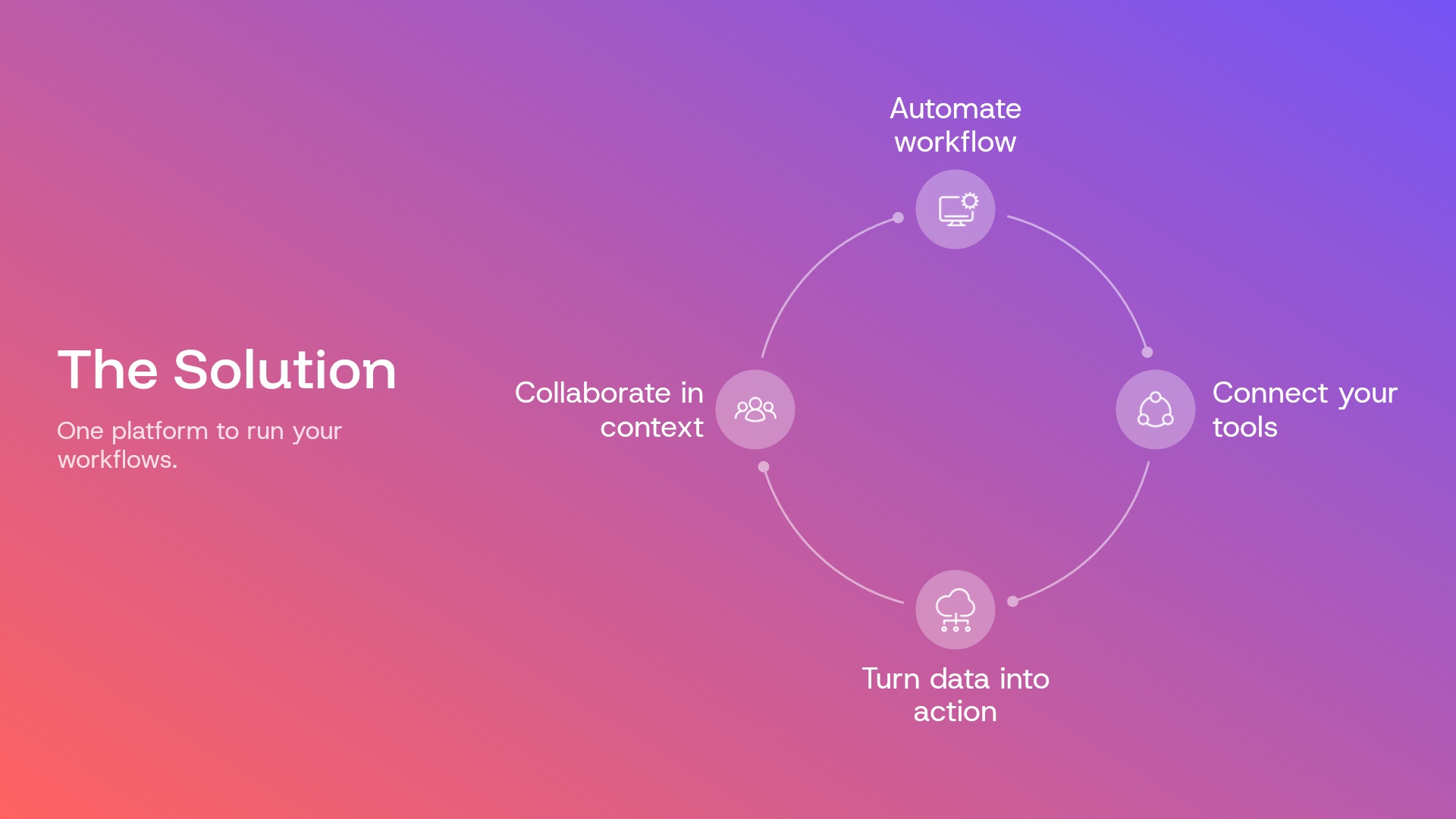
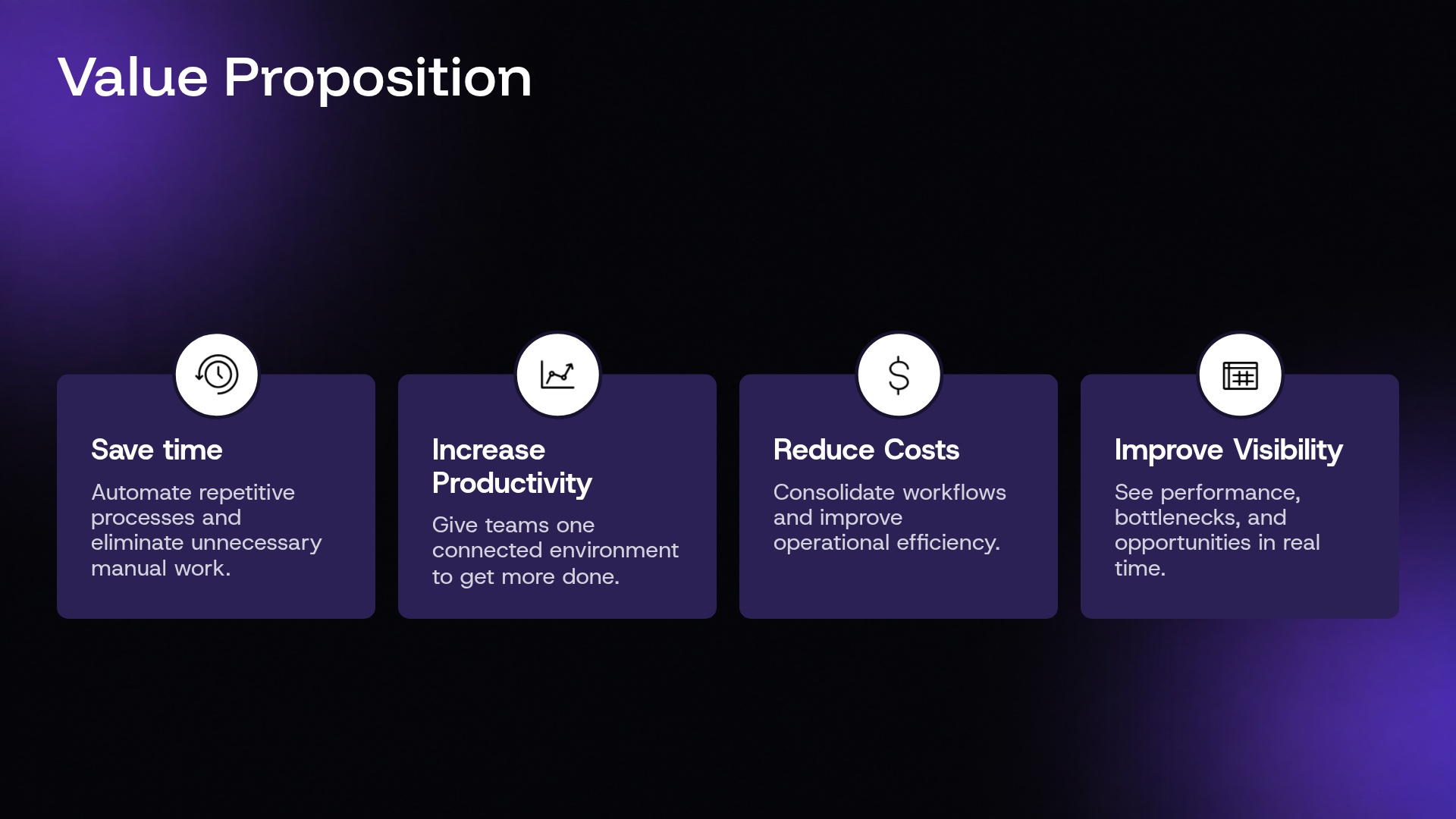
- Explain your solution, product capabilities, and value proposition
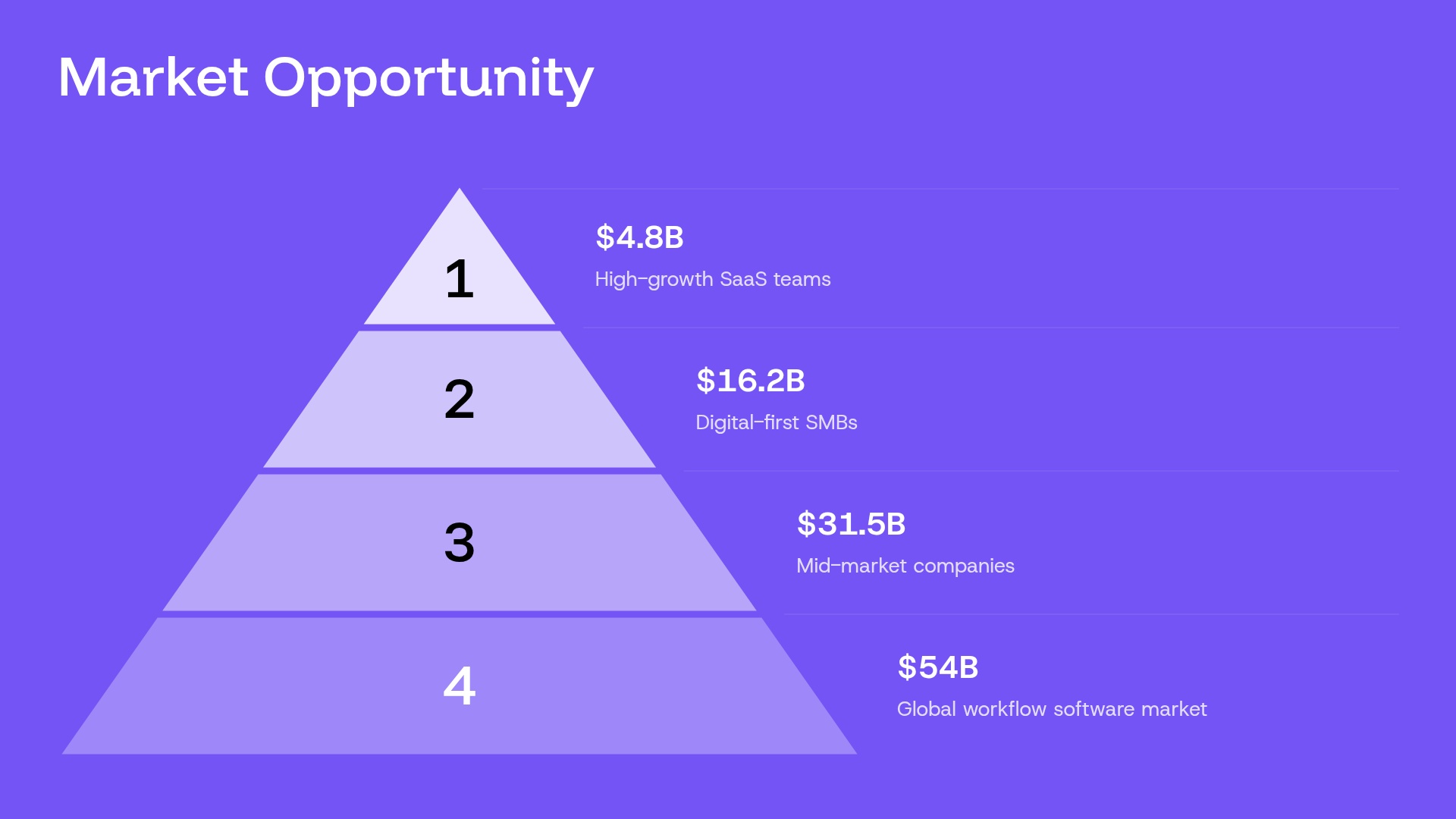
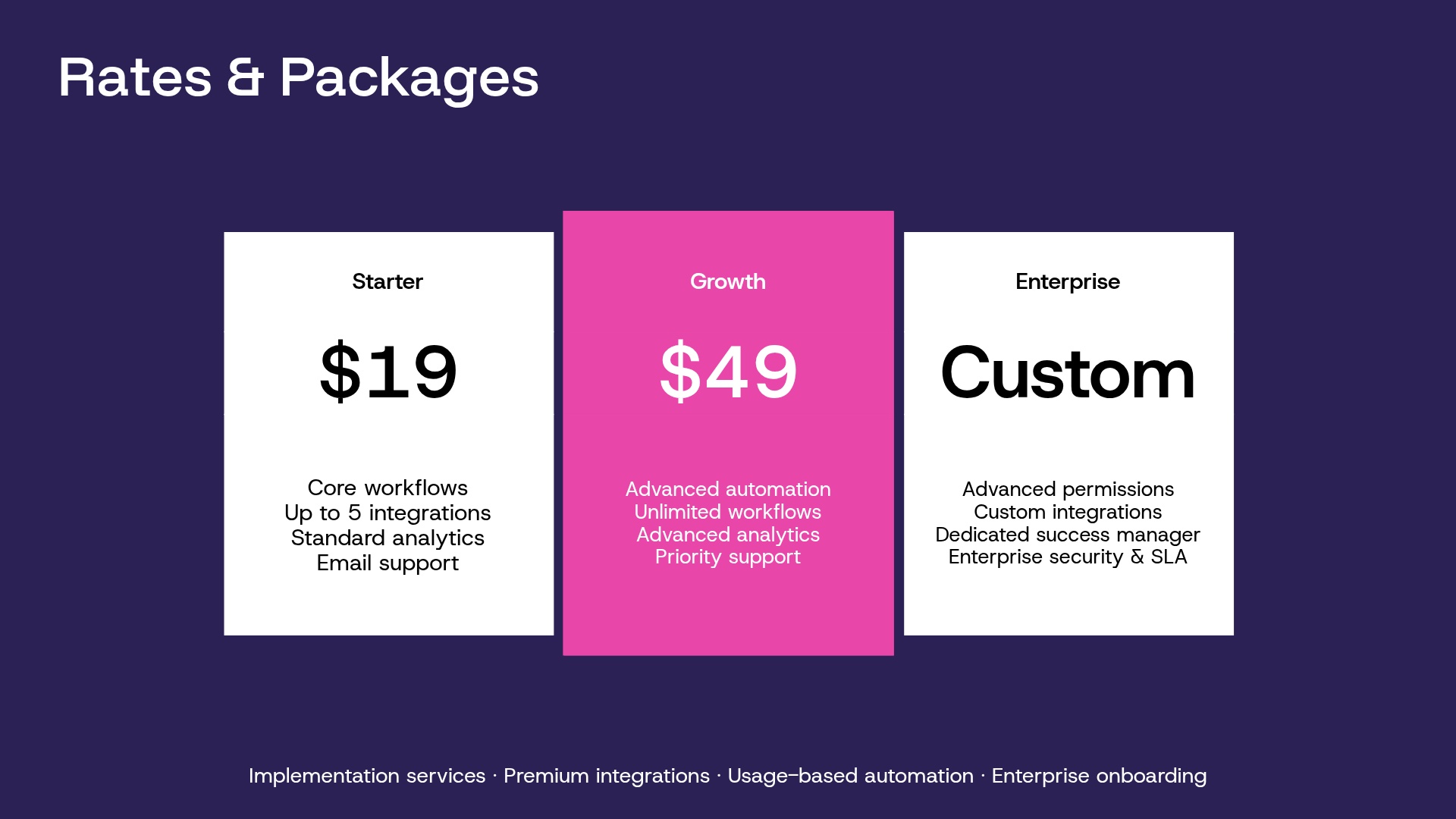
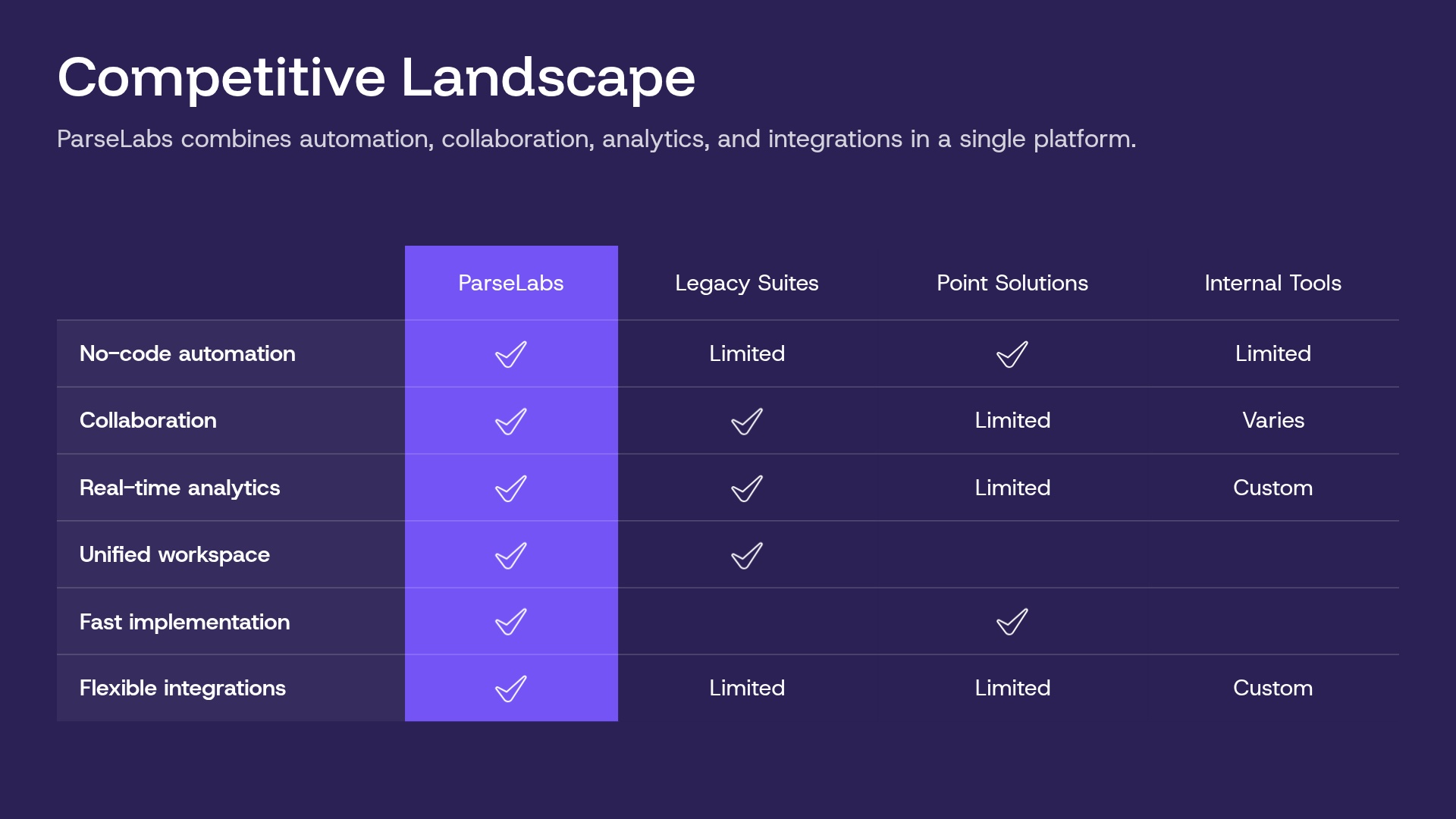
- Visualize your market opportunity, pricing, and competitive position
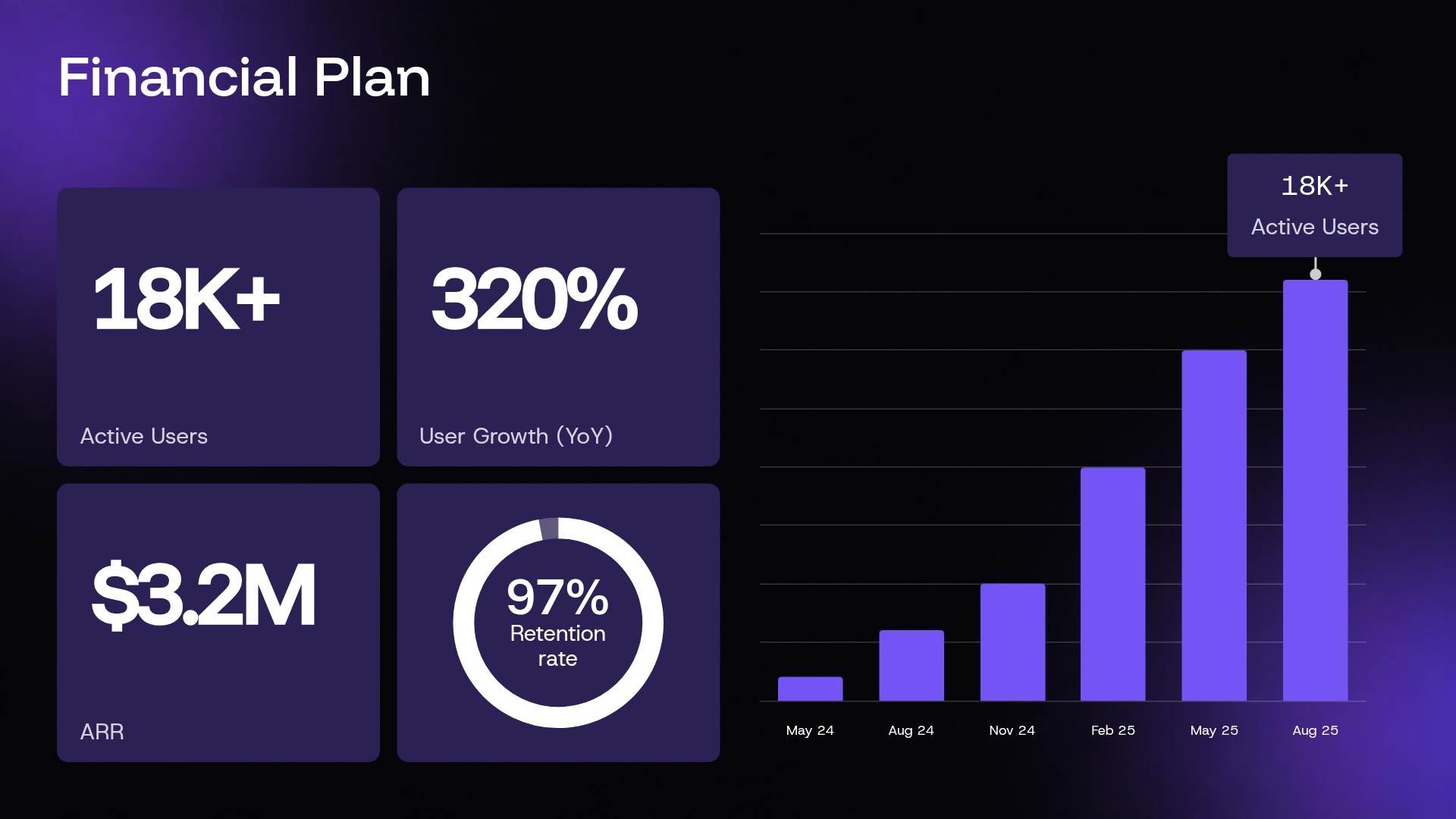
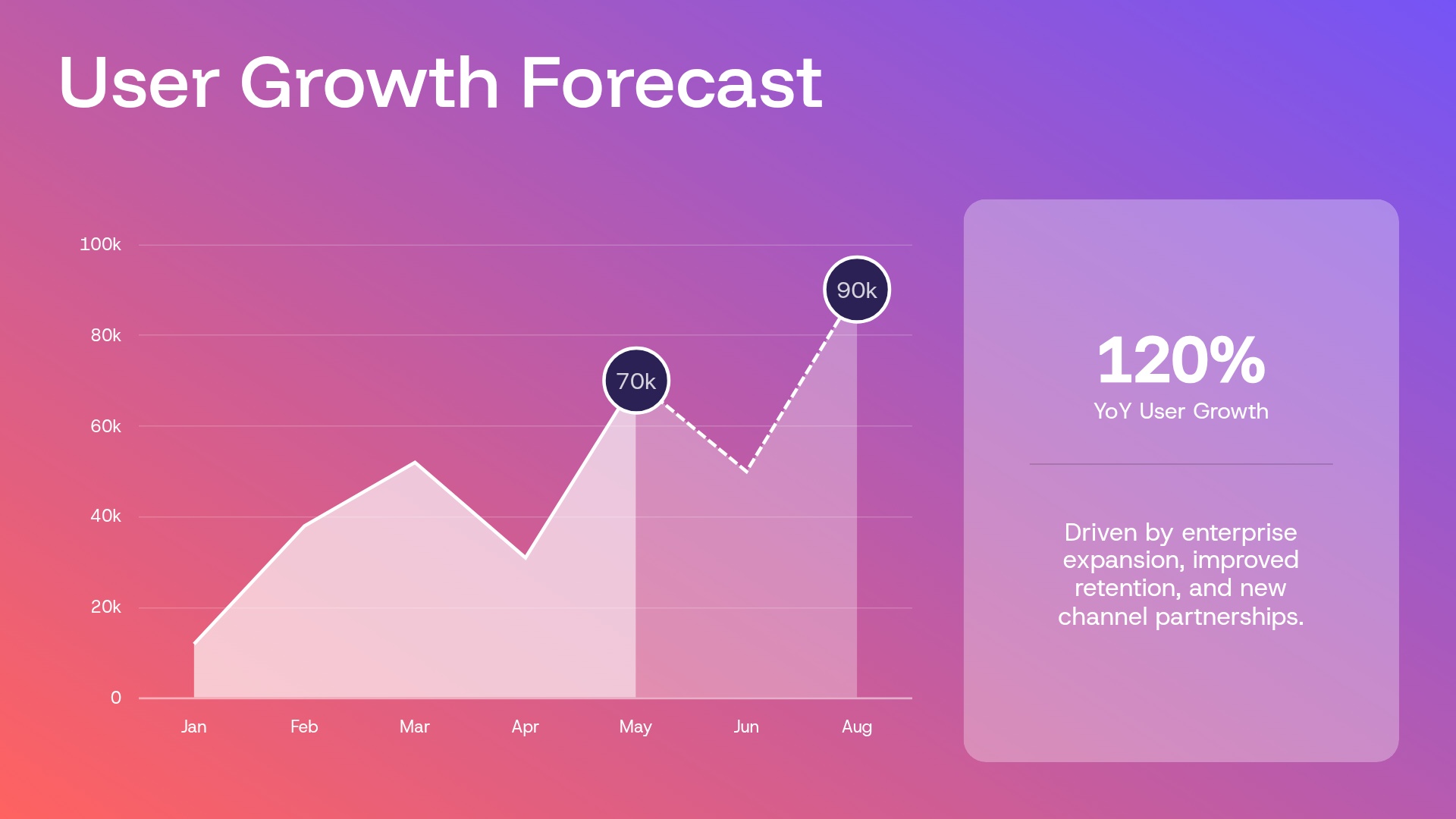
- Highlight business metrics, traction, and future growth
Use our template to create an effective SaaS pitch deck presentation

Pro tips for building a SaaS pitch deck presentation
As you use this template to build your SaaS pitch deck presentation, keep these tips in mind:
Build a clear narrative from problem to growth
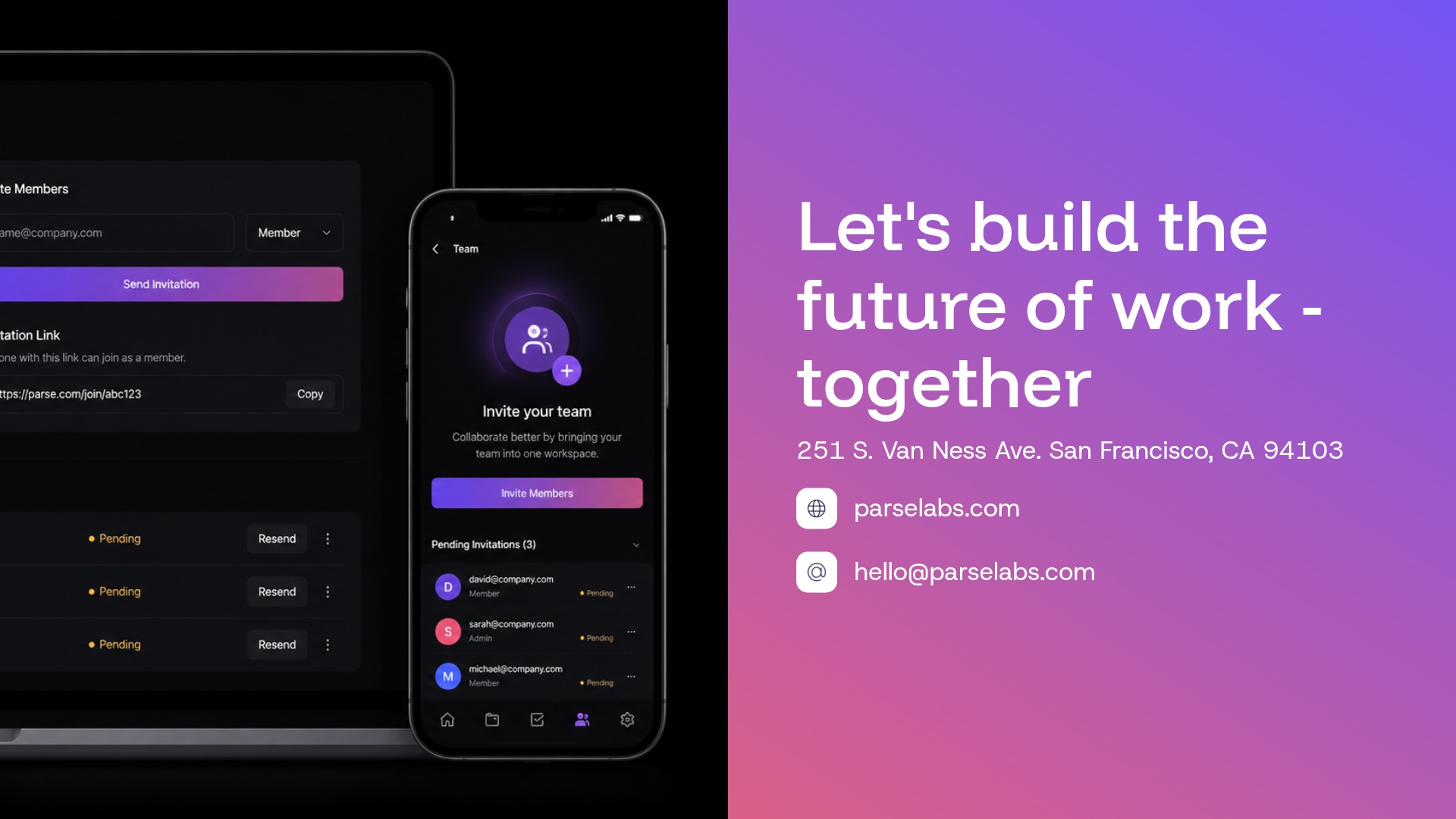
Make your product visible
Let key numbers lead the slide
Use a consistent visual system
Related templates

Sequoia Pitch Deck Presentation Template
Corporate Presentation Template

Pharma Pitch Deck Presentation Template
More {{template-category}} presentation templates
The AI presentation maker for faster impact
With AI that kickstarts your deck and Smart Slides that handle the formatting, you can focus on your story, not the alignment. Go from create, edit, to present with designer-level polish and in a fraction of the time.
Features to ideate, edit, collaborate, and present.
We’re a complete presentation platform. Everything you need is in one place.




Smart Slides
Smart Slides auto-align, resize, and animate your content as you edit, so you focus on the message, not formatting.
Create with AI
Kickstart your ideas with AI. Just enter a prompt, add extra context, and get a beautiful presentation in seconds.
Themes & brand control
Define colors, fonts, logos, icons, and footers once. Save and reuse brand themes across decks and teams.
Data visualization
Instantly create animated charts and graphs. Link any spreadsheet for fast edits and live updates.
Image libraries
Get direct access to an expansive library of free, real-life stock images and videos, no need to leave your slide.
Presentation templates
Discover our gallery of professionally designed presentation templates, multi–slide decks built to give you a head start.
Presentation workflows
Shared slide libraries, real-time collaboration, user permissions, locked themes, and more.
Viewer analytics
Control access, and track engagement so you know what resonates, and when to follow up.
Animation & narration
Add embedded voice or video context to any slide - so your message lands clearly even when async.


“Beautiful.ai helps us quickly create clear and compelling presentations to share our strategy and results. It has been easy to integrate our branding and to pull from the library of materials created by others — building a cohesive and collaborative suite that helps us advance our mission."

"Beautiful.ai increased our efficiency. I mean, 50% sounds crazy, but it's pretty accurate when you consider all of the manual stuff that we used to have to do that Beautiful.ai now does for us."
"What you guys have created is a foolproof way to ensure quality presentations. It's almost just like they have a graphic designer over their shoulder while they're creating their decks."

“For any business owner or entrepreneur where time is of the essence you lose the ability to put those nice touches on presentations, Beautiful.ai does it for you, especially if you aren't creatively gifted!”
Related blog posts
.gif)
Beautiful.ai for Sales Teams: 7 Features That Close Deals Faster
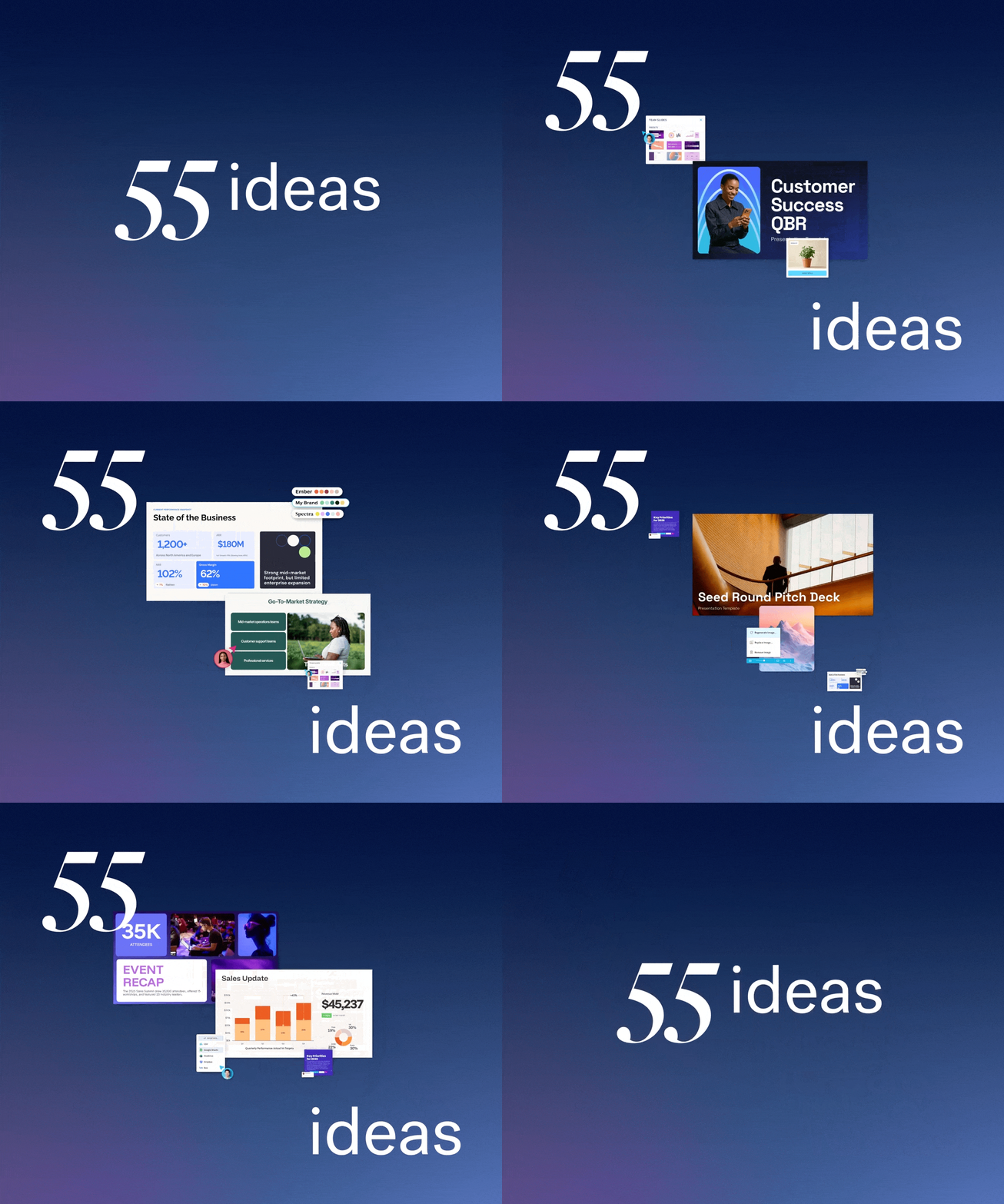
55 Presentation Ideas to Make Your Next Deck Worth Watching
.gif)
How to Create an AI-Powered Marketing Campaign Deck in Under 30 Minutes
Try it free for 14 days
Start building Beautiful presentations.

