
Find the perfect Smart Slide for your presentation
Text slides, bullet lists, and tables for clear, everyday communication.

The Arrow Cycle
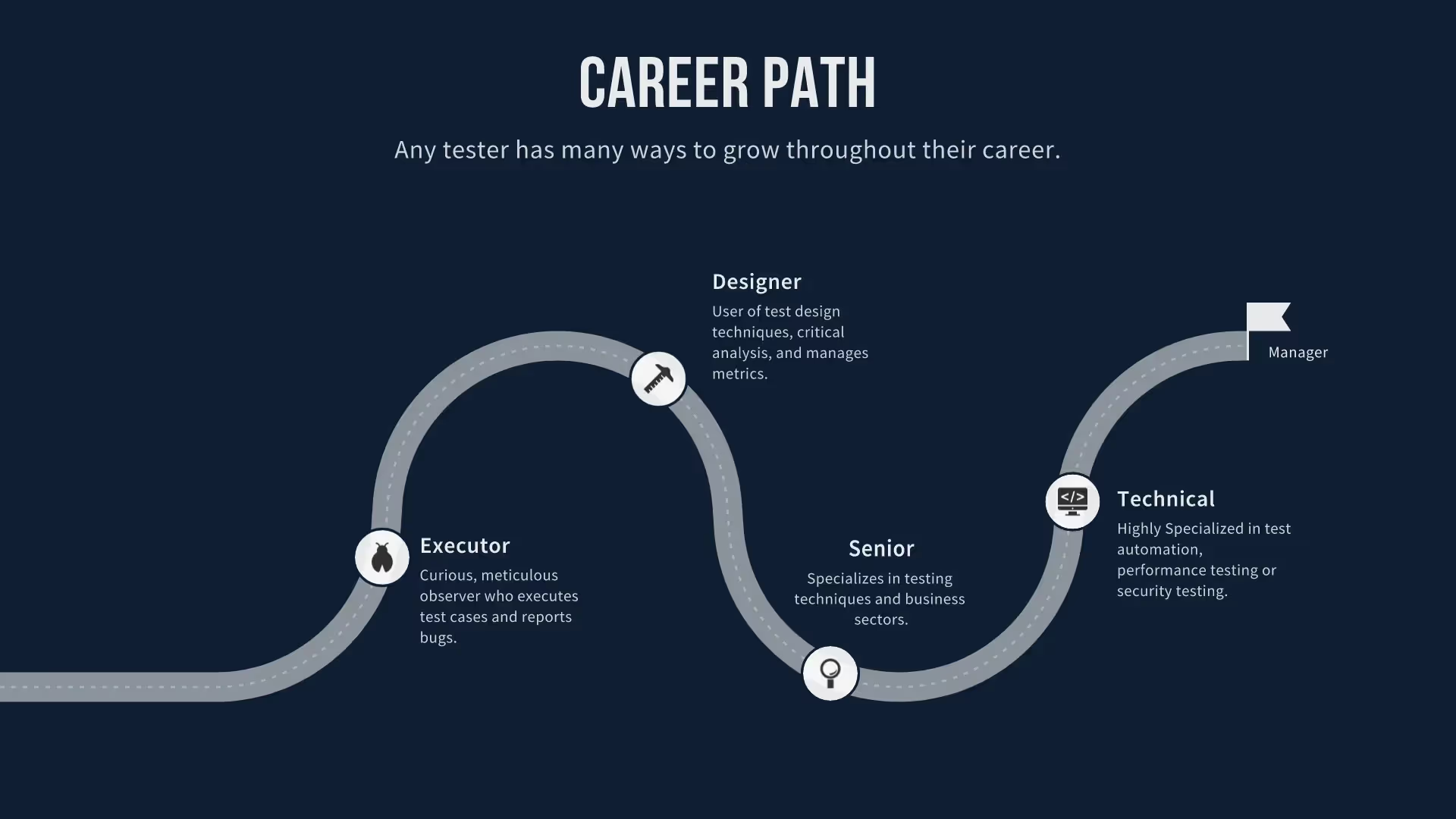
Customer Journey Map Template Slide
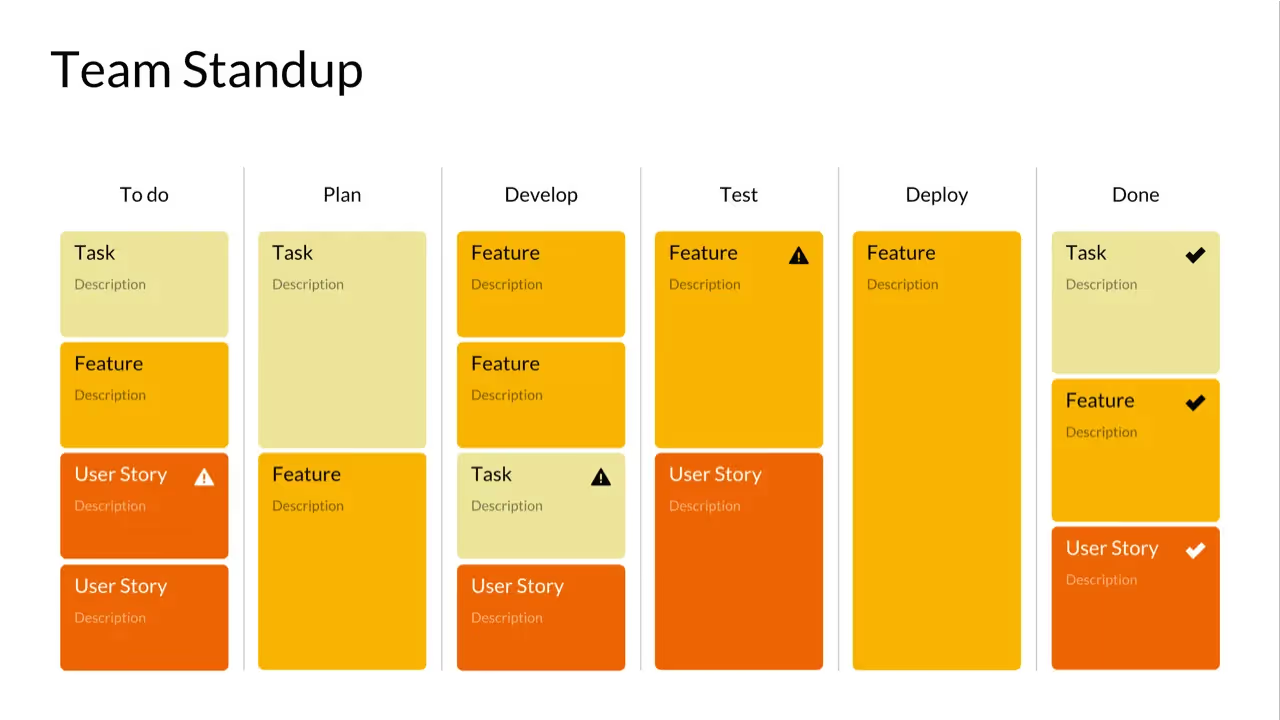
Kanban
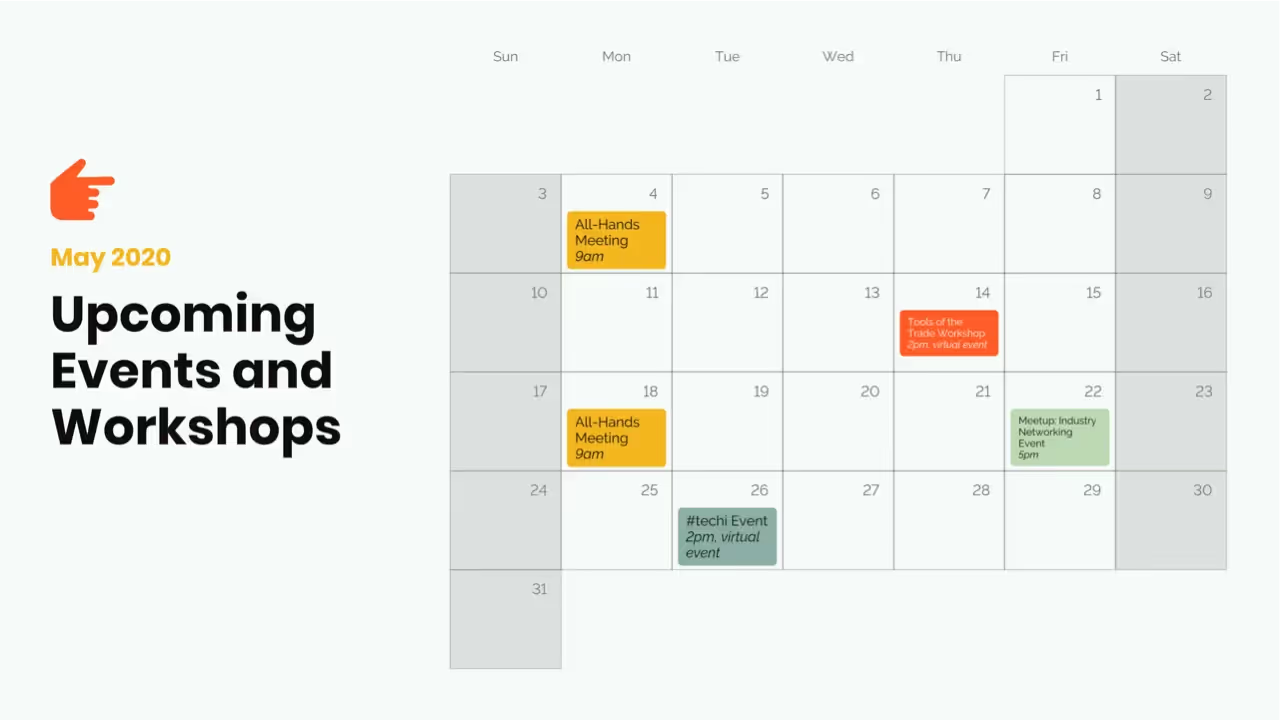
Calendar Slides
.avif)
Infographic Slide
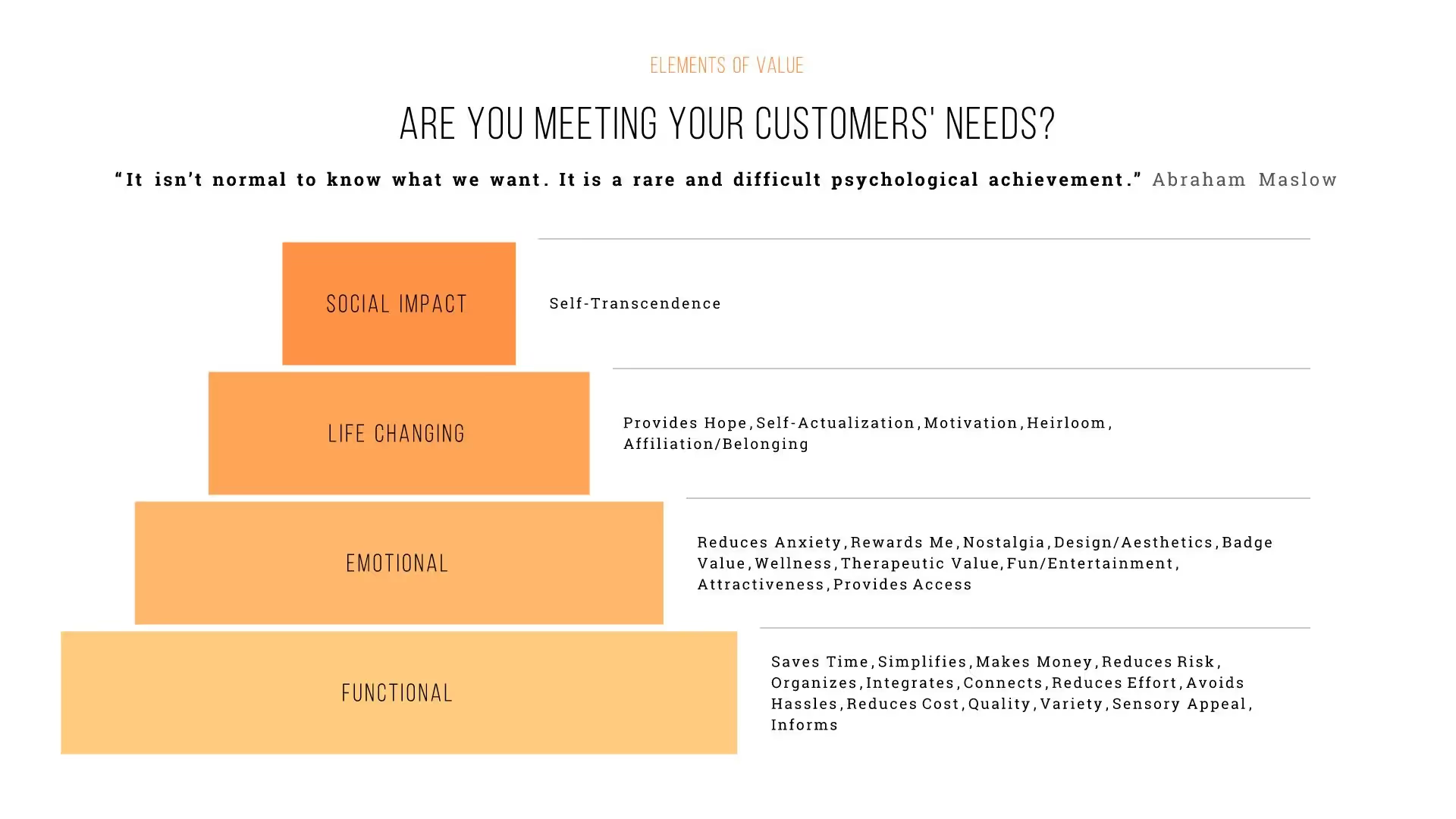
Pyramid
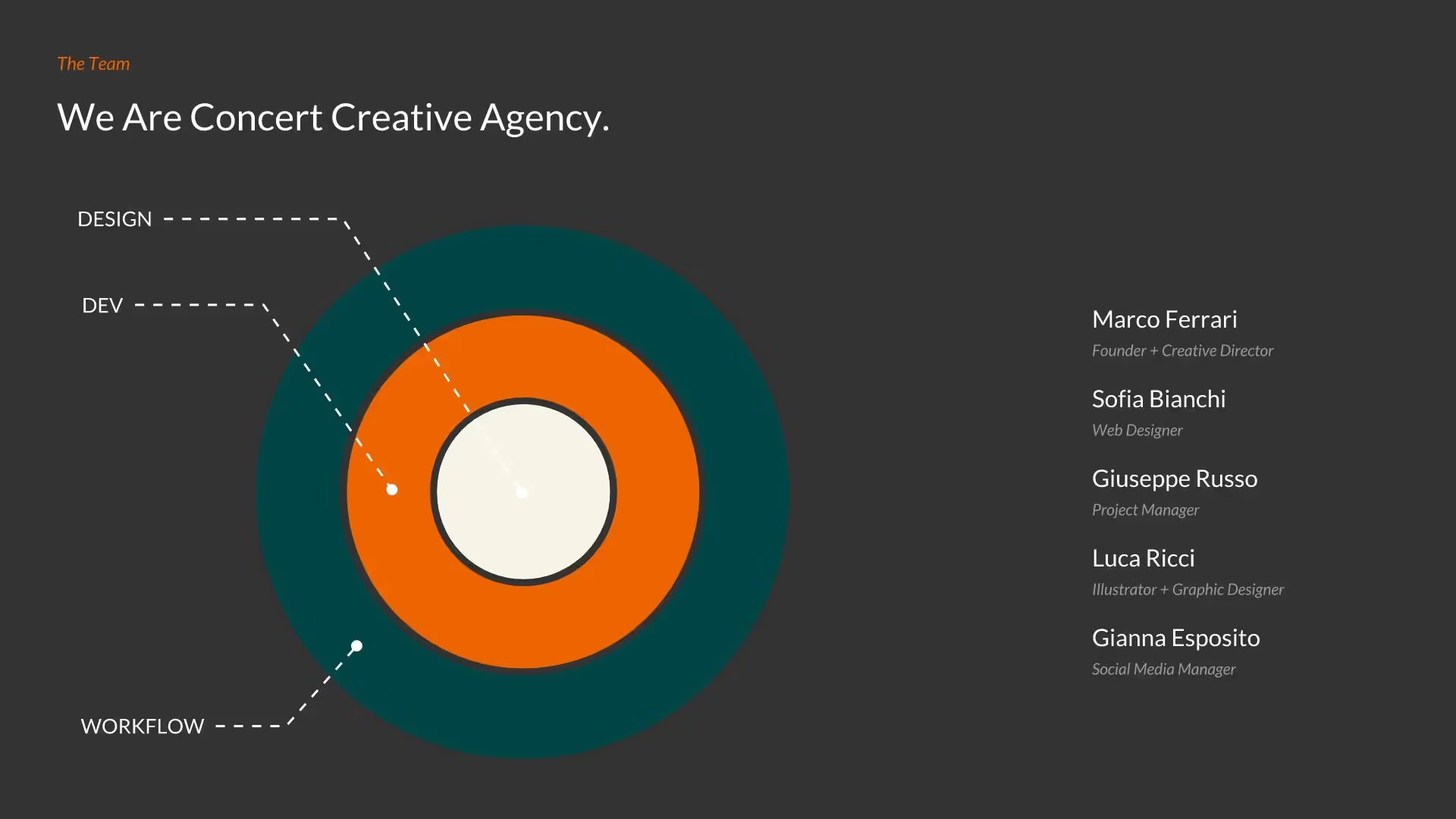
Target Slide
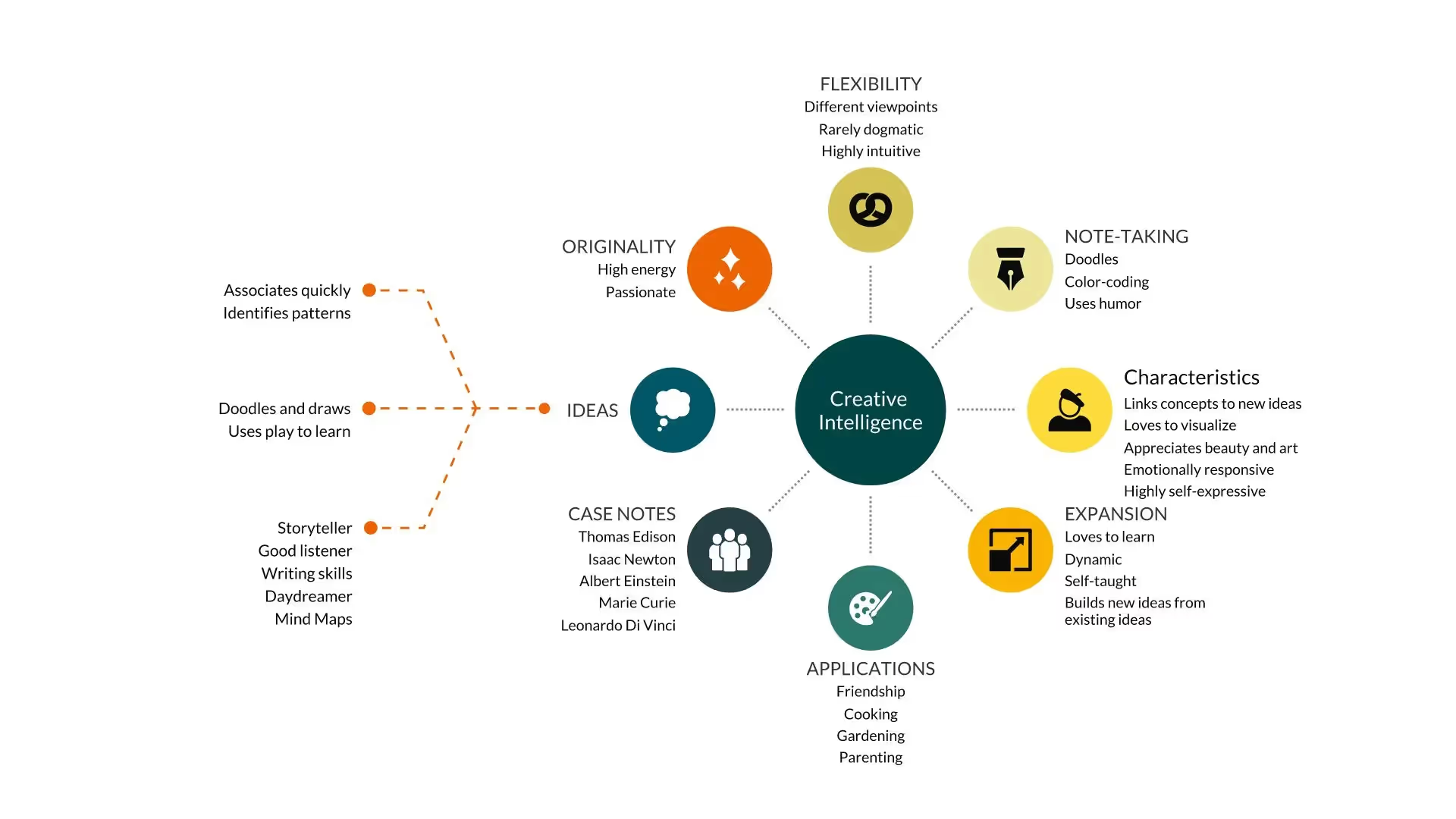
Hub and Spoke
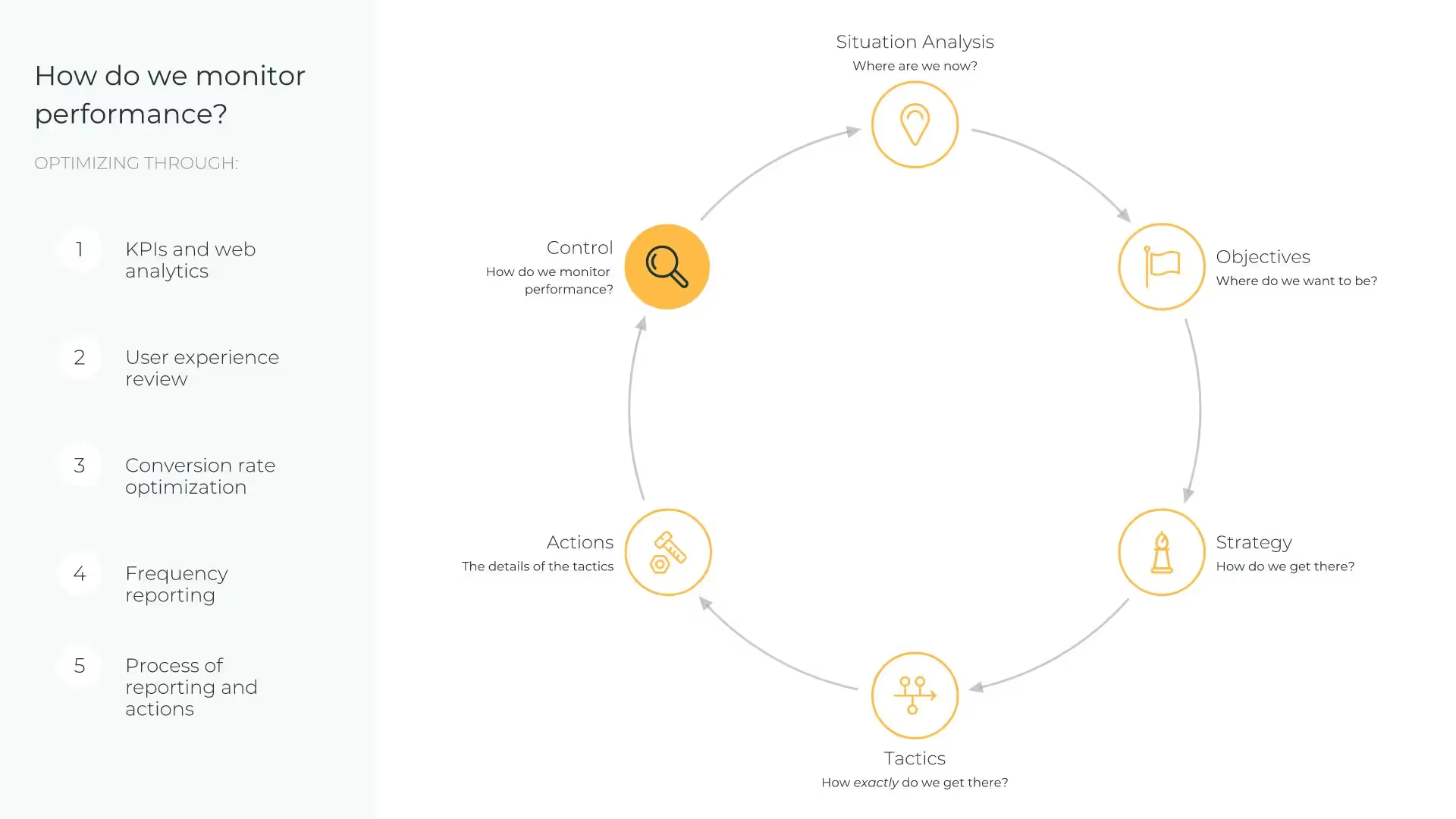
Cycle
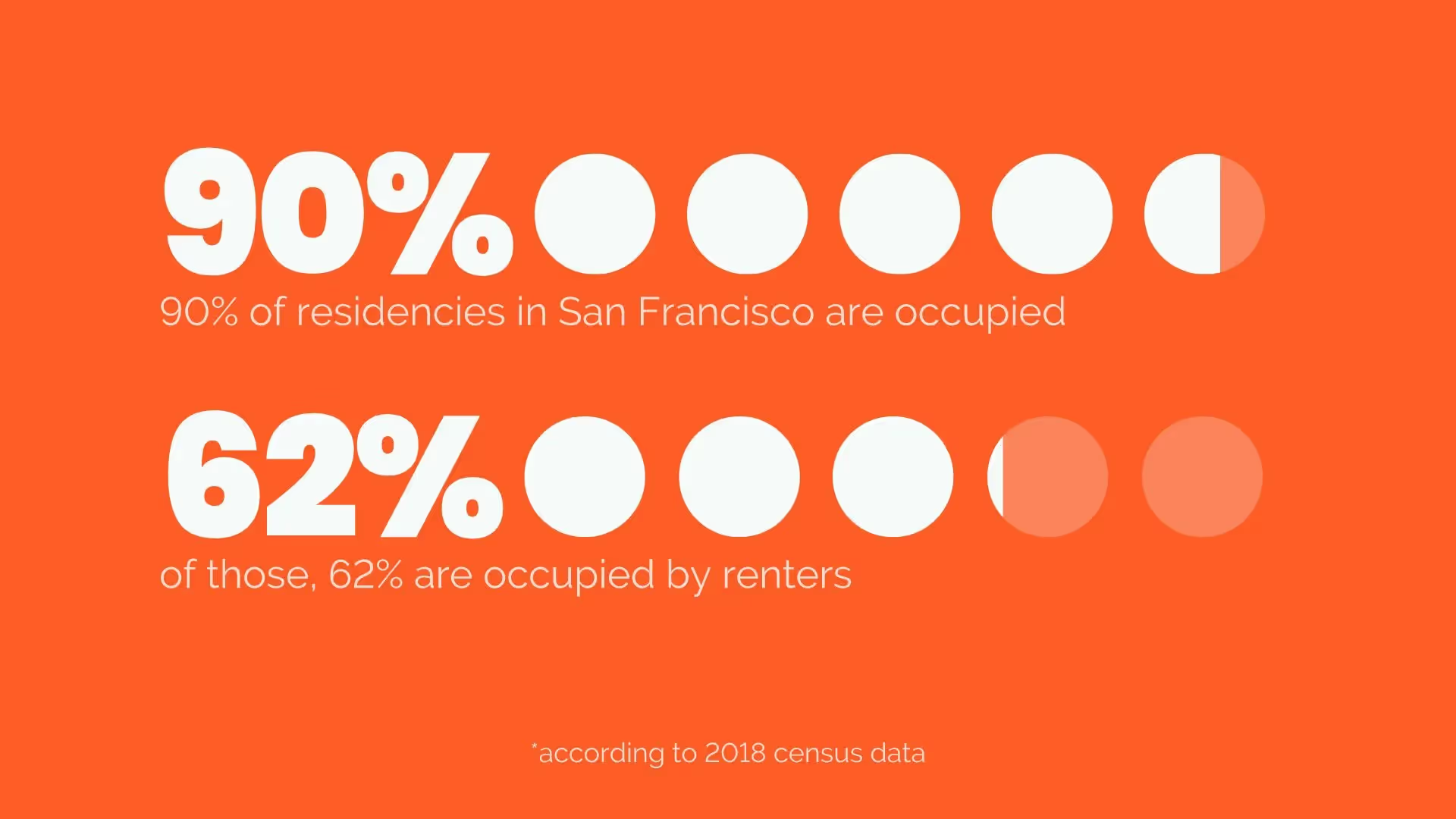
Pictograph
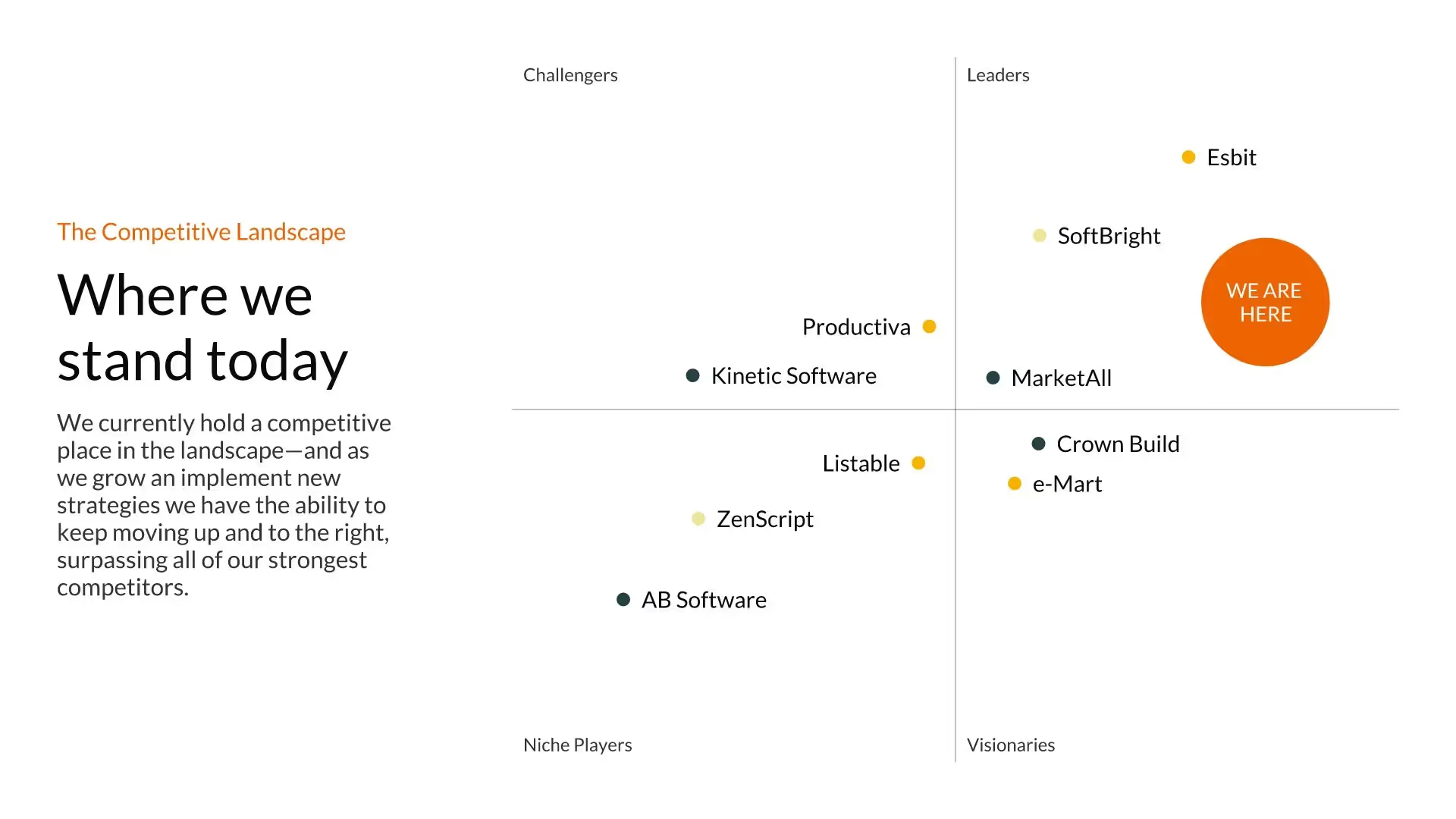
Quadrant Slide
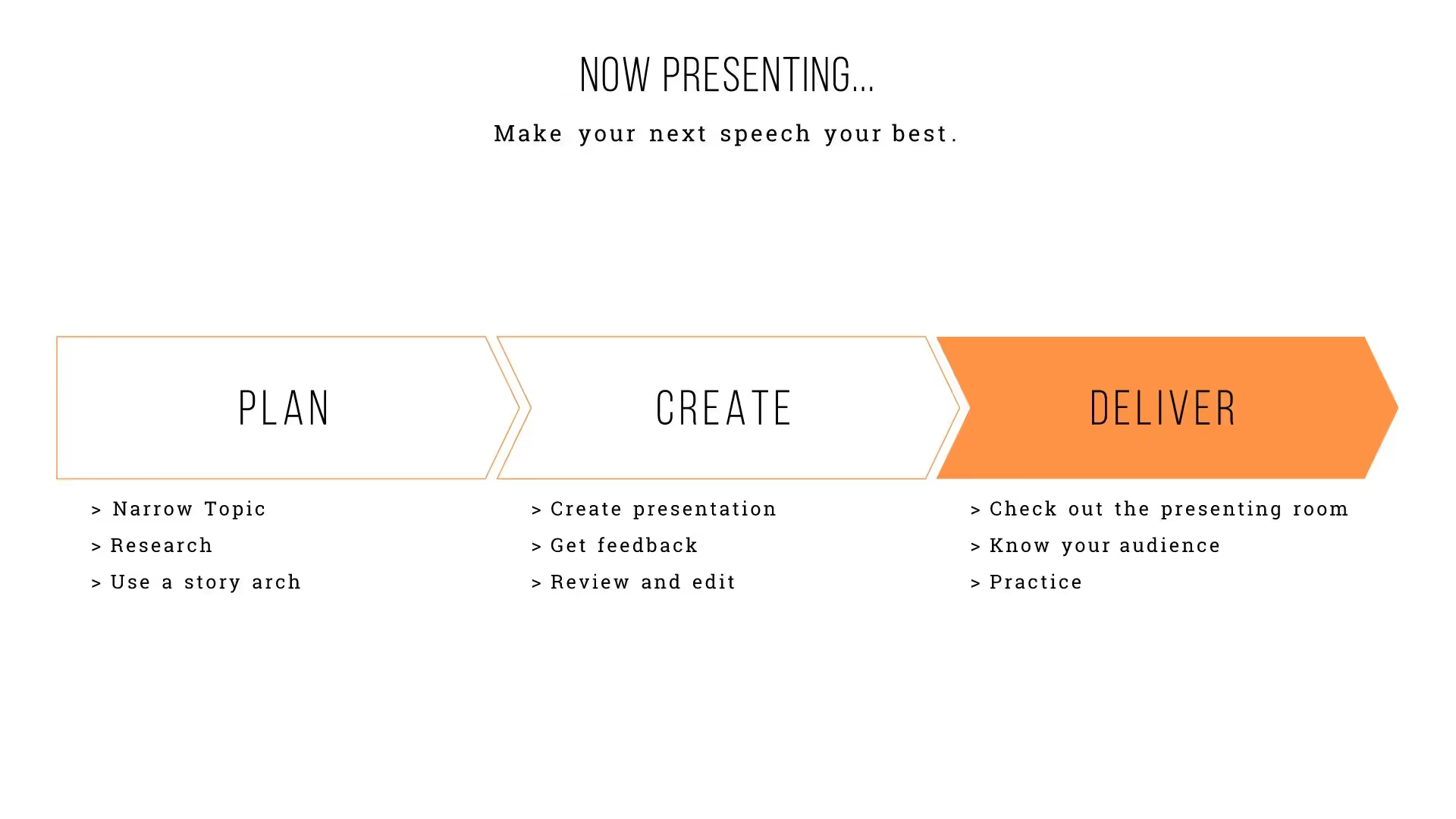
Process Diagram Slide
Frequently asked questions
Presentation templates are pre-designed slide decks that give you a strong foundation to start your presentation. Instead of starting with a blank slide, you pick a template designed for your purpose—whether it’s marketing, sales, a pitch, or more—and make it your own with just a few clicks. Each one is thoughtfully crafted to give you a head start while keeping your story front and center.
With Beautiful.ai, every template or theme is powered by Smart Slides which means it automatically adapts as you edit and add your content. And now, you can take it even further with AI. Use AI to quickly generate slides from an outline, rewrite text for clarity, or reformat existing content to fit a different style. This means you can start inspired, make quick edits, and let AI help you polish your deck faster than ever.
Users on aTeam plancan easily create their own custom themes by designing a deck once and saving it as a template for future use. This is perfect for fast-paced teams who want to maintain consistent branding across multiple presentations. Your saved theme will keep layouts, colors, fonts, and design elements intact, so you can spin up new decks quickly while staying on-brand.
You start by picking a theme based on your goal, then edit each slide and add your own content. As you customize, the slides automatically adapt and reformat, ensuring everything stays beautifully aligned and professionally designed. This frees you from tedious design work so you can focus on telling a clear, compelling story.
Smart Slides are the foundation of Beautiful.ai’s presentation platform. They’re interactive, intelligent slide layouts that automatically adapt as you edit, so your content always stays beautifully aligned and professionally designed. No more nudging text boxes or resizing images. Smart Slides keep every slide consistent and clean.
Yes. With Themes and Brand Control, you can define your brand’s fonts, colors, logos, and layouts once—and every presentation will follow those rules automatically. For teams and enterprises, you can also lock design elements, share branded templates, and manage editing permissions to ensure every deck stays consistent and professional.

Try it free for 14 days
Start building Beautiful presentations.
